






























Reading Time: 5 mins
In recent times, there has been a growing interest among users to run large language models (LLMs) locally on their personal computers. The primary motivation behind this shift is to ensure greater privacy and control over data. Previously, opting to run these models locally often meant compromising on the quality of outputs. However, the introduction of newly released open-weight models, such as OpenAI’s gpt-oss and Alibaba’s Qwen 3, has changed the game. These models can now be executed directly on personal computers, delivering high-quality outputs, particularly useful for local agentic AI applications.
This advancement opens a world of possibilities for students, hobbyists, and developers who are keen on exploring generative AI applications within their local environments. The NVIDIA RTX PCs play a pivotal role in this transformation by accelerating these experiences and providing users with swift and responsive AI interactions.
### Getting Started With Local LLMs Optimized for RTX PCs
NVIDIA has been at the forefront of optimizing leading LLM applications for RTX PCs, aiming to harness the maximum performance of the Tensor Cores embedded within RTX GPUs. One of the simplest entry points for users interested in AI on their PCs is through Ollama, an open-source tool. Ollama offers a user-friendly interface for running and interacting with LLMs. It supports features such as dragging and dropping PDFs into prompts, conducting conversational chats, and engaging in multimodal understanding workflows that incorporate both text and images.
NVIDIA has worked closely with Ollama to enhance its performance and user experience. The recent advancements in Ollama include:
– Enhanced performance on GeForce RTX GPUs for OpenAI’s gpt-oss-20B model and Google’s Gemma 3 models.
– Support for the new Gemma 3 270M and EmbeddingGemma3 models, which enable hyper-efficient retrieval-augmented generation on the RTX AI PC.
– An improved model scheduling system designed to maximize and accurately report memory utilization.
– Stability enhancements and improvements for multi-GPU setups.
Ollama serves as a developer framework that can be integrated with other applications. An example of this is AnythingLLM, an open-source application that allows users to create their own AI assistants powered by any LLM. AnythingLLM can operate on top of Ollama and benefit from its enhancements.
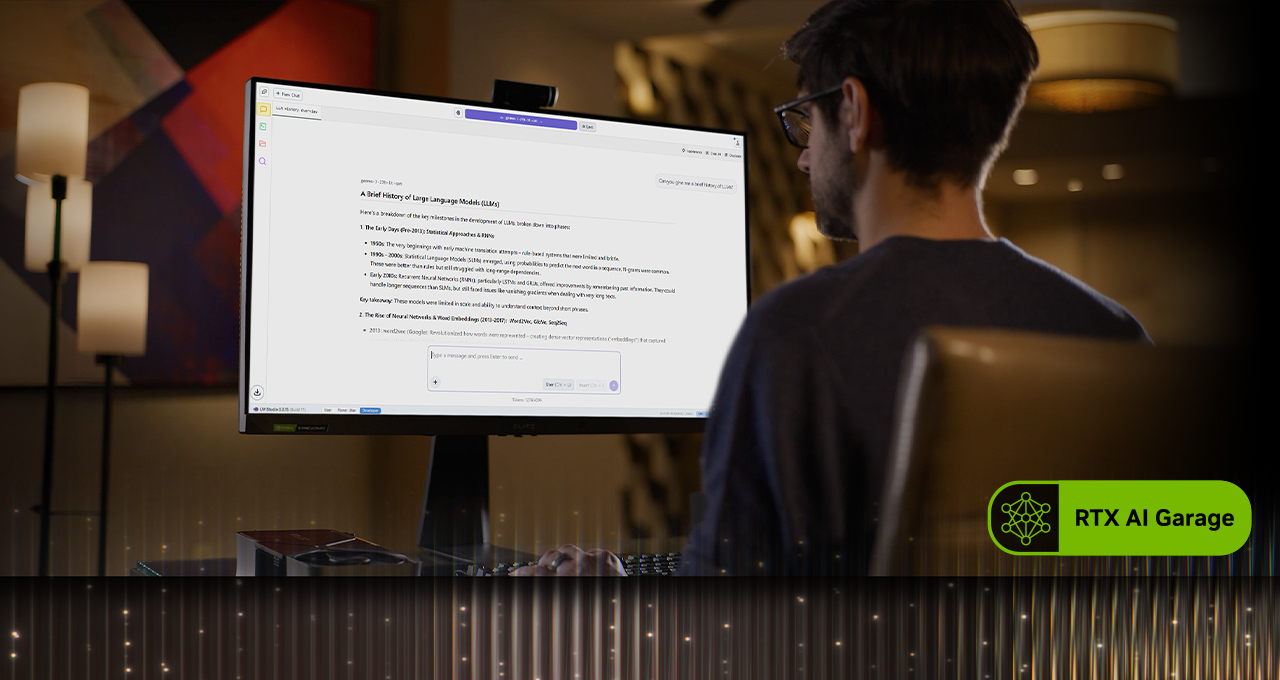
For those enthusiastic about embarking on the journey of local LLMs, another tool worth exploring is LM Studio. This application is built on the popular llama.cpp framework and offers a straightforward interface for running models locally. It allows users to load various LLMs, engage in real-time conversations, and even serve them as local application programming interface endpoints, facilitating integration into custom projects.
NVIDIA has collaborated with llama.cpp to optimize the performance on NVIDIA RTX GPUs. The latest updates in this collaboration include:
– Support for the NVIDIA Nemotron Nano v2 9B model, which is based on the innovative hybrid-mamba architecture.
– Flash Attention is now enabled by default, leading to an up to 20% performance improvement compared to when Flash Attention is disabled.
– CUDA kernels optimizations for RMS Norm and fast-div based modulo, resulting in up to 9% performance improvements for popular models.
– Semantic versioning to simplify the adoption of future releases by developers.
For more information on gpt-oss on RTX and to understand how NVIDIA has collaborated with LM Studio to accelerate LLM performance on RTX PCs, you can explore further resources on their respective blogs.
### Creating an AI-Powered Study Buddy With AnythingLLM
Running LLMs locally not only enhances privacy and performance but also eliminates restrictions on file uploads and availability duration, enabling context-aware AI interactions for extended periods. This flexibility is crucial for developing conversational and generative AI-powered assistants.
Students, in particular, can find immense value in this capability, as managing a plethora of slides, notes, labs, and past exams can be overwhelming. Local LLMs can transform into a personal tutor, adapting to individual learning needs.
A demonstration showcases how students can leverage local LLMs to create a generative-AI-powered assistant. By employing AnythingLLM, which supports document uploads, custom knowledge bases, and conversational interfaces, students can create a flexible tool to assist with research, projects, or daily tasks. With RTX acceleration, users can enjoy even faster response times.
By uploading syllabi, assignments, and textbooks into AnythingLLM on RTX PCs, students can gain an adaptive, interactive study companion. They can ask the AI agent, using plain text or voice, to assist with tasks such as:
– Generating flashcards from lecture slides: For instance, “Create flashcards from the Sound chapter lecture slides. Place key terms on one side and definitions on the other.”
– Asking context-driven questions tied to their materials: For example, “Explain conservation of momentum using my Physics 8 notes.”
– Creating and grading quizzes for exam preparation: “Create a 10-question multiple-choice quiz based on chapters 5-6 of my chemistry textbook and grade my answers.”
– Walking through challenging problems step by step: “Show me how to solve problem 4 from my coding homework, step by step.”
Beyond educational settings, hobbyists and professionals can use AnythingLLM to prepare for certifications in new fields or for similar purposes. Running locally on RTX GPUs ensures fast, private responses without subscription costs or usage limitations.
### Project G-Assist Can Now Control Laptop Settings
Project G-Assist is an experimental AI assistant that assists users in tuning, controlling, and optimizing their gaming PCs through simple voice or text commands, eliminating the need to navigate through complex menus. A new G-Assist update is set to roll out via the NVIDIA App’s homepage.
Building upon its new, more efficient AI model and support for a majority of RTX GPUs, the new G-Assist update introduces commands to adjust laptop settings, including:
– App profiles optimized for laptops: Automatically adjust games or applications for efficiency, quality, or a balance when laptops are not connected to chargers.
– BatteryBoost control: Activate or adjust BatteryBoost to extend battery life while maintaining smooth frame rates.
– WhisperMode control: Reduce fan noise by up to 50% when needed and return to full performance when not.
Project G-Assist is designed to be extensible. With the G-Assist Plug-In Builder, users can create and customize G-Assist functionality by adding new commands or connecting external tools with easy-to-create plugins. The G-Assist Plug-In Hub allows users to discover and install plugins, expanding the capabilities of G-Assist.
To get started with Project G-Assist, users can visit NVIDIA’s G-Assist GitHub repository, which provides materials such as sample plugins, step-by-step instructions, and documentation for building custom functionalities.
### ICYMI — The Latest Advancements in RTX AI PCs
#### Ollama Gets a Major Performance Boost on RTX
The latest updates include optimized performance for OpenAI’s gpt-oss-20B, faster Gemma 3 models, and smarter model scheduling to reduce memory issues and improve multi-GPU efficiency.
#### Llama.cpp and GGML Optimized for RTX
The latest updates deliver faster, more efficient inference on RTX GPUs, including support for the NVIDIA Nemotron Nano v2 9B model, Flash Attention enabled by default, and CUDA kernel optimizations.
#### Project G-Assist Update Rolls Out
The G-Assist v0.1.18 update is available via the NVIDIA App. This update features new commands for laptop users and enhanced answer quality.
#### Windows ML With NVIDIA TensorRT for RTX Now Generally Available
Microsoft has released Windows ML with NVIDIA TensorRT for RTX acceleration, offering up to 50% faster inference, streamlined deployment, and support for LLMs, diffusion, and other model types on Windows 11 PCs.
#### NVIDIA Nemotron Powers AI Development
The NVIDIA Nemotron collection of open models, datasets, and techniques is driving innovation in AI, from generalized reasoning to industry-specific applications.
For more details, users can connect with NVIDIA AI PC on social media platforms like Facebook, Instagram, TikTok, and X, and subscribe to the RTX AI PC newsletter to stay updated with the latest advancements. Additionally, NVIDIA Workstation can be followed on LinkedIn and X for more insights and updates.
For further information about software product details, users can refer to the notice regarding software product information on NVIDIA’s website.
For more Information, Refer to this article.







