






























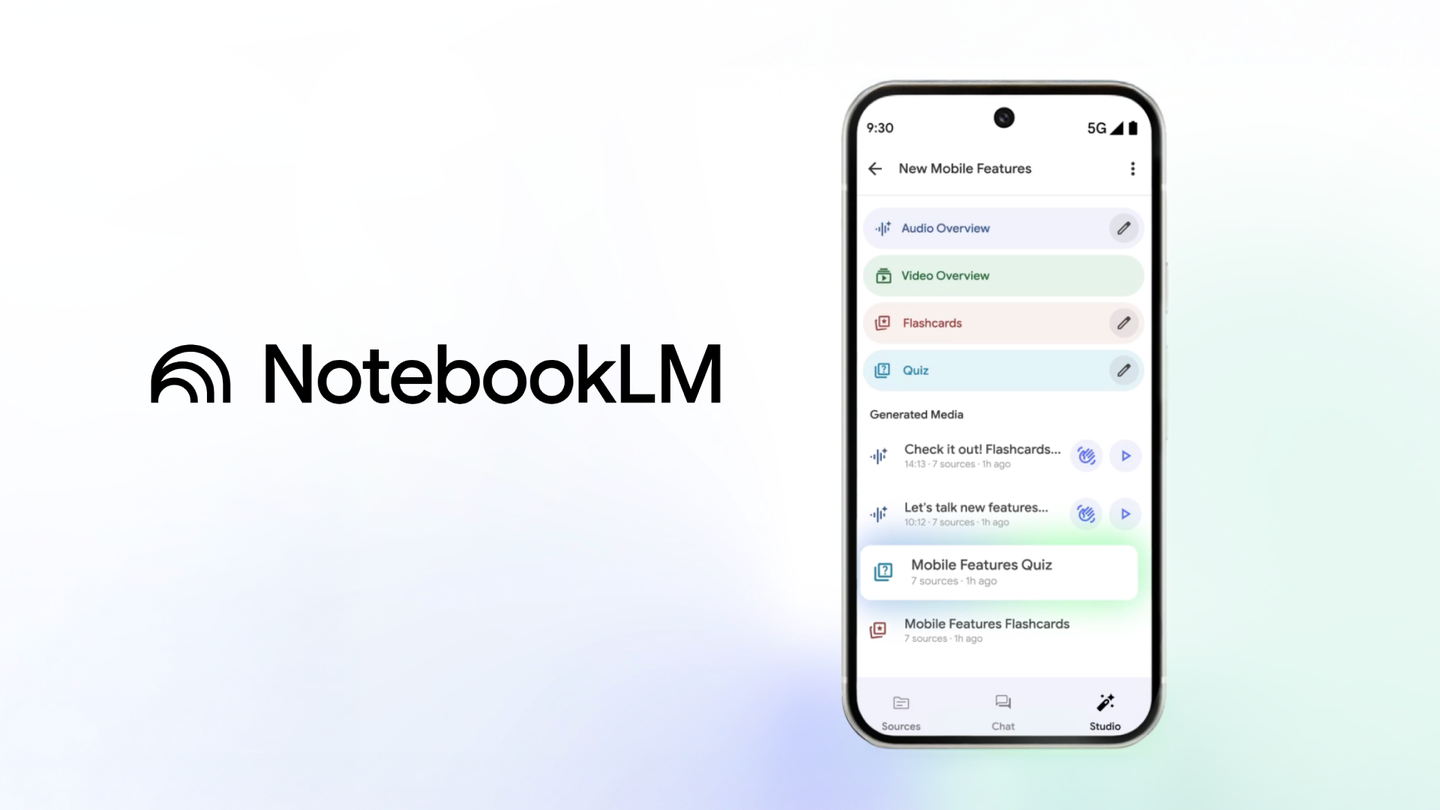
Exciting Enhancements to the NotebookLM App: A Comprehensive Update
In an era where learning is increasingly digital, tools that enhance our ability to absorb and retain information are invaluable. This week, the NotebookLM app has received a significant update designed to make learning more accessible and tailored to individual needs, no matter where you are. Let’s delve into the new features and improvements that are set to transform your learning experience.
Interactive Learning with Flashcards and Quizzes
A standout feature of the latest NotebookLM update is the introduction of interactive flashcards. These are not just ordinary flashcards; they are designed to help users memorize essential terms, important dates, and core concepts derived from their sources. By breaking down complex information into digestible parts, these flashcards make it easier for learners to retain critical information.
Accompanying the flashcards are quizzes that serve to test comprehension. These quizzes are a great way to challenge yourself and ensure that the knowledge you acquire is cemented in your memory. Whether you’re preparing for an exam or trying to gain a deeper understanding of a subject, these quizzes provide a practical way to evaluate your progress.
Customization for Personalized Learning
The update also brings a new level of customization, allowing users to tailor their learning experience according to their preferences. You can now customize the topics you wish to study, set the difficulty level, and decide the number of flashcards or quiz questions. This feature is particularly beneficial for users who have specific learning goals or who are at different levels of understanding in various subjects.
Focused Responses with Source Selection
Another innovative feature of the update is the ability to temporarily select and unselect sources while engaging in chats or creating outputs in the Studio tab. This means that the responses you receive are based solely on the sources you consider relevant at the moment. This focused approach ensures that you are not overwhelmed with unnecessary information, making your interactions with the app more efficient and meaningful.
Significant Improvements in Chat Capabilities
The NotebookLM app is also rolling out major improvements to its chat functionality, especially on mobile devices. With a 50% improvement in quality, a context window that is four times larger, and a conversation memory that is six times longer, the app’s chat capabilities are now more robust than ever. These enhancements are powered by the latest Gemini models, which bring advanced machine learning techniques to the app, ensuring that conversations are more coherent and contextually relevant.
Availability and Access
For those eager to explore these new features, the updated NotebookLM app is available for download on both the App Store and Google Play Store. Whether you’re an Apple enthusiast or an Android user, accessing the latest version of the app is just a click away.
Conclusion: A Leap Forward in Digital Learning
The updates to the NotebookLM app mark a significant advancement in the realm of digital learning tools. By integrating interactive elements like flashcards and quizzes, offering customization options, and enhancing chat functionalities, the app provides a comprehensive platform for learners of all levels. These improvements not only facilitate better retention of information but also make the learning process more engaging and personalized.
For anyone looking to enhance their learning experience, the NotebookLM app’s latest update is a must-try. It embodies the future of education technology by making learning accessible, interactive, and tailored to individual needs. Whether you’re a student, a professional, or a lifelong learner, the app’s new features are designed to support your educational journey in a dynamic and efficient way.
For more detailed information and to download the app, you can visit the [App Store](https://apps.apple.com/app/apple-store/id6737527615?pt=9008&ct=googleblog&mt=8) or [Play Store](https://play.google.com/store/apps/details?id=com.google.android.apps.labs.language.tailwind&referrer=utm_source%3D1p%26utm_medium%3Dweb%26utm_campaign%3Dgoogleblog).
For more Information, Refer to this article.







