







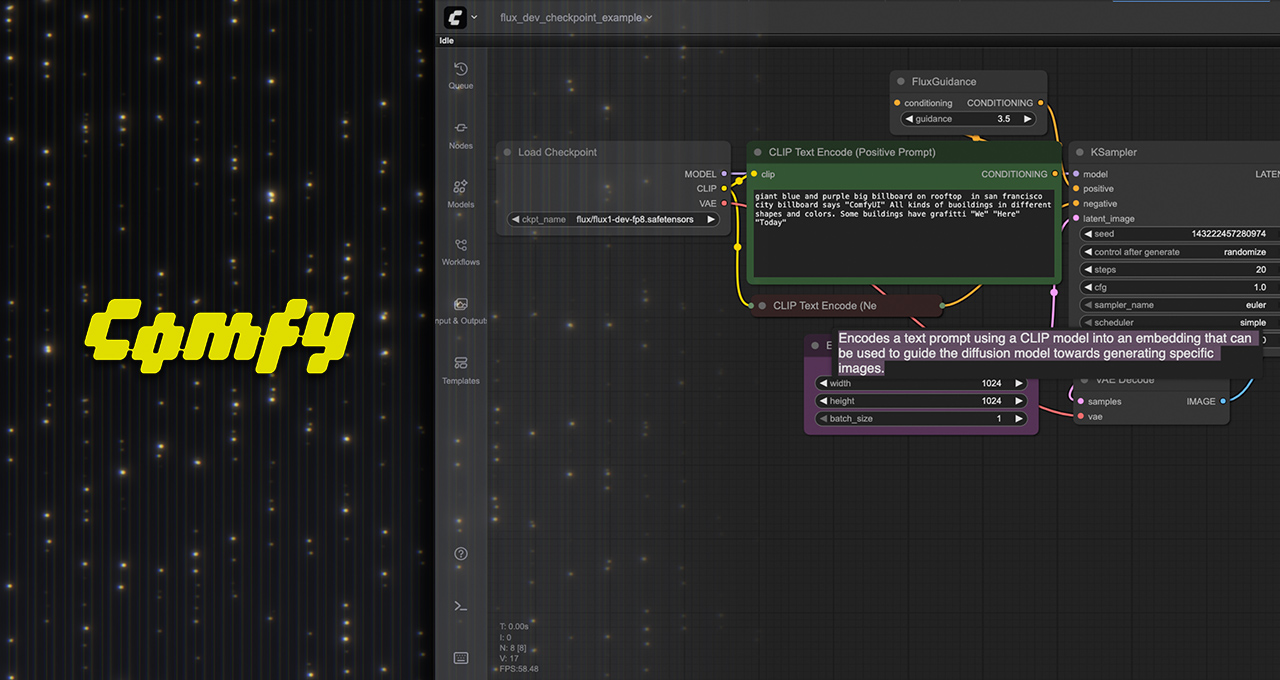
ComfyUI: Revolutionizing Generative AI Workflows with Major Updates
In recent weeks, ComfyUI, an open-source platform that offers a node-based graphical interface for constructing and executing generative AI workflows, has rolled out significant updates. These enhancements promise up to 40% performance boosts for NVIDIA RTX GPUs and introduce support for new AI models like Wan 2.2, Qwen-Image, FLUX.1 Krea [dev], and Hunyuan3D 2.1. The updates mark a considerable leap in the world of generative AI, and here’s a detailed look at what’s new and improved.
NVIDIA’s Leap in AI Model Performance
In collaboration with ComfyUI, NVIDIA has achieved a remarkable performance enhancement of up to 40% for AI models. To put this into perspective, upgrading to a new generation of GPUs typically results in a 20-30% performance gain. This collaboration specifically targets NVIDIA RTX GPUs, ensuring that users can maximize the potential of their hardware.
Moreover, NVIDIA has introduced TensorRT-optimized versions of popular diffusion models such as Stable Diffusion 3.5 and FLUX.1 Kontext. These models, now available as NVIDIA NIM microservices, allow users to run them in ComfyUI up to three times faster and with a 50% reduction in VRAM usage.
Unveiling Advanced AI Models
The update also brings a suite of advanced AI models to ComfyUI, designed to elevate content creation capabilities. Here’s a closer look:
- Wan 2.2: This new video model offers exceptional quality and control for video generation on PCs. It’s part of Wan AI’s range of creative AI models, which includes Text to Image, Text to Video, and more. The Wan 2.2 model is optimized for GeForce RTX and NVIDIA RTX PRO GPUs, ensuring smooth and efficient operation without significant delays.
- Qwen-Image: Developed by Alibaba, this image generation foundation model excels in complex text rendering and precise image editing. It offers remarkable speed, running seven times faster on a GeForce RTX 5090 compared to Apple’s M3 Ultra, while maintaining high visual and semantic accuracy.
- FLUX.1 Krea [dev]: This open-weight AI model from Black Forest Labs is designed to generate realistic, diverse images without oversaturated textures. It boasts an impressive speed advantage, running eight times faster on a GeForce RTX 5090 compared to Apple’s M3 Ultra.
- Hunyuan3D 2.1: A fully open-source, production-ready 3D generative system that converts input images or text into high-fidelity 3D assets. It incorporates a 3.3-billion-parameter model for shape generation and a 2-billion-parameter model for texture analysis, ensuring quick and realistic material generation.
Getting Started with Visual Generative Techniques
Embarking on the journey of visual generative AI can be daunting, especially for those new to the field. ComfyUI simplifies this process by providing templates and preset nodes that tackle specific tasks, such as maintaining consistent character features across generations or adjusting image lighting. This user-friendly approach allows even non-technical artists to experiment with advanced AI workflows.
Here are some essential techniques to begin with generative AI:
- Guide Video Generation: Define start and end frames to guide smooth, animated transitions using Wan 2.2.
- Edit Images with Natural Language: Utilize FLUX.1 [dev] KONTEXT for specific text-based image edits.
- Upscale Images or Videos: Enhance lower-resolution media by adding realistic, high-frequency details.
- Control Area Composition: Manage the arrangement of visual elements within specific image regions.
- Restyle Images: Use FLUX Redux to create new image variations while preserving core elements.
- Transform Sound to Video: Generate video content directly from audio inputs like speech or music.
- Control Video Trajectory: Automate object, camera, or scene motion within videos.
- Edit Images with Inpainting: Seamlessly fill in or alter image areas in a contextually consistent manner.
- Expand the Canvas with Outpainting: Extend image boundaries or complete scenes with generated content.
For more creative templates and workflow updates, follow ComfyUI on their social media platforms.
Expanding the ComfyUI Ecosystem
The introduction of ComfyUI plug-ins marks a significant step in integrating generative AI workflows into existing applications. These plug-ins enable seamless connectivity with popular creative software, enhancing their functionality with AI-driven capabilities.
- Adobe Photoshop Plug-in: Complements native Firefly models, allowing users to run customized flows and select specialized models for specific tasks.
- Blender Plug-in: Connects 2D and 3D workflows, enabling artists to control image generation or apply textures to 3D assets.
- Foundry Nuke Plug-in: Facilitates integration between 2D and 3D workflows, streamlining the creative process.
- Unreal Engine Plug-in: Incorporates ComfyUI nodes directly into Unreal Engine, allowing for quick texture creation and refinement using generative diffusion models.
Optimized Models for NVIDIA RTX GPUs
To fully leverage the power of NVIDIA RTX GPUs, the TensorRT library offers a high-performance deep learning inference engine. NVIDIA has collaborated with leading AI labs to integrate TensorRT into their models, providing quantized versions that use 50-70% less VRAM and deliver up to twice the inference speed while maintaining quality.
TensorRT-optimized models can be run in ComfyUI through the TensorRT node, supporting a range of models like SDXL, SD3, and FLUX.1-dev. For users interested in quantized models, NVIDIA provides preconfigured files in a NIM microservice container, simplifying the deployment process.
Enhancements in NVIDIA RTX Remix
A recent update to NVIDIA RTX Remix introduces an advanced path-traced particle system, enhancing visual effects in classic games. These particles now possess physically accurate properties, interacting with lighting and other effects to deliver a more realistic gaming experience.
For a detailed examination of the new particle system, refer to the GeForce article associated with this update.
Stay Connected with NVIDIA AI Innovations
To keep abreast of the latest developments in NVIDIA AI, follow their social media channels and subscribe to the RTX AI PC newsletter. Engage with the community on Discord for discussions on the possibilities with RTX AI.
These advancements in ComfyUI and NVIDIA technologies underscore the transformative potential of AI in creative industries. By making cutting-edge tools accessible to a broader audience, they pave the way for innovation and creativity in content creation. For more information, visit the official websites and forums linked throughout this article.
For more Information, Refer to this article.