









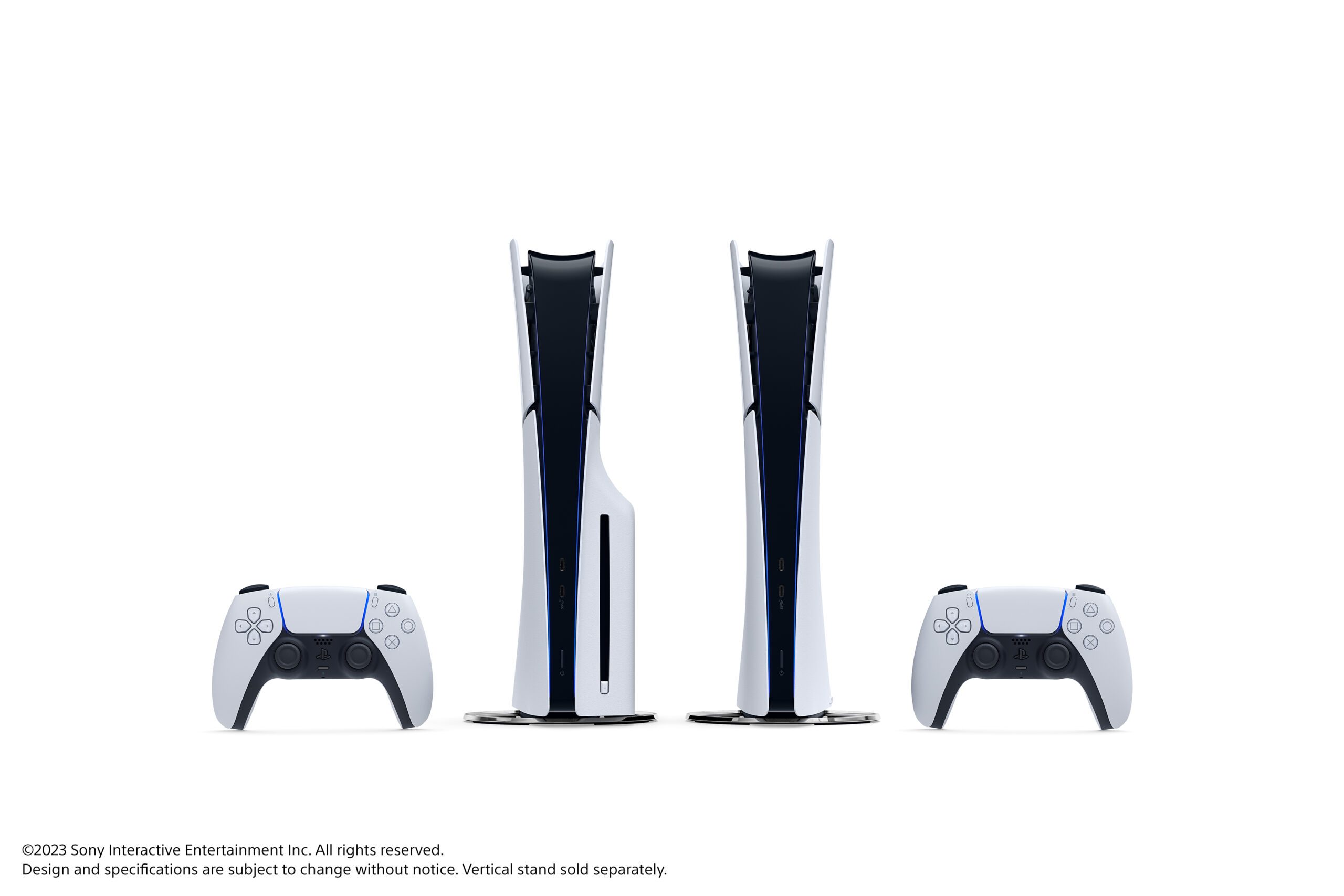
In a significant move towards making gaming more adaptable and efficient, Sony has announced a new update that promises to revolutionize the way PlayStation 5 (PS5) peripherals interact with various devices. This update, currently in its beta phase, is set to enhance the DualSense wireless controller’s compatibility across multiple platforms, including PC, Mac, and mobile devices. By doing so, Sony aims to create a more versatile and seamless gaming experience for users.
One of the standout features of this update is the ability for DualSense and DualSense Edge wireless controllers to connect to multiple devices simultaneously. This means that gamers will no longer need to pair their controller each time they switch between devices. Instead, they can effortlessly toggle between their PS5, PC, or smartphone, making the gaming experience more fluid and dynamic.
The update is part of a broader strategy by Sony to expand the functionality of its gaming peripherals beyond the PS5 console. By enabling these controllers to work seamlessly with a variety of devices, Sony is acknowledging the growing trend of multi-platform gaming. This approach not only enhances user convenience but also positions Sony’s gaming ecosystem as more inclusive and adaptive to the needs of modern gamers.
Pairing DualSense Controllers Across Devices
Previously, connecting a DualSense or DualSense Edge controller to a new device required re-pairing, a process that could be cumbersome, especially for gamers who frequently switch between systems. With the new update, users can register up to four devices at once. This feature allows for quick transitions between devices without the need for re-pairing, thereby saving time and reducing hassle.
For instance, a gamer can use their controller with a PS5 and then quickly switch to a PC for playing different games, or connect it to a smartphone for Remote Play from their PS5. This level of versatility ensures that gamers can enjoy their favorite titles across platforms without interruption.
How to Set Up Multiple Device Pairing
To set up this multi-device pairing, users need to utilize a combination of the PS button and one of the action buttons (triangle, circle, cross, or square) to assign a device to a specific slot. Here is a step-by-step guide:
- Ensure the light bar and player indicator on the controller are off. If they are on, hold the PS button until they turn off.
- Press and hold one of the action buttons along with the PS button for more than five seconds. The light bar and player indicator will flash twice.
- Activate Bluetooth on the target device and initiate the search for Bluetooth devices. The controller should appear in the list of detected devices.
- Select the controller from the list, and once connected, the light bar will illuminate, and the player indicator lights will blink according to the slot number.
Switching Between Devices
Once a device is registered, switching between them is straightforward. By pressing the PS button and the corresponding action button for the desired slot, users can toggle between devices, regardless of whether the controller is on or off.
Here’s a quick reference for the slot numbers and associated buttons:
- Slot 1: PS button and Triangle button – one light on (e.g., PS5)
- Slot 2: PS button and Circle button – two lights on (e.g., PS5 Pro)
- Slot 3: PS button and Cross button – three lights on (e.g., Windows PC)
- Slot 4: PS button and Square button – four lights on (e.g., iPhone)
This feature not only enhances functionality but also simplifies the gaming setup process, providing users with greater control and flexibility.
Introducing Power Saver for Games
In addition to improving controller connectivity, Sony is also introducing a new feature called Power Saver for Games. This feature aligns with Sony’s broader environmental goals, as outlined in their ‘Road to Zero’ environmental plan. Launched in 2010, this initiative aims to achieve net-zero greenhouse gas emissions by 2040.
The Power Saver mode will allow supported PS5 games to operate with reduced power consumption, thereby minimizing environmental impact. While this feature is not available during the beta phase, it promises to offer gamers the option to scale back performance and conserve energy once officially released. This move reflects a growing trend in the gaming industry to prioritize sustainability and energy efficiency.
Looking Ahead
As Sony continues to innovate, these updates signify a commitment to enhancing user experience and embracing environmental responsibility. The introduction of multi-device pairing and the Power Saver mode demonstrates Sony’s dedication to meeting the evolving needs of gamers while also contributing to a greener planet.
Beta participants in select countries have already begun receiving email invitations to test these new features, and the global rollout is expected in the coming months. While not all features in the beta may appear in the final release, these developments offer a glimpse into the future of gaming technology.
For those interested in trying out these new features, keep an eye on your inbox for an invitation to participate in the beta. As Sony continues to refine and expand its gaming ecosystem, gamers worldwide can look forward to a more connected and sustainable gaming experience.
For more Information, Refer to this article.




![[Video] Samsung Color E-Paper: A Smarter Alternative to Traditional Posters](https://www.hawkdive.com/media/samsung-tvs-and-displays-samsung-color-e-paper-samsung-vxt-digital-signage_thumb932-218x150.jpg "Samsung introduces Color E-Paper as innovative poster alternative.")