






























NAB Show 2026 Unveils Innovations in Video Editing Technology
The NAB Show 2026, taking place from April 18 to 22 in Las Vegas, is set to showcase groundbreaking advancements in video editing applications. With over 60,000 content professionals from the broadcast and media industries attending, the event highlights how creators are leveraging NVIDIA RTX technology to enhance their workflows. Among the key announcements is Adobe’s new Color Mode for Premiere, designed to streamline color grading and improve performance.
Adobe Premiere Color Mode: A New Era for Color Grading
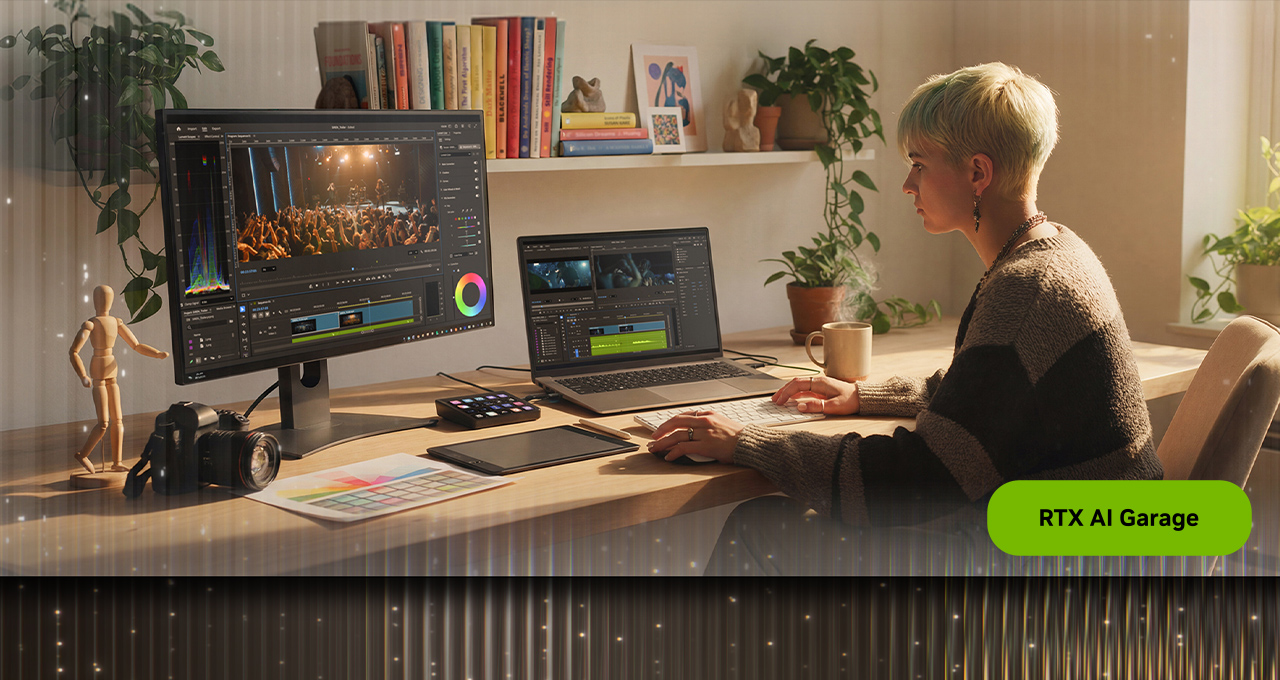
Adobe has introduced a beta version of its Color Mode within Premiere Pro, aimed at providing a dedicated environment for color grading. This new feature allows editors to perform color corrections directly within the application, eliminating the need for external tools. The interface is clean and responsive, enabling users to maintain their creative flow while working on projects.
Leveraging GPU acceleration from NVIDIA GeForce RTX and RTX PRO systems, this update allows for unprecedented performance in color grading tasks. For the first time, Premiere operates in a 32-bit color depth, ensuring higher quality outputs and faster processing times.
The Color Mode interface features a large program monitor that provides immediate visual feedback during adjustments. This design facilitates quicker decision-making and enhances control over the grading process. Additionally, a clip grid view allows editors to track visual consistency across multiple shots, ensuring a cohesive look throughout their projects.
Controls are organized into focused modules tailored to specific aspects of color grading. Editors can activate multiple modules simultaneously without cluttering the workspace. Each control includes a heads-up display (HUD) that offers contextual guidance, helping users navigate complex adjustments with ease.
Color grading is known for being computationally intensive; however, with NVIDIA GPUs handling bidirectional controls and multi-zone tonal shaping, playback and iteration become significantly faster. Editors can now adjust up to six luminance zones instead of relying solely on traditional highlight and shadow models. This flexibility allows for more nuanced tonal control across images.
Visual scopes within the Color Mode adapt dynamically based on selected tools, providing real-time feedback without overwhelming users with complex data. The system’s operation in 32-bit precision maximizes color fidelity while allowing intentional clipping when necessary for creative effects.
For those eager to explore these new features, Adobe Premiere (beta) can be downloaded directly from Adobe’s website.
NVIDIA Project G-Assist: AI-Powered Optimization
NVIDIA has also unveiled an update to Project G-Assist, an experimental AI assistant designed to optimize GeForce RTX systems. The latest version introduces advanced detection capabilities for gaming settings and enhances its knowledge base for improved accuracy in recommendations.
This AI assistant now controls more system settings than before, including advanced RTX features such as NVIDIA DLSS Overrides and Smooth Motion. By fine-tuning these settings automatically based on user preferences or game requirements, G-Assist aims to enhance the overall gaming experience.
The updated Project G-Assist can be downloaded from the NVIDIA App along with a Stream Deck plug-in available through mod.io.
Additional Highlights from NAB Show 2026
The NAB Show is not just about software updates; it also features live demonstrations and presentations from industry experts. Notable sessions include Corridor Crew’s Niko Pueringer showcasing his custom green screen key tool powered by NVIDIA RTX GPUs at Puget Systems’ booth on April 20.
NVIDIA’s Sabour Amirazodi will present on generative AI applications at the ASUS booth on April 21. This session will explore how guided generative AI can create storyboards or even entire movie trailers using just a single image input.
Content creator Gavin Herman will also lead a workshop titled “How to Edit Professional Talking Head Videos in DaVinci Resolve,” available on NVIDIA Studio’s YouTube channel. Additionally, LM Studio has been recognized as an official OpenClaw provider, enhancing local model performance through NVIDIA GPUs.
What This Means
The innovations unveiled at NAB Show 2026 signal significant advancements in video editing technology that could reshape workflows for content creators across various industries. Adobe’s new Color Mode promises to streamline color grading processes while maintaining high-quality outputs through enhanced GPU performance. Meanwhile, NVIDIA’s Project G-Assist aims to simplify system optimization for gamers by utilizing AI capabilities effectively.
As these tools become more accessible, they may not only improve productivity but also empower creators with greater control over their projects—ultimately leading to richer and more visually compelling content in an increasingly competitive landscape.
For more information, read the original report here.







