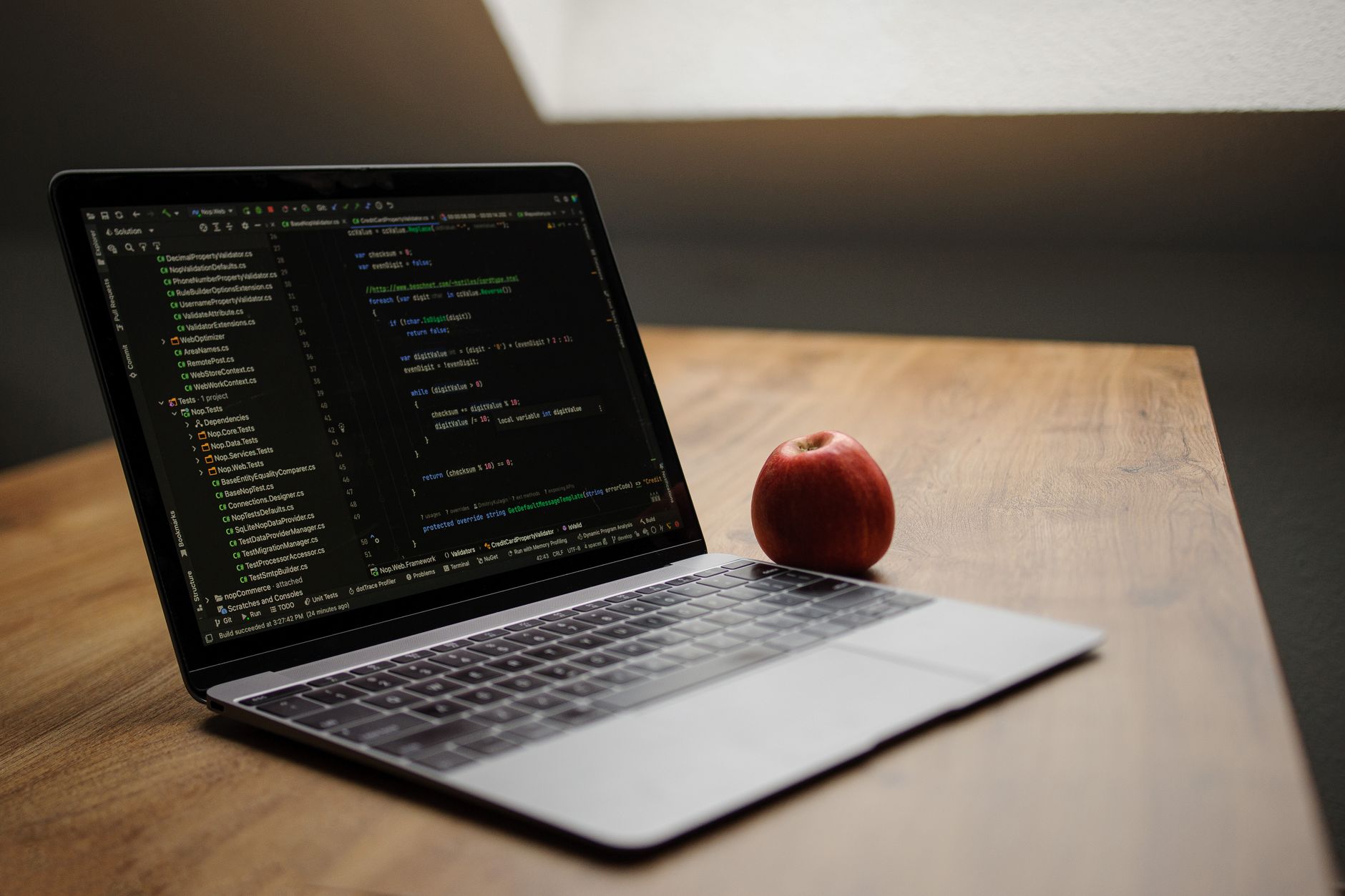
Developers across the Apple Support Community are raising a consistent concern: coding agents running on macOS — whether inside Xcode, Terminal-based CLI tools, or third-party editors — appear to produce noticeably worse output when working inside messy, poorly organised codebases. A recent controlled minimal-pair study circulating among developers suggests this isn’t just perception. Cleaner code correlates with more accurate suggestions, fewer hallucinated APIs, and faster task completion from AI assistants.
This is a widespread reported issue, particularly for macOS and iOS developers using large Swift or Objective-C projects, mixed-language repositories, or legacy code they’ve inherited. If your AI coding assistant on Mac is generating broken imports, referencing nonexistent functions, or ignoring your architecture, the problem may not be the model — it may be your codebase. Here’s how to diagnose and fix it.
What Causes This Issue
Coding agents rely on context windows — the limited amount of surrounding code they can read before generating a response. When a project is disorganised, several failure modes appear:
- Inconsistent naming conventions confuse the model’s pattern matching. A project mixing camelCase, snake_case, and PascalCase for the same concept forces the agent to guess.
- Dead code and commented-out blocks get pulled into context, wasting tokens and misleading the model about what’s actually in use.
- Duplicate function definitions across files cause the agent to reference the wrong implementation.
- Deeply nested folder structures and unclear module boundaries make it harder for indexing tools like those in Xcode 16 and later to build accurate symbol maps.
- Missing or outdated type annotations in Swift force the agent to infer types, which increases hallucination rates.
- Large monolithic files exceed the context window, so the agent only sees fragments.
Users in the Apple Support Community have reported that identical prompts against a refactored version of the same project produce measurably better results — sometimes the difference between a working patch and a completely broken one.
Step-by-Step Fixes
- Run a full project index rebuild in Xcode. Quit Xcode, then delete DerivedData at ~/Library/Developer/Xcode/DerivedData. Relaunch Xcode and let it fully re-index before invoking any AI features. Stale indexes are the single most common cause of poor agent output on macOS.
- Remove dead code aggressively. Use Xcode’s built-in warnings for unused variables, unreachable code, and unused imports. In Swift, enable the -warn-unused-result flag and address every warning. Every line of dead code is a line that pollutes the agent’s context.
- Standardise your file structure. Adopt a clear convention — Models, Views, ViewModels, Services, Extensions — and move files accordingly. Coding agents perform dramatically better when folder names signal purpose.
- Split files larger than 400 lines. If a Swift file exceeds this threshold, extract related methods into separate files or extensions. Smaller, focused files fit inside the agent’s context window and give cleaner suggestions.
- Add explicit type annotations. Even where Swift’s type inference works, writing types explicitly on function signatures and public properties gives the agent unambiguous signals.
- Consolidate duplicate helpers. Search your project for repeated utility functions (date formatters, string extensions, network helpers) and merge them into a single source of truth.
- Write or update your README and inline documentation. Agents that support repository-level context (Copilot, Claude Code, Cursor, and others available on Mac) read these files first. A three-paragraph architecture summary at the top of your README noticeably improves output.
- Restart the coding agent after cleanup. Most agents cache project state. Quit the assistant fully, then relaunch so it re-scans the cleaned repository.
Additional Solutions
Beyond the cleanup fundamentals, several macOS-specific adjustments help coding agents perform better.
Use SwiftLint or SwiftFormat. Install via Homebrew with brew install swiftlint swiftformat and run them as pre-commit hooks. Consistent formatting removes noise from the agent’s input. Configure a .swiftlint.yml at the project root so rules are project-wide.
Enable Xcode’s Source Editor extensions carefully. Some third-party editor extensions inject invisible characters or reformat code in ways that break agent parsing. Disable extensions one at a time under System Settings > Privacy & Security > Extensions to identify culprits.
Check your .gitignore and workspace exclusions. If your coding agent is indexing build artefacts, Pods, node_modules, or .xcworkspace internals, it’s wasting context on irrelevant files. Explicitly exclude these in your agent’s configuration file (often .cursorignore, .aiderignore, or a similar file in the project root).
Update to the latest macOS and Xcode. On macOS Sequoia 15.5 and Xcode 16.4, Apple improved the underlying SourceKit-LSP service that many agents rely on for symbol resolution. Older versions had known indexing bugs that produced degraded agent output.
Increase memory allocation for large projects. If your Mac has 16 GB or more, close Simulator and other heavy processes while running agent-heavy tasks. Agents that swap to disk perform poorly.
Use a modular architecture. Swift Package Manager modules give agents clean boundaries to reason about. Extracting features into local SPM packages measurably improves suggestion quality on medium and large projects.
When to Contact Apple Support
Apple Support won’t troubleshoot third-party coding agents directly, but there are situations where contacting them makes sense. If Xcode itself is failing to index projects, if SourceKit-LSP is crashing repeatedly, or if Spotlight and file system operations that agents depend on are misbehaving after a macOS update, open a case at getsupport.apple.com. Include your macOS build number, Xcode version, and a sysdiagnose capture (triggered with Control-Option-Shift-Command-Period).
For Xcode-specific bugs affecting AI tooling, file a Feedback Assistant report at feedbackassistant.apple.com. Apple engineers actively track SourceKit and indexing regressions, and detailed reports do get fixed in point releases.
FAQ
Does code cleanliness really affect AI coding output that much? Yes. Community-run minimal-pair experiments — where the same task is given against a messy and a cleaned version of the same code — consistently show better results on the cleaner version. The effect is largest on smaller, less capable models and shrinks but doesn’t disappear on frontier models.
Will refactoring break my project? If you use Xcode’s built-in refactor tools (Editor > Refactor) and run your test suite after each change, the risk is low. Commit frequently so you can revert individual steps.
Do I need to comment everything? No. Over-commenting hurts as much as no commenting. Focus on documenting architecture decisions, non-obvious business logic, and public API contracts.
Which coding agents are affected? All of them, to varying degrees. The effect has been observed across Copilot, Claude-based tools, Cursor, Aider, and Xcode’s own predictive code completion.
Is this an Apple bug? No. It’s a fundamental characteristic of how large language models process context. Apple’s tooling can only surface what your codebase contains — cleaner input produces cleaner output.
Treat your codebase as the primary interface between you and your AI assistant. Invest an afternoon in cleanup and the productivity gains compound with every subsequent prompt.