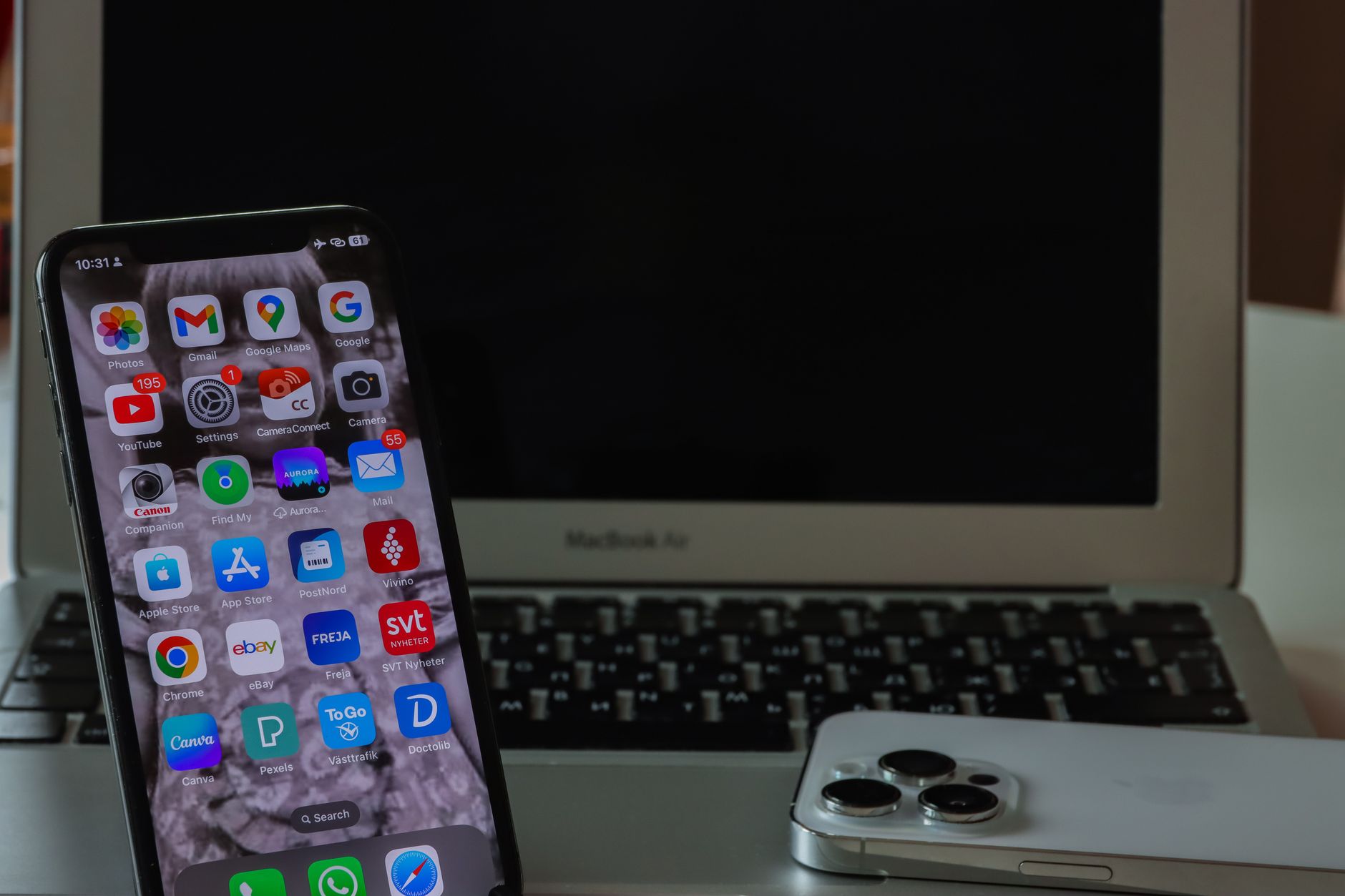
A fresh wave of concern is rippling through the Apple Support Community after reports surfaced about a new strain of Android malware reportedly linked to services within the Google ecosystem. While the malware itself targets Android handsets, iPhone and iPad owners are asking a reasonable question: can this cross over to Apple devices, and what should be done if a shared account, family member’s phone, or cross-platform service has been compromised? This is a widespread reported issue, and the confusion is understandable — modern Apple users routinely sign into Google accounts, sync contacts, use Chrome, or share files with Android devices.
This guide walks through what’s actually happening, whether your iPhone is at risk, and the exact steps to harden your Apple ID, iCloud, and connected services if you suspect exposure through a linked Android device.
What Causes This Issue
The reported malware operates on Android by exploiting permissions granted to apps distributed through unofficial channels or sideloaded APKs. Users in the Apple Support Community have raised alarms because many households run mixed ecosystems — an iPhone paired with an Android tablet, or an iCloud account tied to a Gmail recovery address. The concern isn’t that iOS itself is infected; it’s that credential theft on an Android device can cascade into Apple services if the same passwords, email addresses, or authentication apps are reused.
Common exposure paths include:
- A Google account used as the recovery email for your Apple ID being compromised.
- Passwords reused across Android apps and Apple services.
- Shared iCloud photo streams, Notes, or Calendars accessed from a compromised Android device via web login.
- Two-factor codes intercepted through malicious Android SMS-reader apps.
- Malicious links opened on Android that were then forwarded to an iPhone through messaging apps.
iOS’s sandboxed architecture and App Store review process mean the malware cannot directly execute on an iPhone. The real risk is account-level compromise that follows you across platforms.
Step-by-Step Fixes
No single accepted solution has emerged from the community thread yet, so the following sequence reflects Apple’s official security guidance combined with practical steps that address the actual attack surface.
- Change your Apple ID password immediately. Open Settings, tap your name at the top, then Sign-In & Security, then Change Password. Use a unique passphrase you have never used on any Android device or Google service.
- Audit devices signed into your Apple ID. In the same Sign-In & Security screen, scroll down to see every device linked to your account. Remove anything unfamiliar, including old Android phones or shared tablets.
- Enable or verify two-factor authentication. Ensure 2FA is active and that your trusted phone number is an iPhone, not an Android device that could be compromised.
- Review your recovery email. If your Apple ID recovery address is a Gmail account, log into that Google account from a trusted computer, change its password, and check for unauthorised forwarding rules or app passwords.
- Revoke third-party app access. Go to appleid.apple.com, sign in, and check the Sign in with Apple section. Revoke access for any app you no longer trust or recognise.
- Update iOS to the latest version. Open Settings, tap General, then Software Update. Running the current release ensures the latest security patches are applied.
- Run a Safari data cleanup. Settings, Safari, Clear History and Website Data. This removes any lingering session cookies from cross-platform logins.
- Check installed configuration profiles. Settings, General, VPN & Device Management. If you see any profile you did not install personally, remove it — this is a rare but serious vector.
Additional Solutions
Beyond the immediate lockdown, several practical measures reduce your long-term exposure to cross-platform threats:
- Switch to iCloud Keychain or a dedicated password manager. Stop reusing passwords across Google and Apple services. iCloud Keychain generates unique credentials and syncs them across your Apple devices only.
- Use hardware security keys. Apple supports physical security keys for Apple ID sign-in. This eliminates phishing and SMS interception as attack vectors.
- Enable Advanced Data Protection for iCloud. Found in Settings under your name, then iCloud, then Advanced Data Protection. This end-to-end encrypts most iCloud categories so even a compromised recovery email cannot expose your data.
- Turn on Lockdown Mode if you’re a high-risk target. Journalists, executives, and activists should consider this extreme protection setting in Settings, Privacy & Security.
- Isolate cross-platform sharing. If a family member’s Android device may be infected, temporarily leave any Family Sharing group, shared albums, or shared Notes until their device is verified clean.
- Scan for suspicious calendar invites. A common secondary infection method is spam calendar invites arriving from compromised contacts. Delete them and report as junk without tapping any embedded links.
- Review Sign in with Apple relays. If you used Apple’s private email relay to sign up for services, revoke any relay you don’t recognise at appleid.apple.com.
When to Contact Apple Support
Reach out to Apple Support directly if any of the following apply:
- You cannot regain access to your Apple ID even after a password reset.
- You see purchases, subscriptions, or App Store activity you did not authorise.
- An unfamiliar device remains listed in your account and refuses to be removed.
- You receive Apple ID sign-in notifications from locations you have never visited.
- Your iPhone shows unexpected configuration profiles, unknown VPN connections, or unexplained battery drain after the incident.
Contact options include the Apple Support app, a call to Apple Support, or a scheduled visit to a Genius Bar. If you believe your account is actively being accessed, request an Apple ID recovery through the official channel rather than resetting repeatedly.
FAQ
Can Android malware infect my iPhone directly? No. iOS runs a sandboxed environment and installs software only from the App Store or verified enterprise channels. Android APKs cannot execute on iOS. The risk is indirect, through shared accounts and credentials.
Should I stop using my Google account on my iPhone? Not necessarily. Using Gmail or Google Drive on iOS is safe as long as the Google account itself hasn’t been compromised. Secure that account with a strong unique password and 2FA.
Is Lockdown Mode overkill for the average user? For most people, yes. It restricts many everyday features. Reserve it for genuine high-risk scenarios.
Will erasing my iPhone remove any threat? If you suspect any device-level compromise, Settings, General, Transfer or Reset iPhone, then Erase All Content and Settings will return the device to factory state. However, the more important step is securing your Apple ID before restoring.
How do I know if my Apple ID has been accessed? Check the device list in Settings under your name, and review recent sign-in emails from Apple. Any unfamiliar entry warrants an immediate password change and 2FA verification.
Cross-platform threats are increasingly common, but Apple’s account-security tools remain among the strongest available. Applying the steps above closes the realistic attack paths and keeps your Apple ecosystem isolated from problems originating elsewhere.