What Causes This Issue
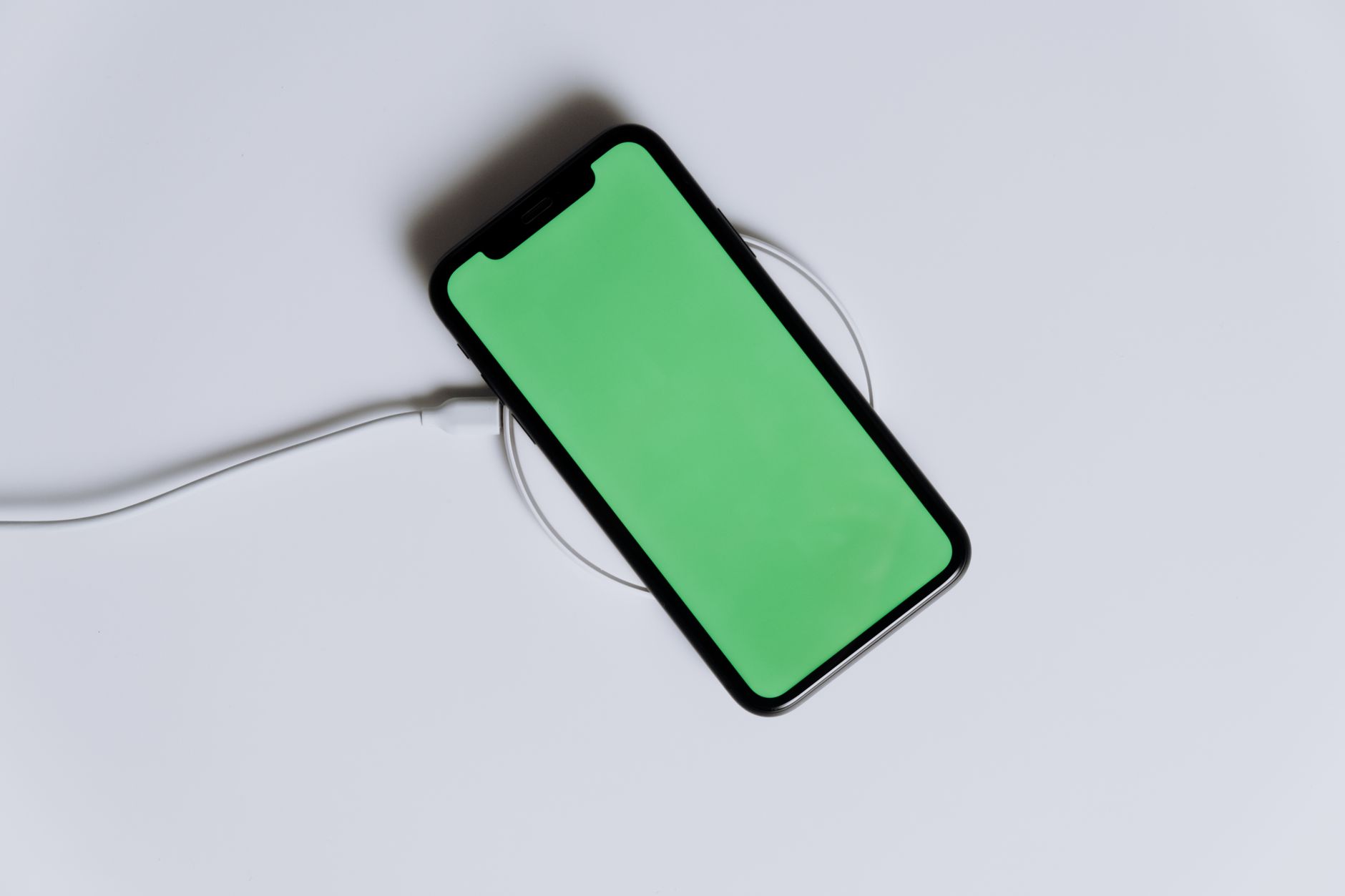
Since the launch of MagSafe and faster Qi2 wireless charging, users in the Apple Support Community have reported widespread iPhone overheating during wireless charging sessions. The problem affects iPhone 12 through iPhone 16 series devices and typically manifests as excessive heat buildup, charging throttling, or the “Charging On Hold” alert appearing after 10–20 minutes on a wireless pad.
The root causes fall into three categories: thermal design constraints of the charging coil assembly, case interference trapping heat, and background activity (indexing, backups, 5G modem load) coinciding with charge cycles. Apple’s thermal management firmware intentionally reduces charging speed when internal temperatures exceed 40°C, but many users experience uncomfortable surface temperatures well before that threshold.
Step-by-Step Fixes
- Remove the case entirely. Even MagSafe-certified cases add thermal insulation. Test charging naked for one full cycle; if temperatures normalize, the case is the primary factor.
- Align the charger precisely. Misalignment forces the coil to increase field strength, generating excess heat. Use the magnetic snap on MagSafe chargers; for Qi pads, center the iPhone until the charging animation appears instantly.
- Disable Background App Refresh and automatic updates during charging. Open Settings → General → Background App Refresh → Off. Then Settings → App Store → App Updates → Off. This reduces SoC load while the battery accepts current.
- Enable Low Power Mode before placing the iPhone on the charger. This throttles CPU performance, disables 5G standby, and pauses iCloud Photos sync — all significant heat sources.
- Charge in a cooler ambient environment. Move the charger away from direct sunlight, radiators, or other heat-generating electronics. A 3–5°C drop in room temperature can prevent thermal throttling entirely.
- Update to the latest iOS version. Apple has released specific thermal management refinements in iOS 17.4, 17.6, and 18.1 that adjust MagSafe power negotiation curves.
Additional Solutions
If the ordered fixes above do not resolve the overheating, apply these supplementary steps:
- Switch to a 20W+ USB-C Power Delivery brick. Underpowered adapters (5W, 12W) cause the charger to draw current inefficiently, converting more energy to heat.
- Use a MagSafe charger with active cooling. Third-party stands with built-in fans (e.g., Twelve South, Belkin Cryo) keep the charger’s own electronics cooler, reducing back-conducted heat into the iPhone.
- Reset all settings. Settings → General → Transfer or Reset iPhone → Reset → Reset All Settings. This clears corrupted power management preferences without deleting data.
- Test with a different wireless charger. Faulty or non-certified Qi pads often lack proper foreign object detection and over-voltage protection, leading to erratic power delivery.
- Disable Optimized Battery Charging temporarily. Settings → Battery → Battery Health & Charging → Optimized Battery Charging → Off. In some configurations, the learning algorithm holds the charge at 80% while continuing to negotiate high voltage, generating sustained heat.
When to Contact Apple Support
Escalate to Apple Support if:
- The iPhone displays a temperature warning screen (thermometer icon) and becomes unresponsive.
- Overheating occurs with wired USB-C charging as well, indicating a battery or PMIC fault.
- Battery Health shows “Service” or maximum capacity below 80% within the first year.
- The rear glass or frame feels warped, suggesting physical battery swelling.
- Diagnostic logs (Settings → Privacy & Security → Analytics & Improvements → Analytics Data) contain repeated
ThermalEventorGasGaugeentries.
Apple may authorize a battery replacement or whole-unit swap under warranty or AppleCare+ if hardware diagnostics confirm a thermal management defect.
FAQ
Is it normal for my iPhone to get warm during wireless charging?
Yes, mild warmth (up to 38°C surface temperature) is expected due to inductive coupling losses. Sustained temperatures above 42°C, charging pauses, or discomfort to touch are not normal.
Does MagSafe charge faster than Qi2?
Both peak at 15W on iPhone 12 and later. MagSafe’s magnetic alignment typically achieves peak speed more consistently; Qi2 pads vary by implementation.
Can a screen protector cause overheating?
No. Only cases that cover the rear glass and MagSafe ring trap meaningful heat.
Why does my iPhone stop charging at 80% overnight?
That is Optimized Battery Charging working as designed. It learns your wake-up schedule and delays the final 20% to reduce battery aging. Disable it only if you need a full charge at an unpredictable time.
Will a future iOS update fix wireless charging heat permanently?
Apple iterates thermal algorithms every release, but physics limits (inductive efficiency ~70–75%) mean some heat is unavoidable. The steps above manage it within safe bounds.