








TL;DR
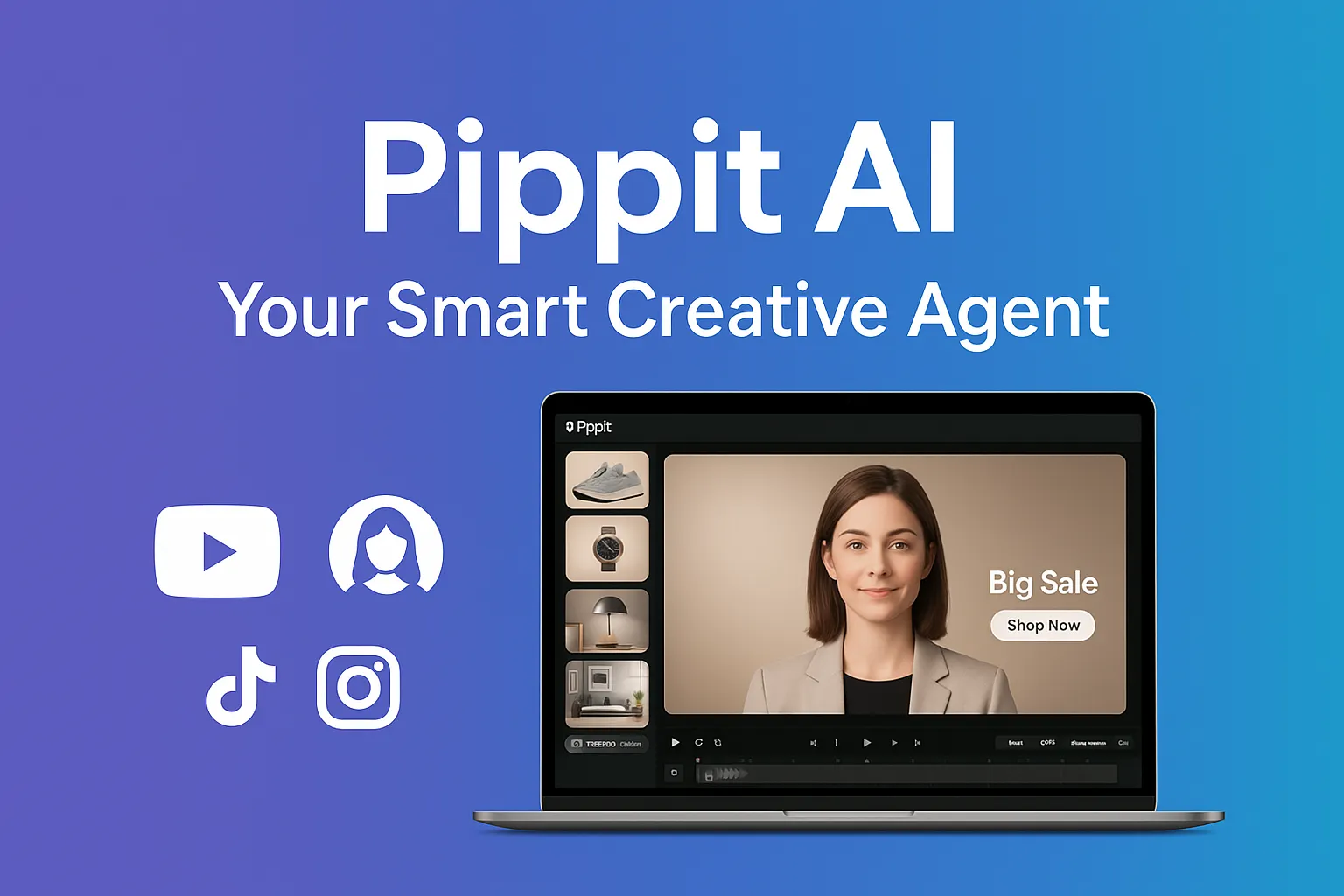
- One‑click videos, batch product images, multilingual avatars, auto‑publishing, and analytics—all in one browser tab.
- **400 free credits (≈ 400 s of video / 200 images) with zero card details
- Recently voted #1 Product of the Week on Product Hunt—and for good reason. Product Hunt
Sign up through this link to activate 30 days on the Free plan and lock in 45 % off your first paid month with code PIPPIT45OFF!.
I spent the weekend road‑testing Pippit AI on three real Shopify catalogs and a dormant TikTok account. The results were strong enough that I’m replacing two separate SaaS tools—and saving about 6 hours of production time per campaign.
What Exactly Is Pippit AI?
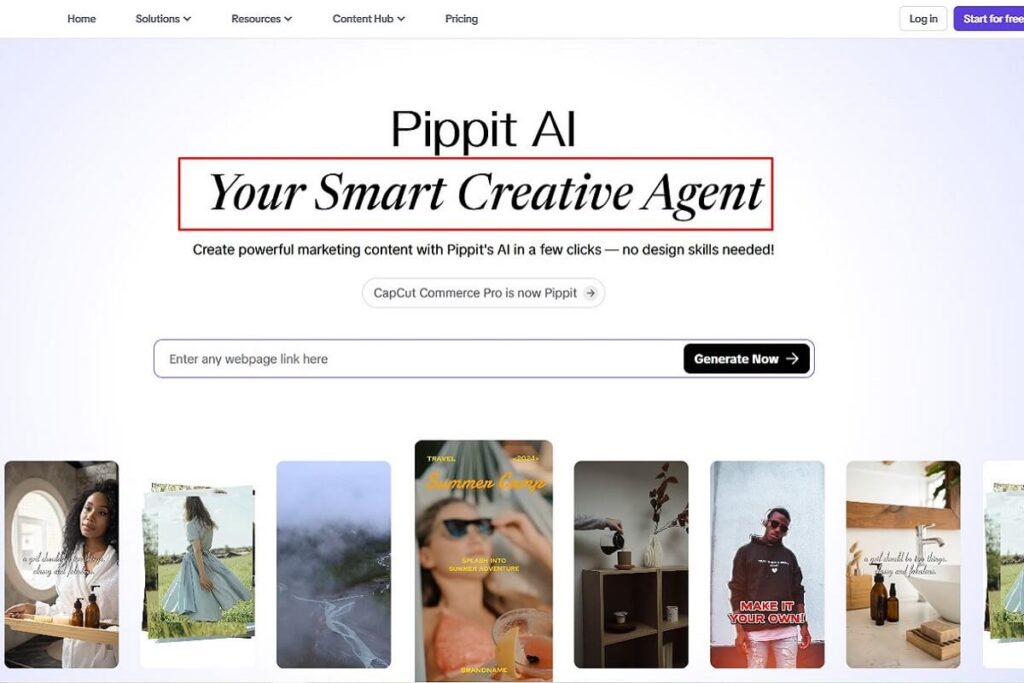
Think of Pippit as CapCut Commerce Pro on growth hormones. Drop in a URL, a script, or a product shot and the platform’s generative models will:
| Task | Traditional time | Pippit time |
|---|---|---|
| Turn a product page into a social video | 45 min in Premiere + Canva | < 3 min, 5 concepts auto‑generated |
| Shoot & cut an apparel try‑on reel | Studio + talent fees | Digital avatar speaks 15 languages, renders in minutes |
| Produce 30 seasonal product photos | Half‑day batch shoot | “Smart Tools ➜ Product photos” – done in 10 min |
Key Features That Impressed Me
1. One‑Click Video Solution
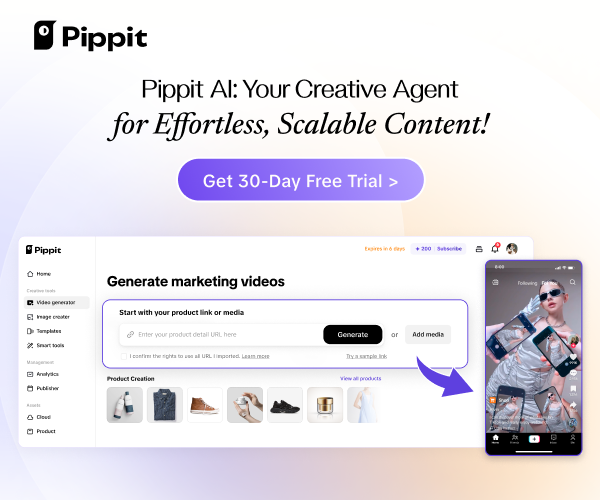
Paste a link (Shopify, landing page, Amazon listing, even a blog post). Pippit parses titles, pricing, images and CTAs, then spits out multiple 15‑‑30 s vertical videos complete with on‑trend motion graphics and music. Perfect for TikTok ads.
2. AI Product Images at Scale
Need 50 lifestyle shots by noon? Open Smart Tools → Product photos and choose:
- Presets – pre‑styled backdrops for fashion, beauty, CPG, etc.
- Similar background – upload a reference image to match your brand aesthetic.
- Prompt – describe the scene (“sun‑drenched marble countertop, soft shadows”) and click Generate.
3. Avatars & Multilingual Voices
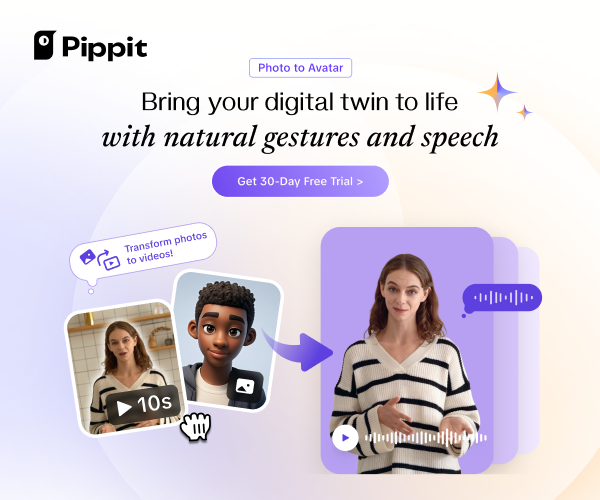
A library of photoreal presenters—or train your own avatar in a few clicks. I published the same promo in English, Arabic, and French without re‑recording VO.
4. End‑to‑End Workflow
- Marketplace Sync: Pull products directly from Shopify or TikTok Shop.
- Scheduler: Batch content, set dates, and Pippit auto‑publishes to TikTok, Facebook, and Instagram.
- Analytics Dashboard: Follower growth, impressions, and engagement inside one graph, with multi‑account comparisons.
5. Power‑User Toolkit
Remove backgrounds, add realistic shadows, smart‑crop for any ratio, “Quick Cut” text‑based video editing, AI script generator, sales‑poster maker—the Swiss Army knife I wish I had last year.
Hands‑On Results
| Funnel Stage | Asset | Outcome (48 h) |
|---|---|---|
| TOFU | Link‑to‑video TikTok ad | 2.3 × CTR vs last campaign |
| MOFU | Batch lifestyle images → carousel | ‑57 % CPA on IG Reels remarketing |
| BOFU | Avatar demo video with “shop now” link | 19 % lift in Shopify conversion |
The kicker? All three assets were created in under one hour total—solo, no designer.
Pricing & The 30‑Day Free Trial
| Plan | Credits | Cost |
|---|---|---|
| Free Trial | 400 credits (≈ 400 s video / 200 images) | $0 |
| Pro (month‑to‑month) | scaleable | from $29 |
Sign up through this link to activate 30 days on the Free plan and lock in 45 % off your first paid month with code PIPPIT45OFF!.
Affiliate disclosure: I earn a commission at no extra cost to you if you upgrade via my link—helps pay for more caffeine‑fuelled testing.
Getting Started in 5 Minutes
- Create a free account → verify email.
- Paste your product URL into One‑Click Video. Pick a template you like.
- Open Smart Tools → Product photos and generate a lifestyle batch.
- Connect TikTok/Facebook/Instagram, schedule posts, and watch analytics roll in.
That’s it—no software to install, no credit card on file.
Final Verdict
Pippit AI isn’t just another “AI video toy.” It’s a full‑stack content engine that replaces:
- A video editor
- A design platform
- A scheduling tool
- A lightweight social analytics app
For solo creators and lean e‑commerce teams, the time savings alone justify a test‑drive—especially while the 30‑day trial and 45 % discount are on the table.
Ready to see it in action? [Start your free month, load up 400 credits, and unleash Pippit AI on your catalogue today.]
(Then ping me on LinkedIn and tell me what you built—seriously, I’m curious.)