
Adobe Firefly has revolutionized how users can enhance their creative projects in Photoshop. With its generative fill feature, you can transform simple images into stunning landscapes, add realistic elements, and create stunning visual effects. This article will explore how to access and utilize Adobe Firefly in Photoshop for free, unlocking creative possibilities.
Unlocking Adobe Firefly’s Potential
To utilize Adobe Firefly’s features in Photoshop without any additional cost, you need to have an Adobe Creative Cloud or Creative Plan subscription. You can access Adobe Firefly and its incredible generative fill capabilities by subscribing to either of these plans.
Accessing Adobe Firefly:
1. Launch Adobe Creative Cloud on your desktop.

2. Navigate to the “Apps” section.
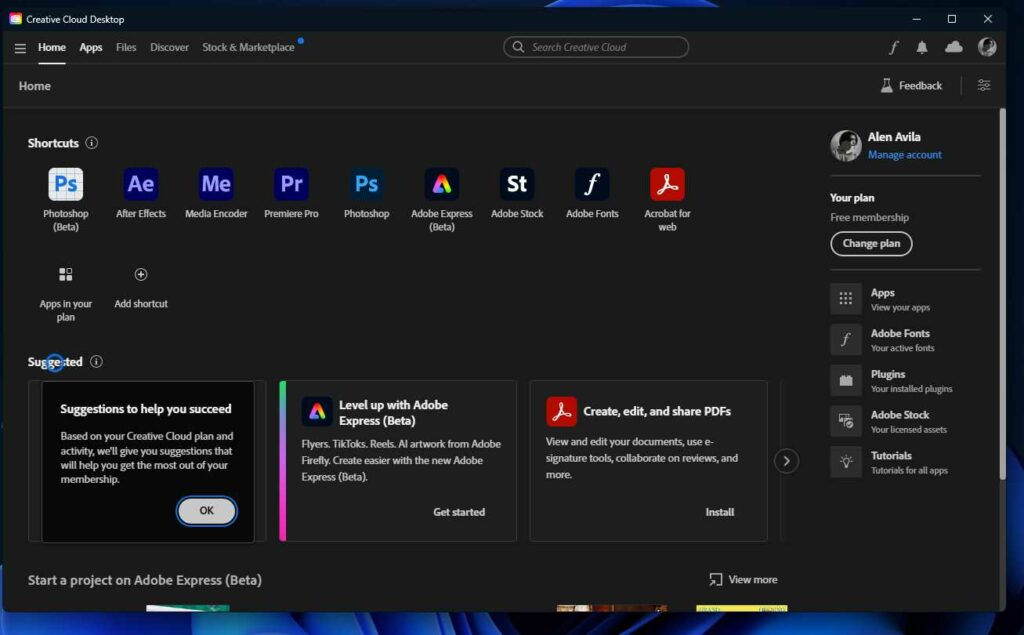
3. Look for the Adobe Photoshop Beta under the beta apps category.
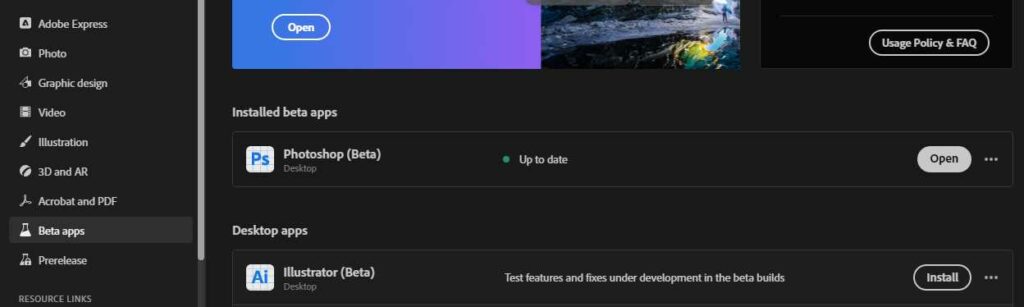
4. Open Adobe Photoshop Beta to access Adobe Firefly features, including generative fill.

Exploring Generative Fill
Generative fill is one of the key features offered by Adobe Firefly. By leveraging this feature, you can effortlessly create landscapes, add intricate details, and generate realistic elements within your Photoshop projects.
To use generative fill:
1. Open Photoshop Beta and select the desired canvas.
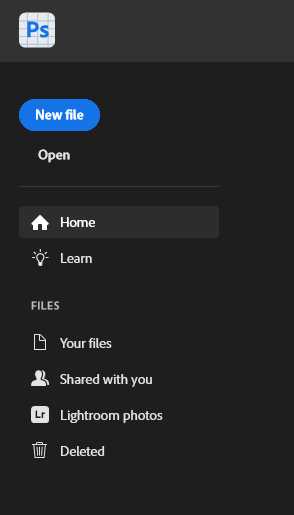
2. Click “Generate fill” to activate the generative fill feature.
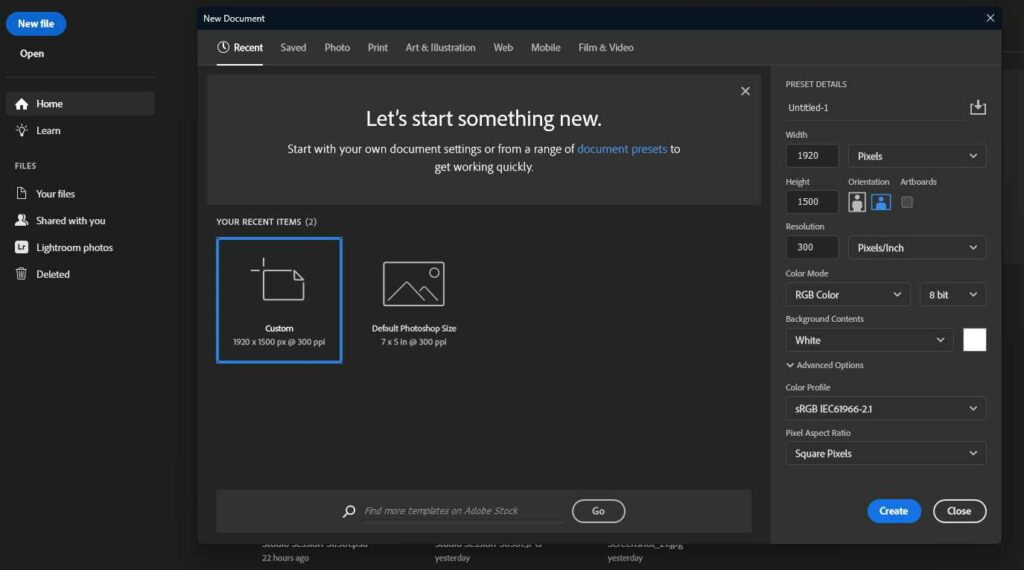
3. Specify your preferences, such as mountains, forests, or other elements you want to incorporate into your design.
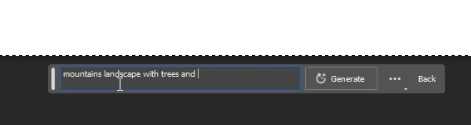
4. Adobe Firefly will instantly generate the desired elements, providing a visually stunning result.
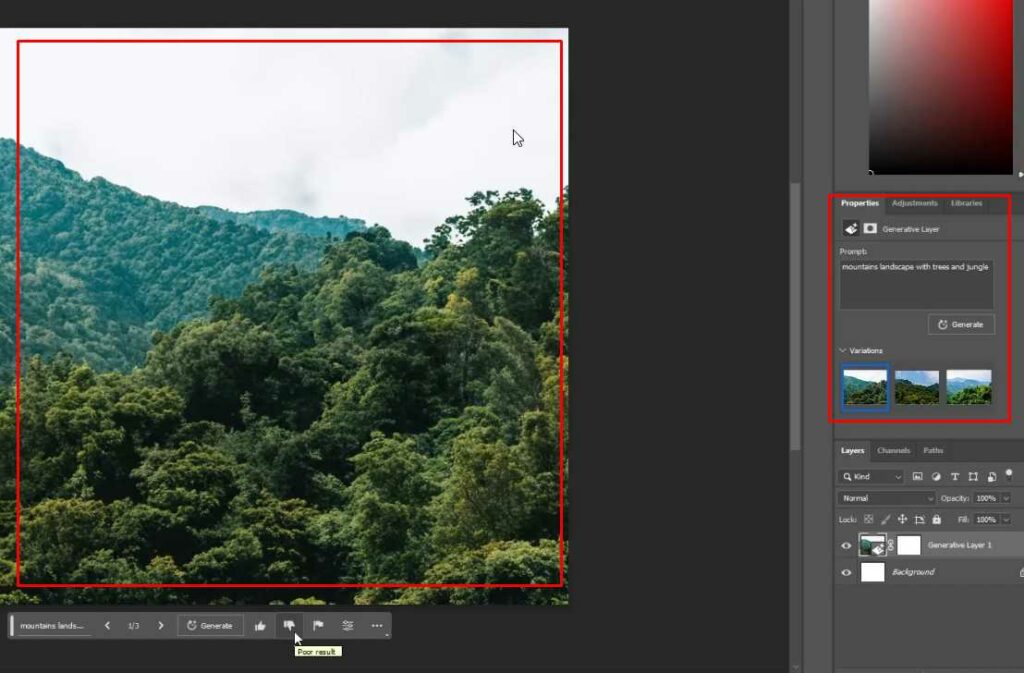
What is Generative Fill from Firefly useful for?
Enhancing Your Creations: Generative fill is not limited to landscapes. You can also use this feature to create pathways, bridges, and rivers and simulate natural phenomena like flowing water or lava. You can add depth and realism to your designs by experimenting with different options.
Refining Your Composition: While Adobe Firefly’s generative fill produces impressive results, you may want to fine-tune certain aspects of your composition. Photoshop’s editing tools can help you further enhance and personalize your creations. Use masks, brushes, and adjustments to modify specific areas, remove unwanted elements, or add finishing touches to your design.
Adding Text Effects: Besides generative fill, Adobe Firefly offers text effects. By visiting the Firefly website (firefly.adobe.com), you can access free text effects that can be seamlessly integrated into your Photoshop projects. Generate captivating text designs using different styles like marbles, granites, or other imaginative effects.
Note: once you are satisfied with your composition, it’s time to save and share your artwork. Export your final image in high quality using Photoshop’s “Save for Web” option. Be sure to comply with the content usage guidelines and respect the terms and conditions set by Adobe for personal use only.
Where can I download Adobe Firefly?
Currently, Adobe Firefly is only accessible through its official Adobe website. If you are subscribed to the Adobe Creative Cloud plan, you can have free access to one of its integration on the Application “Adobe Photoshop” Beta. That only includes generation from text to image and generative fill.
Is Adobe Firefly compatible with other Adobe Creative Cloud tools?
While Adobe Firefly is currently integrated into Adobe Photoshop, Adobe has plans to expand its integration to other Creative Cloud tools in the future.
Conclusion
Adobe Firefly has transformed the creative landscape by providing users with powerful generative fill and text effect features within Adobe Photoshop. With these incredible capabilities, you can unleash your creativity, effortlessly transforming ordinary images into extraordinary works of art. Whether a professional designer or an enthusiastic hobbyist, Adobe Firefly opens up a world of possibilities, allowing you to create captivating visuals that leave a lasting impression.