What Causes This Issue
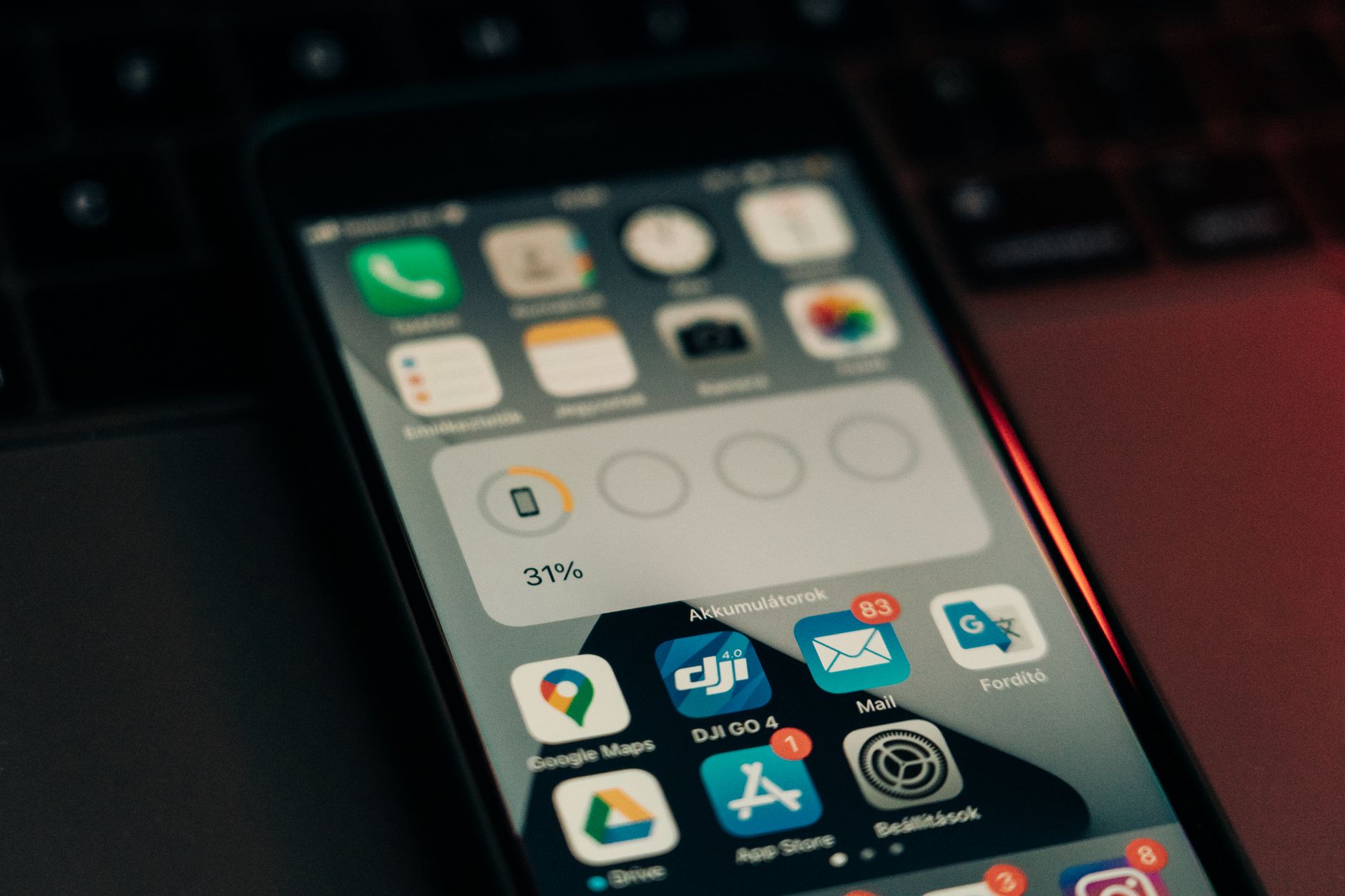
Since the release of iOS 18, a significant number of iPhone users have reported unusual battery drain that persists beyond the typical post-update indexing period. Users in the Apple Support Community describe devices losing 20–30% charge overnight while idle, excessive heat during light use, and Background App Refresh behaving erratically. The root cause is rarely a single factor. Instead, it’s typically a combination of system reindexing, corrupted power management profiles, misbehaving third-party apps that haven’t been optimized for the new OS, and Location Services modules that remain active longer than necessary. Some users also point to the new Apple Intelligence features running background models on device, which can increase CPU cycles on older hardware like the iPhone 13 and 14 series.
Step-by-Step Fixes
- Force restart your iPhone to clear temporary system processes. Press and release Volume Up, press and release Volume Down, then hold the Side button until the Apple logo appears. This resolves stuck daemon processes more effectively than a standard reboot.
- Check Battery Usage by App in Settings > Battery. Wait 24 hours after the update for data to populate. Look for apps showing “Background Activity” with high percentages. Delete or offload any app consuming disproportionate power that you don’t actively use.
- Disable Apple Intelligence features temporarily via Settings > Apple Intelligence & Siri. Turn off “Apple Intelligence” and “Enhanced Siri” if your device supports them. Users in the Apple Support Community report this single change restores 15–25% daily battery life on iPhone 15 Pro models.
- Reset Location & Privacy at Settings > General > Transfer or Reset iPhone > Reset > Reset Location & Privacy. This clears corrupt geofence monitors that keep GPS radios active. You’ll need to re-grant permissions per app.
- Turn off Background App Refresh globally, then re-enable only for essential apps (Mail, Messages, your password manager). Find this at Settings > General > Background App Refresh.
- Disable “Always On Display” on iPhone 14 Pro and later models via Settings > Display & Brightness > Always On Display. The feature draws measurable power even in Low Power Mode.
- Update all apps via the App Store. Developers have pushed iOS 18 compatibility updates that address wakelock bugs and excessive network polling.
- Restore from a backup if issues persist after 72 hours. Use Finder or iTunes to create an encrypted backup, then restore the device. This rewrites the powerlog database and clears corrupted assertion records that survive standard resets.
Additional Solutions
If the ordered fixes above don’t resolve the drain, apply these supplementary steps. Disable Significant Locations at Settings > Privacy & Security > Location Services > System Services. This feature builds a detailed movement history and runs frequent GPS checks. Turn off iPhone Analytics sharing at Settings > Privacy & Security > Analytics & Improvements. While anonymous, the upload process wakes the cellular modem periodically. Enable Low Power Mode permanently via Settings > Battery or Control Center. It throttles background fetch, mail push, and visual effects without crippling usability. Check for carrier settings updates at Settings > General > About; an outdated profile can cause the modem to hunt for signal aggressively. Remove unused widgets from Lock Screen and Home Screen. Each widget refreshes independently, triggering network requests and CPU wakeups. Users in the Apple Support Community note that weather and stock widgets are frequent offenders. Finally, verify Mail fetch settings. Set non-critical accounts to Manual or Hourly instead of Push at Settings > Mail > Accounts > Fetch New Data.
When to Contact Apple Support
Escalate to Apple Support if battery health shows “Service” in Settings > Battery > Battery Health & Charging, if the device becomes uncomfortably hot during standby, or if drain exceeds 15% per hour with the screen off after completing all steps above. Schedule a diagnostic appointment at an Apple Store or Authorized Service Provider. Technicians can run AST2 (Apple Service Toolkit 2) to log power assertions at the kernel level — data unavailable to users. Hardware issues like a degraded battery management unit (BMU) or failing PMIC (Power Management Integrated Circuit) require physical repair. Apple’s 90-day complimentary support covers iOS-related issues after a major update, so reference the iOS 18 installation date when opening a case.
FAQ
How long does post-update battery drain normally last? Typically 24–48 hours while Spotlight reindexes, Photos analyzes libraries, and Machine Learning models calibrate. Beyond 72 hours indicates a problem.
Will downgrading to iOS 17 fix this? Apple stops signing iOS 17 within weeks of a major release. Downgrading is rarely possible and wipes your device. Exhaust software fixes first.
Does Low Power Mode damage battery health long-term? No. It reduces charge cycles by extending time between charges, which actually preserves chemical age.
Why does my iPhone 15 Pro drain faster than my old iPhone 12? Newer models run more intensive on-device Apple Intelligence workloads. Disabling those features equalizes the difference.
Can a third-party battery case cause false drain reports? Yes. Non-MFi certified cases can misreport charge state to iOS, triggering erroneous battery percentage calculations. Use only MFi accessories.