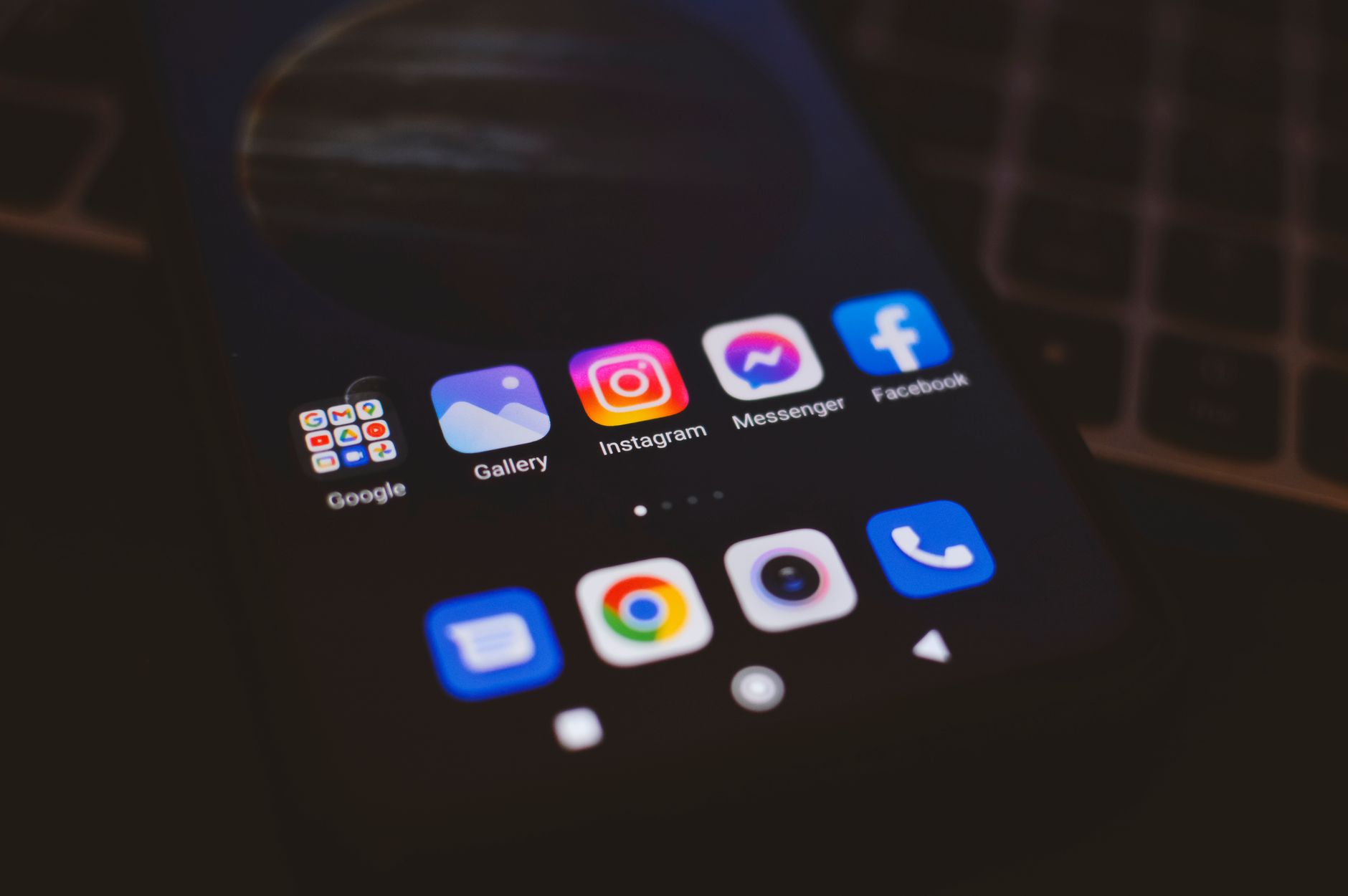
With android 16 material you theming, Google pushes the Material You design language further, letting you harmonize every screen element — from system menus to third‑party apps — around a single, wallpaper‑derived palette. This guide walks you through enabling the engine, fine‑tuning material you dynamic colors, and applying a custom color palette across the entire OS.
Enable the Theming Engine on Android 16
Before you can personalize android 16 ui, the theming service must be active. Most Pixel and near‑stock devices ship with it on by default, but a quick check avoids surprises.
- Open Settings → Wallpaper & style.
- Tap Theme and ensure Material You is selected.
- If the toggle reads Off, switch it on and restart the device.
After reboot, the system extracts dominant hues from your current wallpaper and builds a dynamic color scheme that propagates to supported apps automatically.
Choose a Wallpaper That Drives Your Palette
The material you wallpaper sync feature is the heart of the experience. High‑contrast images with distinct color clusters produce the most vibrant results.
- Prefer photos with a clear subject and a limited color range.
- Avoid overly busy gradients; they dilute the extracted palette.
- Test several wallpapers — swipe through the Wallpaper & style preview to see live changes.
Pro tip: Use the Color extraction tool (hidden under the three‑dot menu) to manually lock a hue you love, preventing the engine from shifting when you switch wallpapers later.
Apply a Custom Color Palette to All Apps
Android 16 introduces a unified android 16 theme customization panel that lets you override the automatic palette with a hand‑picked set of primary, secondary, and tertiary colors.
Step‑by‑step palette creation
- In Settings → Wallpaper & style → Color palette, tap Custom.
- Pick a Primary hue — this defines the dominant UI tint.
- Select Secondary and Tertiary colors for accents and highlights.
- Enable Apply to all supported apps and confirm.
Apps that have adopted the Material You theming API will instantly reflect the new scheme. For legacy apps, the system falls back to a neutral gray, preserving readability.
Fine‑Tune Per‑App Color Overrides
Not every app plays nice with a global palette. Android 16 lets you change app colors android 16 on a case‑by‑case basis without breaking the overall look.
Per‑app theming workflow
- Long‑press the app icon → App info → Theme.
- Choose System default, Light, Dark, or Custom.
- If Custom is selected, pick a dedicated palette from the color picker.
- Tap Apply; the app restarts with the new theme.
Warning: Some apps cache theme data. If colors don’t update, clear the app’s cache from Storage → Clear cache.
Leverage Third‑Party Launchers for Deeper Control
While the stock launcher respects Material You, power users often prefer alternatives like Niagara or Lawnchair. Android 16’s theming hooks are exposed to launchers that implement the ThemeProvider interface.
- Install a launcher that advertises Material You support.
- Grant the Theme access permission when prompted.
- Open the launcher’s settings → Theming → enable Sync with system palette.
Now the home screen, app drawer, and widget containers inherit the same dynamic colors, delivering a seamless visual flow.
Cross‑Platform Inspiration: What Other Ecosystems Do
Exploring how other platforms handle system‑wide theming can spark ideas for your own setup. For instance, the way iOS handles live data widgets is detailed in iOS 27 Live Activities: Track Sports Scores in Real Time on iPhone. Similarly, macOS’s hidden tweaks are covered in macOS 27 Golden Gate: 12 Hidden Features You Didn’t Know Existed. And if you ever troubleshoot battery drain after an iOS update, the guide iPhone Battery Draining Fast After iOS 18 Update Fix offers a systematic approach.
Frequently Asked Questions
How to enable Material You theming on Android 16?
Open Settings → Wallpaper & style → Theme and select Material You. Toggle it on if disabled, then reboot.
Can I apply custom color palette to all apps?
Yes. In Wallpaper & style → Color palette choose Custom, define primary/secondary/tertiary hues, and enable Apply to all supported apps.
Does Material You work with third‑party launchers?
It works with any launcher that implements the ThemeProvider API and requests the Theme access permission. Popular options include Niagara Launcher and Lawnchair.
How to reset theme to default on Android 16?
Go to Settings → Wallpaper & style → Theme and tap Reset to default. This restores the automatic wallpaper‑based palette.
Which apps support dynamic theming natively?
Google’s core apps (Messages, Phone, Contacts, Calendar, Photos) plus many Play Store apps that target API level 34+ adopt the theming engine automatically. Check each app’s changelog for Material You support.
Conclusion
Mastering android 16 material you theming transforms your device into a cohesive, personally branded canvas. By enabling the engine, curating wallpapers, crafting custom palettes, and tweaking per‑app overrides, you gain control that feels both powerful and effortless. For more cross‑platform tweaks, dive into Windows 11 25H2 Gaming Optimization: How to Optimize PC for Maximum FPS or learn how to Fix iPhone Battery Drain After iOS 18 Update: Complete Guide.