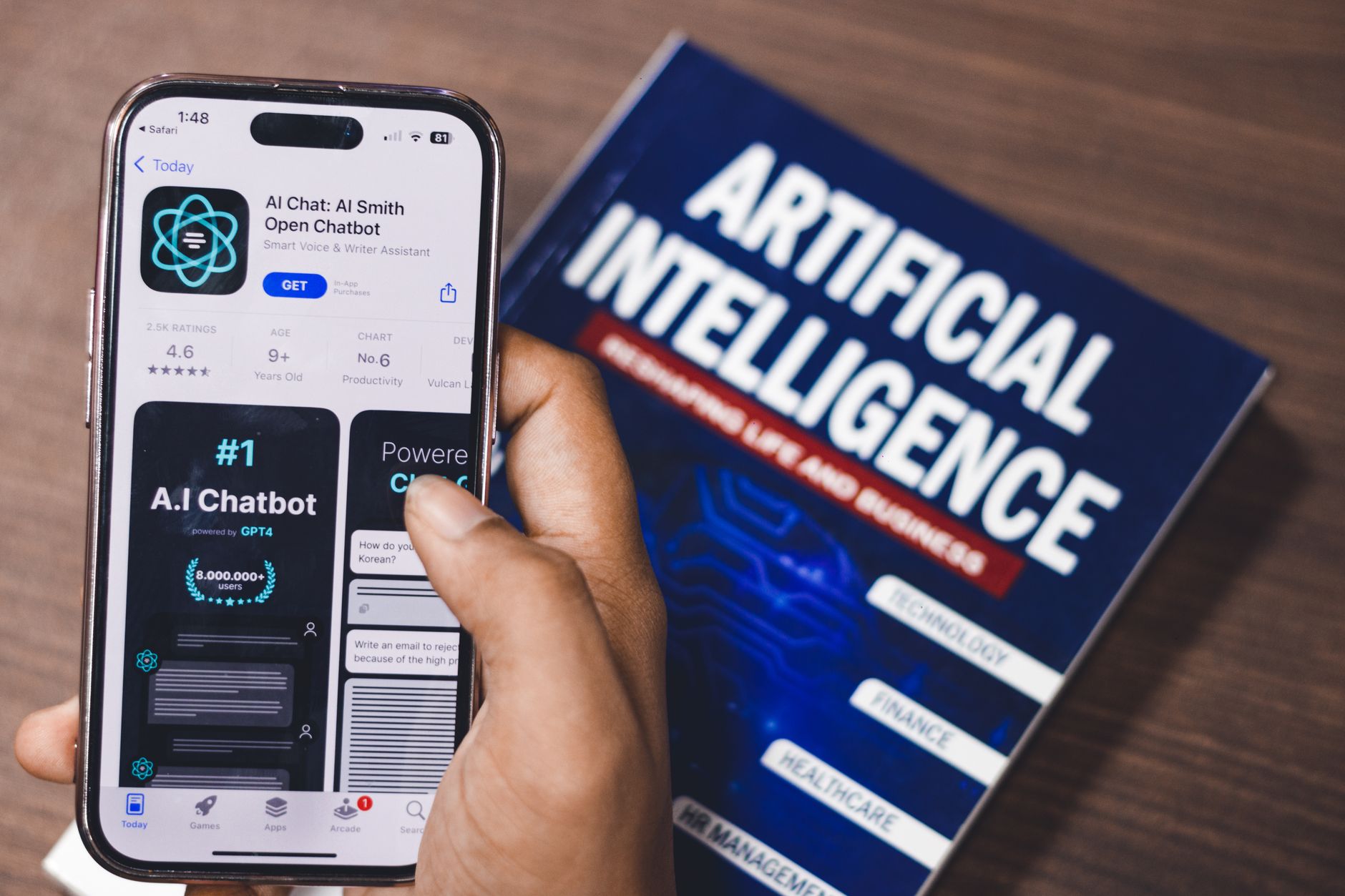
Apple has filed a lawsuit against OpenAI, accusing former Apple employees of stealing trade secrets tied to its on-device AI and Apple Intelligence stack. The news is being widely discussed in the Apple Support Community, and while the legal battle plays out in court, users are asking a very practical question: what does this mean for me, my data, and the AI features I use every day on my iPhone, iPad, and Mac?
This is a widespread concern, not a niche worry. Threads across the community show users confused about whether their Apple Intelligence requests are still private, whether ChatGPT integration inside Siri is safe to use, and how to lock down their accounts if any leaked internal tooling could theoretically affect end users. This guide walks through what’s actually happening, what causes the confusion, and the exact steps you can take right now to keep your Apple environment secure.
What Causes This Issue
The core of the lawsuit centers on allegations that ex-Apple engineers moved to OpenAI while carrying proprietary information about Apple’s private cloud AI infrastructure, on-device model optimization, and the architecture behind Private Cloud Compute. Because Apple Intelligence uses ChatGPT as an optional extension for certain requests, users are conflating three separate systems:
- Apple’s own on-device models, which never leave your device.
- Private Cloud Compute, Apple’s stateless server-side AI that processes requests without storing them.
- The optional ChatGPT hand-off, which sends a specific prompt to OpenAI only after you approve it.
Users in the Apple Support Community report seeing prompts asking whether to send a query to ChatGPT and worrying that trade secret allegations mean their personal data is now compromised. That is not what the lawsuit alleges. The suit concerns internal Apple engineering IP, not customer data. However, the confusion has surfaced real configuration issues: many users never realized ChatGPT extensions were enabled, or that Siri could route certain queries externally.
Other causes of concern flagged in the discussion include:
- Default settings after upgrading to iOS 26 or macOS 26 that enable Apple Intelligence without granular review.
- Shared Apple Accounts on family devices where one member enabled ChatGPT integration for everyone.
- Confusion between an OpenAI account signed into Apple Intelligence and an anonymous request pass-through.
Step-by-Step Fixes
- Audit your Apple Intelligence and Siri settings. On iPhone or iPad, open Settings, tap Apple Intelligence & Siri, and scroll to Extensions. Tap ChatGPT and review whether it is enabled, whether you’re signed in with an OpenAI account, and whether “Confirm Requests” is turned on. Enabling confirmation forces every hand-off to require your explicit approval.
- Sign out of any linked OpenAI account. If you previously connected a ChatGPT account to unlock paid features, sign out inside the same Extensions menu. This forces requests to travel anonymously, meaning OpenAI cannot associate prompts with your identity.
- Disable ChatGPT integration entirely if you do not need it. Toggle the ChatGPT extension off. Apple Intelligence will continue to work using Apple’s on-device and Private Cloud Compute models. You will only lose the ability to route complex queries to ChatGPT.
- Review Private Cloud Compute transparency. On macOS, go to System Settings, Apple Intelligence & Siri, and confirm that requests requiring server processing are routed through Apple’s verified nodes. Apple publishes the software images running on these servers for independent inspection.
- Turn on Advanced Data Protection. Open Settings, tap your name, then iCloud, then Advanced Data Protection. This enables end-to-end encryption for the majority of iCloud categories, ensuring nothing tied to your Apple Account is readable by Apple or any third party.
- Rotate your Apple Account password. Even though the lawsuit does not involve customer credentials, this is a sensible moment to refresh authentication. Use Settings, tap your name, then Sign-In & Security, then Change Password.
- Confirm two-factor authentication is active. In the same Sign-In & Security menu, verify that trusted phone numbers are correct and no unknown devices are listed.
Additional Solutions
Beyond the immediate settings audit, there are deeper steps worth taking to fully harden your Apple environment against any AI-related privacy concern.
Use per-app Apple Intelligence controls. In iOS 26 and macOS 26, Apple added the ability to restrict which apps can call on Writing Tools, Genmoji, and Image Playground. Open Settings, Apple Intelligence & Siri, then App Access, and disable it for any app you do not trust or do not use with generative features.
Clear Siri and Dictation history. Under Apple Intelligence & Siri, choose Siri & Dictation History and tap Delete. This removes any interactions Apple has retained for quality analysis.
Disable Improve Siri & Dictation. Navigate to Settings, Privacy & Security, Analytics & Improvements, and turn off Improve Siri & Dictation. This ensures none of your audio samples are shared with Apple for model training.
Check the Safety Check tool. On iPhone, go to Settings, Privacy & Security, Safety Check. Use Manage Sharing & Access to review every person and app with access to your data. This is especially useful on shared or family devices.
Consider Lockdown Mode for high-risk users. Journalists, executives, and anyone concerned about targeted attacks can enable Lockdown Mode under Privacy & Security. It disables many AI conveniences but significantly reduces attack surface.
Update to the latest OS release. Apple ships security fixes and privacy refinements in point releases. Go to Settings, General, Software Update, and install any available update immediately.
When to Contact Apple Support
Contact Apple Support directly if any of the following apply. Do not rely solely on community threads for these scenarios.
- You notice unfamiliar devices in your Apple Account or unrecognized sign-in alerts.
- ChatGPT integration appears enabled even after you disabled it, and toggling it does not persist across reboots.
- Apple Intelligence features do not respect your privacy toggles, such as continuing to send requests off-device after ChatGPT is turned off.
- You suspect your Apple Account was accessed without authorization.
- You need written confirmation of Apple’s data handling for compliance or legal reasons.
Reach Apple Support through the Apple Support app, at getsupport.apple.com, or by calling your regional Apple Support line. Save case numbers for any escalation.
FAQ
Does the Apple lawsuit against OpenAI mean my personal data was stolen? No. The lawsuit alleges that former Apple employees took proprietary engineering information, not customer data. Your Apple Account, iCloud content, and Apple Intelligence requests are not part of the claims.
Should I stop using Apple Intelligence? There is no technical reason to. Apple’s on-device processing and Private Cloud Compute architecture remain intact and independently verifiable. You can also keep using it while disabling the ChatGPT extension.
Is ChatGPT inside Siri still safe? The ChatGPT hand-off is opt-in per request when Confirm Requests is enabled. If you’re signed out of an OpenAI account, requests are anonymized. Whether you continue using it is a personal preference.
Will Apple pull ChatGPT integration during the lawsuit? There has been no announcement of that. The lawsuit is a civil trade secret dispute and does not directly affect the ChatGPT extension currently shipping in Apple’s operating systems.
How can I tell if my request went off-device? Apple Intelligence displays a Private Cloud Compute indicator when a request is processed server-side, and a separate ChatGPT prompt when a hand-off is proposed. If neither appears, the request stayed on your device.