






























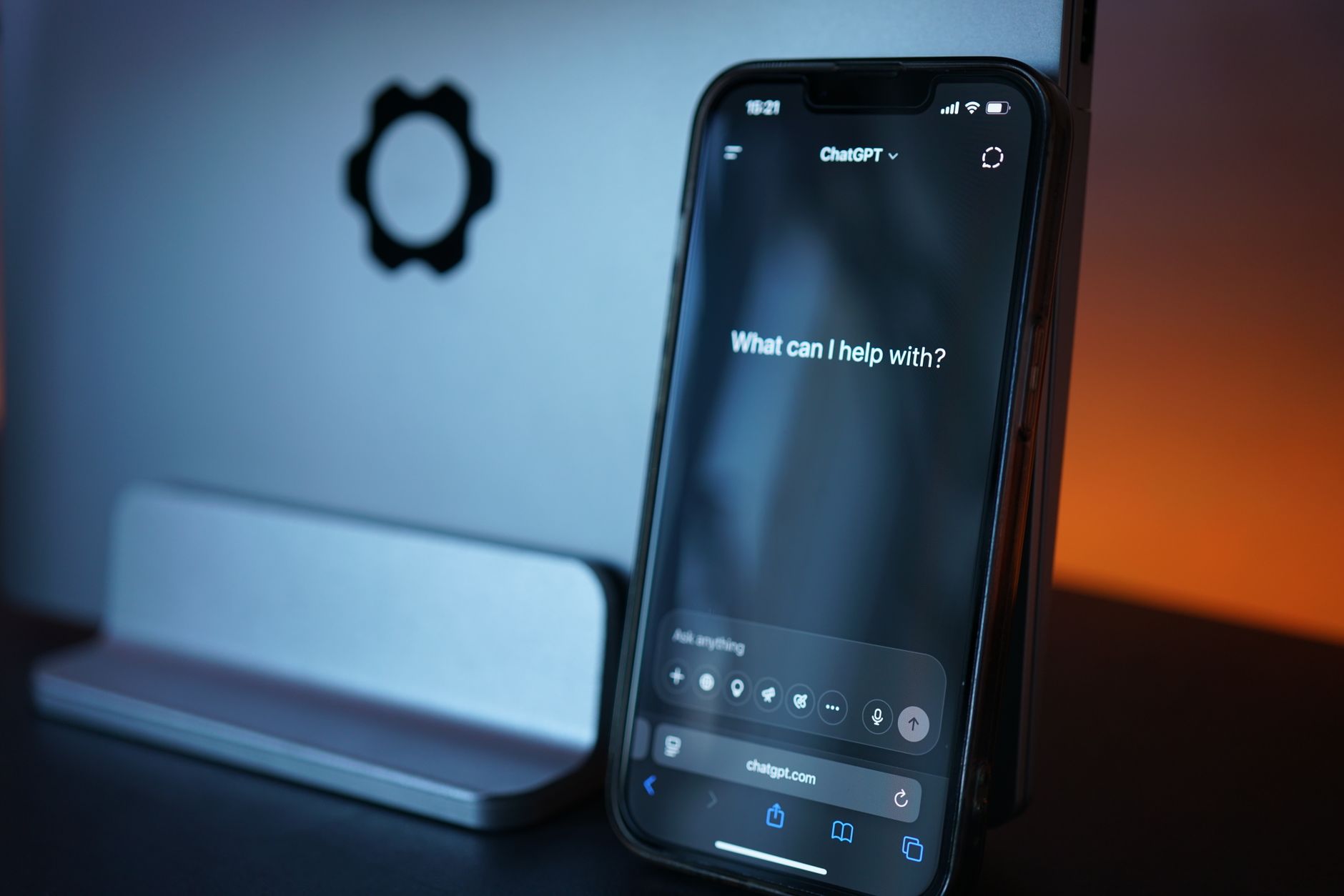
If you have been using the ChatGPT app on your iPhone, iPad, or Mac to work through advanced mathematics, you may have noticed something troubling: the assistant occasionally produces confident-sounding but completely fabricated proofs, counterexamples, or citations. A widely shared conversation involving a Fields Medalist working through the Jacobian Conjecture has reignited the discussion, and threads across the Apple Support Community show this is a widespread reported issue affecting users who rely on the ChatGPT integration in iOS 18, iPadOS 18, macOS Sequoia, and the newer Apple Intelligence stack.
The core symptom is simple to describe but frustrating in practice. You ask ChatGPT a technical or mathematical question through the native app or through Siri’s ChatGPT extension, and it returns an answer that looks structurally correct — theorem names, LaTeX formatting, citation-style references — yet the underlying reasoning collapses under scrutiny. This guide walks through what causes it on Apple devices specifically, how to work around it, and when the problem is on your end versus the model’s.
What Causes This Issue
The behaviour has several overlapping causes, and understanding which one applies to your session matters for choosing a fix.
First, there is the model itself. Large language models are trained to produce plausible continuations of text, not to verify mathematical truth. When pushed into territory where training data is thin — active research mathematics, niche proofs, unpublished conjectures — the model fills gaps with pattern-matched invention. This is commonly called hallucination, and it is not a bug the ChatGPT app can silently patch on your iPhone.
Second, there is the Apple Intelligence routing layer introduced in iOS 18.2 and refined through 2025 and 2026. When you invoke Siri with a complex request, the system decides whether to answer locally, route to Apple’s Private Cloud Compute, or hand off to ChatGPT. Users in the Apple Support Community have noted that handoffs sometimes strip context, so a follow-up question arrives at ChatGPT without the mathematical setup from the previous turn, encouraging the model to guess.
Third, the free tier of the ChatGPT extension on Apple devices does not always use the strongest reasoning model. If you have not signed in with a ChatGPT Plus account, Siri’s handoff typically uses a lighter model that is more prone to shortcut reasoning on multi-step proofs.
Fourth, there is a context window issue. Long mathematical conversations in the iOS app can exceed the effective attention span of the model, causing it to lose track of earlier definitions and produce contradictions in later turns.
Step-by-Step Fixes
- Open Settings on your iPhone or iPad, scroll to Apple Intelligence & Siri, then tap Extensions and select ChatGPT. Sign in with your OpenAI account rather than using the anonymous mode. This routes your requests through a stronger model tier and preserves conversation history.
- Inside the ChatGPT app itself, tap the model selector at the top of a new chat and choose a reasoning-optimised model (labelled with terms like o-series or Thinking) rather than the default fast model. Reasoning models take longer but are dramatically less likely to fabricate on mathematical tasks.
- Start a fresh conversation for each new problem. Tap the pencil-and-paper icon in the top corner of the app. Long sessions accumulate context that degrades accuracy.
- Prompt the model to show its work. Add a line such as “State every lemma you invoke and mark any step you are uncertain about.” This alone reduces silent hallucination substantially.
- Ask for verification in a separate turn. After receiving an answer, send a follow-up asking the model to check its own reasoning against a specific counterexample or edge case.
- If you are using Siri to hand off to ChatGPT, rephrase the query directly inside the ChatGPT app instead. The handoff loses nuance that matters for technical questions.
- Update to the latest ChatGPT app from the App Store. Older builds occasionally exhibit stale model routing that has since been fixed server-side.
Additional Solutions
Beyond the core steps, several workarounds help when the problem persists.
Enable web search inside the ChatGPT app by tapping the globe icon before sending your prompt. Grounding the model in retrieved sources reduces fabrication on questions where authoritative references exist online. This is especially useful for citation-heavy queries where the model would otherwise invent paper titles.
For proof-heavy work, use the ChatGPT app’s canvas or code interpreter features. Ask the model to verify a step numerically in Python. Running actual computation catches errors that pure text reasoning misses. Users in the Apple Support Community have reported that switching to canvas mode on the Mac app noticeably improves consistency on multi-step derivations.
If you have a ChatGPT Plus or Pro subscription, use the Mac app’s global keyboard shortcut (Option + Space by default) to invoke ChatGPT with the currently selected text as context. This preserves the exact wording of a theorem or definition you are querying, avoiding paraphrase errors.
Turn off memory temporarily if you suspect earlier saved facts are contaminating new answers. In the ChatGPT app, go to Settings, Personalisation, Memory, and either clear specific memories or disable the feature for a session.
Finally, cross-check anything important. Treat the assistant as a fast but unreliable collaborator. For mathematical work, that means running numerical sanity checks, consulting a real reference, or asking the model to attack its own answer.
When to Contact Apple Support
Apple Support can help if the problem is with the integration itself rather than the model’s reasoning. Contact them if Siri consistently fails to hand off to ChatGPT despite the extension being enabled, if the ChatGPT extension will not accept your OpenAI sign-in, if Apple Intelligence features are missing entirely on a supported device, or if the ChatGPT app crashes reliably on launch after an iOS update. For hallucinations and incorrect answers, however, Apple Support cannot help — that is a model-quality issue you must raise with OpenAI through the feedback controls inside the ChatGPT app itself, by long-pressing a response and choosing the thumbs-down option with a written explanation.
FAQ
Is Apple Intelligence itself producing the wrong math answers? No. When a query is routed to ChatGPT, the response comes from OpenAI’s servers. Apple Intelligence handles routing and privacy, not the mathematical reasoning.
Does turning off Apple Intelligence fix this? Not really. Disabling Apple Intelligence just means you lose Siri’s handoff feature. The ChatGPT app itself still behaves the same way.
Why do reasoning models give better math answers? They allocate more computation to internal deliberation before responding, catching contradictions that fast models paper over.
Can I trust ChatGPT on iPhone for homework or research? For learning and drafting, yes, with verification. For anything you will publish or submit, always check the output against a primary source or a symbolic tool.
Does the iPad version behave differently from iPhone? Functionally identical. The Mac app adds keyboard shortcuts and canvas but uses the same models.












