Android is still preferable in the Competition between Android and the iPhone has been much closer in recent years. For a long time, it was accepted wisdom that iPhones were technically superior and that the only reasons anyone would select Android were financial or philosophical.
The differences between the most recent iPhones and the best Android handsets in terms of technology are now negligible. There’s no denying that Apple’s central processing units (CPUs) and other hardware components are works of art. However, the level of competitiveness is high enough that the distinctions are more intriguing than convincing.
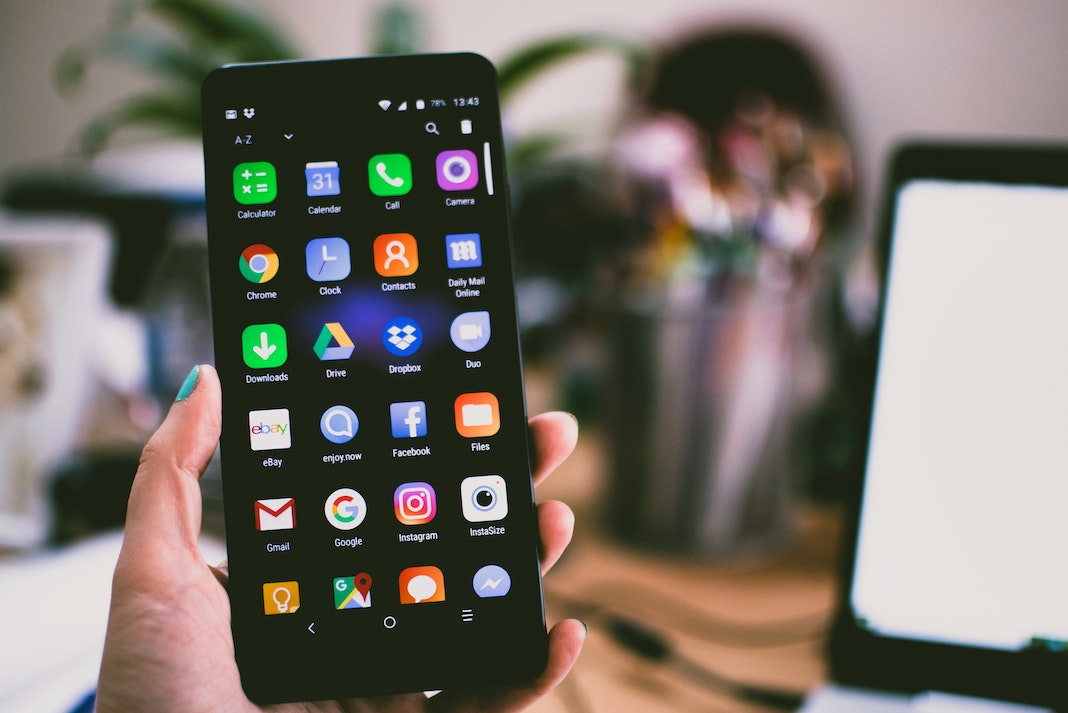
Android is a diverse and inclusive platform. Android smartphones come from a dizzying array of brands, including Samsung, HTC, Sony, Motorola, LG, Huawei, ZTE, and many more. You can find little phones, large ones, ones with styluses, swiveling cameras, edge screens, and even ones with actual keyboards like the Blackberry Priv. The needs of a more specialized audience, such as two SIM cards, are met, and flagship smartphones boast cutting-edge hardware. MicroSD card expansion and a user-replaceable battery are two additional features unavailable on Apple products. While it’s true that some Android manufacturers have stopped including these perks, the flexibility of the market means that others still do.
Android phones, in general, have significantly improved since their inception.
Find out why Android is still preferable to iPhones if you’re trying to decide between the two.
Customization
Apple, like the overbearing father in a 1950s sitcom, feels it knows what’s best for its customers and locks down the user interface, making fewer customization options available than Google. Only a few widgets are available to you. On Android, though, you can personalise your home and lock screens with widgets for everything from music playback and weather updates to note taking and more.
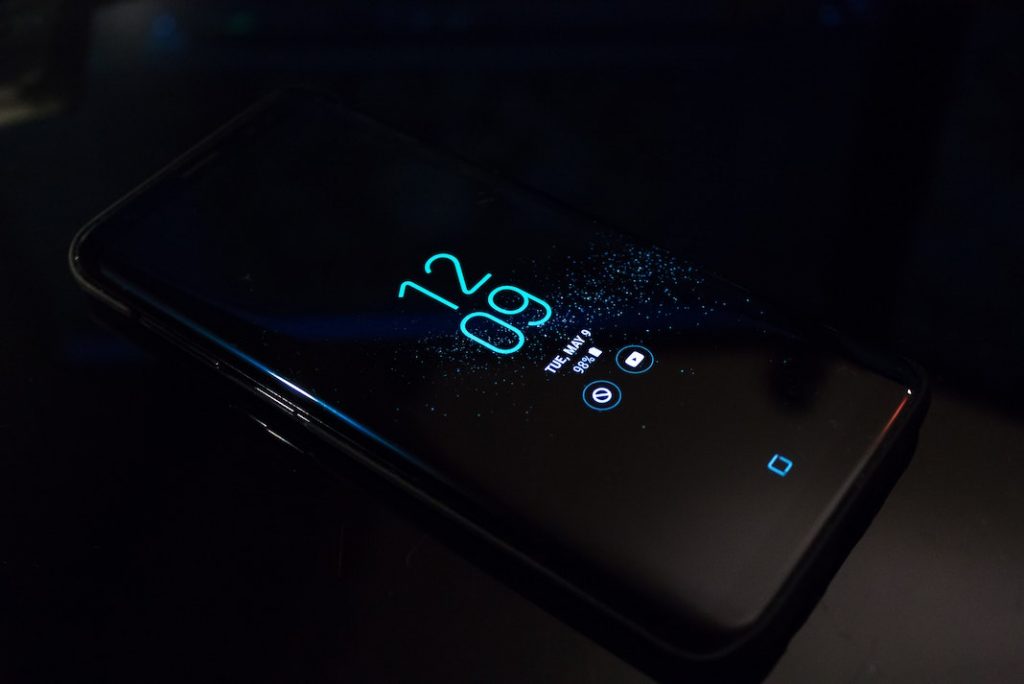
Samsung and LG are just two examples of manufacturers that create their own “skins” on top of the standard operating system to give their devices a distinct appearance. Even better, you can change the look and feel of your phone by installing your launcher and/or a custom theme. So, Android is still preferable.
2. System for Managing Files
Files stored on an Android phone can be accessed directly, and the phone can be used to share media like photos and music with a computer wirelessly.
On the other hand, the iPhone’s default “Files” app only provides limited access to the device’s storage and does not support downloading files to the device’s internal memory. It’s aggravating because you can’t even access the files when connecting them to a laptop through USB.
3. “Google Now”
You won’t find anything quite like this among the other Google services, and while the amazing voice search is now available in the Google iOS app, there are some features of Google Now that are exclusive to Android. Google Now’s predictive and preemptive nature, which aims to satisfy your goals before you think to search for them, might be genuinely revolutionary when we look to our technology to push things forward and bring real convenience boosts to daily life.
The question of whether Google Now is superior to Siri remains open. While personal taste still plays a role, many users find Google Now to be more direct and concise, two qualities we look for in a good digital assistant. Many new features, including Google Now on Tap, are also being ported over to Marshmallow. So, Android is still preferable.
4. Fast-charging USB Type-C power outlets
For any purpose involving the charging or connection of an iPhone to a computer, a cable with Apple’s proprietary Lightning port is required. Unfortunately, no devices apart from iPhones and iPads charge Lightning, so you can’t use the same cords for several gadgets. It’s hilarious because USB-C is how Apple’s MacBooks get power.
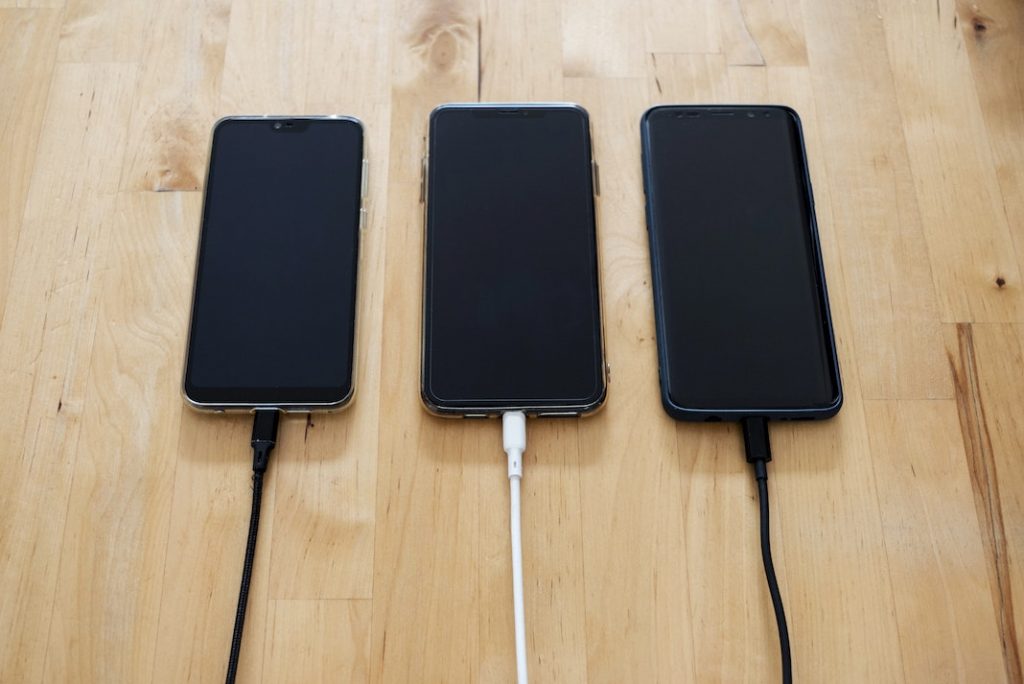
Most modern Android phones have a USB Type-C charging connection, allowing them to connect to various power sources and accessories, from wall chargers to docking stations. Moreover, most modern Android phones support quick wired charging through USB-C. For rapid charging on the iPhone 8, iPhone 8 Plus, or iPhone X, you’ll need to invest in a new 29-watt or greater power brick and a USB-C to Lightning cable.
5. Launchers
Get ahold of an iPhone and compare home screens with a fellow iOS user. Oh no, they’re indistinguishable at first glance! However, Android is not like that.
You’ve experimented with a custom launcher if you want to change the appearance of your Android phone or tablet. From the home screen layout and page transitions to effects and gestures, there is a broad selection of customizable launcher apps available in the Google Play store. When you use a safe launcher app, you can truly unleash your device’s full potential with zero effort.
Another scenario where you’d benefit from using a launcher is if you love your phone but hate the manufacturer’s UI. In cases like this, a launcher is invaluable. And suppose you’re the kind of Android user who loves the flexibility of the operating system but secretly covets the polished appearance of iOS or Windows. In that case, you’ll be happy to know that there are launchers that can help you mimic those platforms’ designs. This makes Android is still preferable.
6. Backward button
The back button on Android devices is a quick and convenient way to return to the previous screen. Even while switching between apps, the button continues to function. In the event that you tap a link in Facebook and are taken to Chrome, you may easily navigate back to the social network app by tapping the browser’s back button.
A contextual back button within an app, or a back button that appears when you click a link that leads you from one app to another, are both available on the iPhone. Unfortunately, there isn’t a “pause” button you can use anywhere. So, Android is still preferable.
7. Economics of Cost
Are you looking for the most value for your money when purchasing a new iPhone or Android phone?
You know that, right? Who would want to shell out hundreds extra for an iPhone when it’s inferior to the latest flagship Android device in both features and raw power?
Android phones are a better buy than iPhones due to the superior hardware they include. If Apple’s iPhones had the same specifications as the best Android phones from Samsung and Google, the price tag would likely be closer to $1,500.
Subsequently, you’ll see that flagship Android phones offer superior hardware and more features than iPhones do, and at a lower price.
Apple charges ridiculously high prices for seemingly trivial items. It has decided to no longer ship its iPhones with bundled headphones after the release of the iPhone 12. Apple, are you serious? When someone buys a phone that costs $1100, you can’t give them a pair of headphones for free, right? Nope. They push you to buy AirPods for extra $150.
Including the $1,100 for the new iPhone, $150 for the AirPods, and $300 for the AppleCare guarantee, the total cost for the phone and headphones is $1,550. This makes Android is still preferable.
Final Thoughts
Ultimately, both the Android and the iPhone have their benefits and drawbacks. I think the benefits of using an Android device far outweigh those of the iPhone.
An Android phone is the way to go if you want to take advantage of the many features discussed in this article.