






























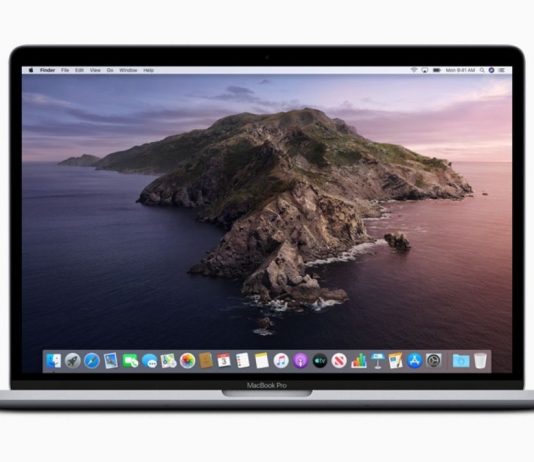




How To See Hidden Files In macOS Monterey?
Below we have curated the different methods using which you can view the hidden files on MAc running on macOS Monterey.Numerous files are, by...

9 Tricks To Optimize Your Mac For Gaming
In this article, we have explained the different tricks that can help optimize your Mac performance for gaming.While Mac is one of the robust...

Upgrade Instructions For Windows 11 22H2
Microsoft has made the following important update for Windows 11 open for Insiders to test in the Release Preview channel. If you can't wait,...

Windows 11 File Explorer Tabs Configuration Guide
Windows 11 File Explorer TabsWindows 11 now has a lot of new features that Microsoft has been working on for a long time. These...

How To Capture Screenshots On Mac
Capture screenshots on Mac is a convenient tool to collect the information. A crucial skill for any Mac user, whether it's tickets to a...
8 Ways To Use The macOS Recovery Tool On Mac
Apple recovery is a handy tool that allows you to perform several functions such as reinstalling the operating system, restoring the backup from the...

Can not see Clear History in the history menu of Safari on Mac
If you have a habit of clearing history of safari from History menu in just one click but all of a sudden you can...

The Best MacBook Deals for April 2022
Save Your Hard-earned Money with the Best MacBook deals
The best MacBook deals of April continue to impress as the month comes to an end....

macOS Ventura: Cannot Delete Apps In MacBook Air [Fixed]
In this troubleshooting guide, we have mentioned the different hacks you can employ when you cannot delete apps in MacBook Air M1 running on...
Backup your iTunes for Windows library with SyncToy 2.1
SyncToy 2.1 is a free application that synchronizes files and folders between locations. Typical uses include sharing files, such as photos, with other computers...