
































Explorer.exe does not show up automatically or computer goes to blank (Black) screen after...
What is Explorer.exe?
The process Explorer.exe is a commonly used process in all Microsoft Windows Operating Systems known as Windows Explorer. Windows Explorer is basically...

Hands-on Weather App In macOS Ventura
Earlier macOS versions had a weather widget, but it only offered the bare minimum of weather data. This is why it's such a big...

External USB DAC Audio Dropouts On Ventura And M1 {Solved}
The integration of advanced audio technology into our everyday devices has enhanced our listening experiences. However, technical glitches can sometimes disrupt this immersive audio...
How To Set Up 3 Monitors In Windows 10?
In 2021, workflow is the highest in comparison to before. Most of our activities are on our computers, forcing us to toggle between multiple...

Enable Screen Saver In Mac Devices Running macOS Ventura
In this guide, we will show to enable Screen Saver in MacOS 13. This month, Apple shows off macOS Ventura, which is also known as...

Is Mac Not Turning On After Update? Try These Fixes
In this article, we will see how to fix a Mac not turning on after installing an update.Rebooting or turning on a Mac is...
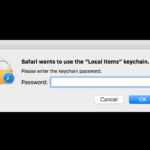
Safari Wants to Use Your Confidential Information Stored in ‘website’ in Your Keychain
Keychain Access is a Mac OS X application provided by Apple that allows you to view and edit the contents of a keychain file...
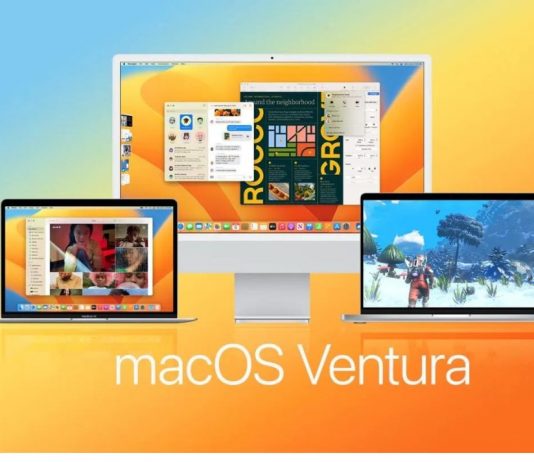
macOS Ventura: Common Problems And Solutions
macOS Ventura wasn't released until July, developers have been busy porting over their existing code and testing it under the new operating system since...

Apple MacBook Neo: Everything You Need to Know
.hd-table-wrap {
overflow-x: auto !important;
overflow-y: visible !important;
-webkit-overflow-scrolling: touch !important;
width: 100% !important;
display: block !important;
}.hd-table {
...
15 Best New Windows 11 22H2 Features You Should Know
We know that Microsoft has moved to the yearly cadence with Windows 11, every year there will be an update with new features introduced....