






























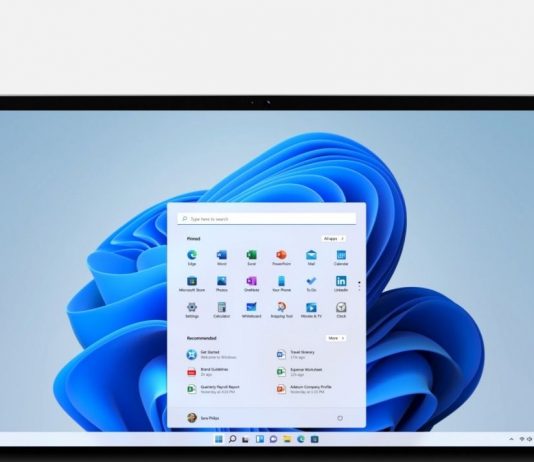




How To Change Mac Address In Windows 11
Mac address is a unique physical identifier for devices connected to a network. This address is assigned to all network devices like computers, mobiles...

Automatically Run Hyper-V Virtual Machines At Startup In Windows
Run Hyper-V Virtual MachinesWhile running virtual machines with Hyper-V is straightforward, selecting a specific VM to start automatically at startup is not as straightforward....
Windows 11 is coming with New Entertainment Widget
Microsoft just announced the release of Windows 11 Insider Preview Build 22000.71 for its users. It explains some changes, some known issues, and some...

Testing Macrium Reflect Restore Using VirtualBox Virtual Machine In Windows 11
When creating your initial Macrium Reflect the image of your system the ultimate check is by checking that the image is complete would be...
How To Show Or Hide Items In Disk Management In Windows 11
Managing your computer’s storage effectively is essential for maintaining optimal performance and organization. Disk Management in Windows 11 is a powerful tool that allows...
How To Enable Or Disable Device To Wake Computer In Windows 11
In Windows 11, the ability to allow certain devices to wake your computer from sleep mode can be incredibly convenient. Whether it’s a mouse,...