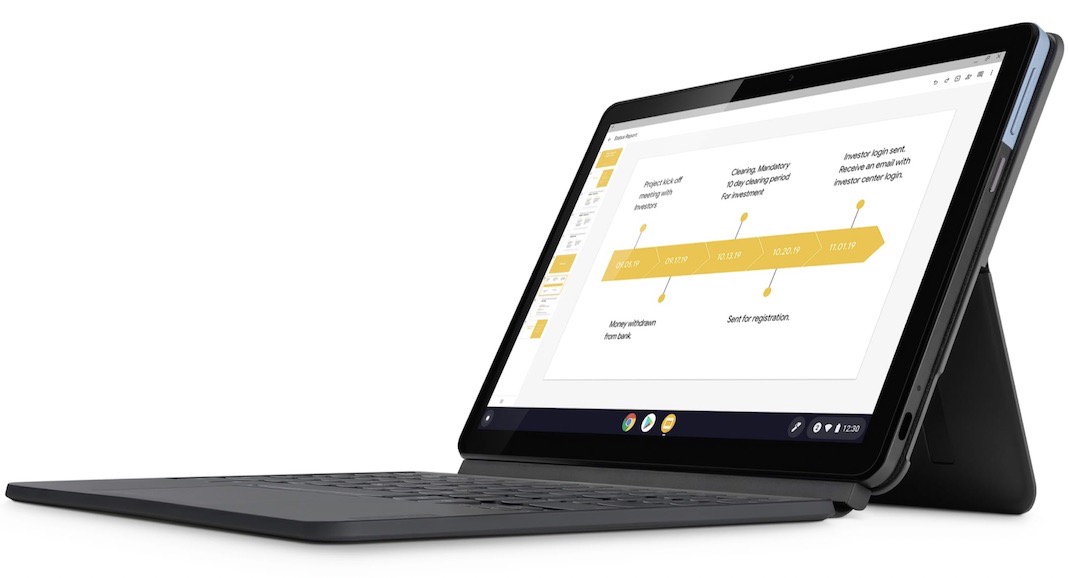
Chromebook issues that Google must address are necessary because Compared to Apple laptops and Windows 10 PCs, Chromebooks are a fantastic alternative. Although problems are inevitable for any laptop user, Chromebook owners may feel particularly helpless when confronted with some of the more typical concerns.
Have you ever considered whether or not a Chromebook would better serve your tasks? Several positive aspects of these tools stand out. They have also done well in the market for educational institutions, from kindergarten through college. And if you’d like the convenience of working from home, a single Chromebook can save you money on technology by replacing your laptop, smartphone, and tablet. Every major PC maker has a Chromebook variant, including Dell, Acer, HP, and Lenovo. Here are some of the benefits and drawbacks of using a Chromebook so you can decide if this portable computer is perfect for you.
What is a Chromebook?
Unlike other laptops, Chromebooks use Google’s Chrome OS, stripped down compared to other laptop operating systems (such as Windows, macOS, and Linux). They were developed to perform the vast majority of their functions online.
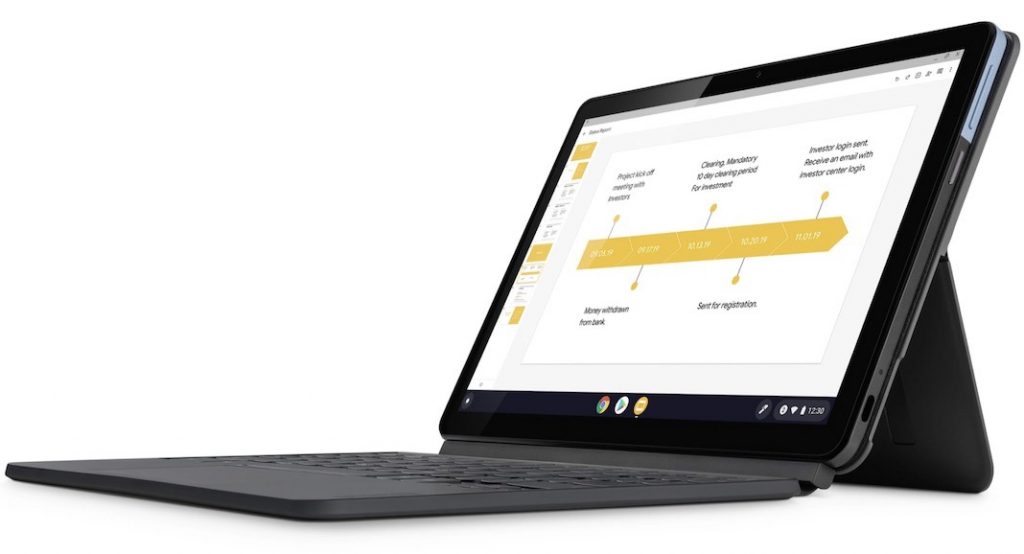
Because of this, most software is now accessed online rather than downloaded and installed on the computer.
It uses Google Chrome as its primary browser and is built on the Linux kernel. Its look is similar to Chrome, but it also includes the standard OS components like a taskbar and file manager.
A Chromebook is a low-cost laptop that runs Google’s Chrome web browser instead of Microsoft’s Windows. Chrome is the default browser on Chromebooks and may be used for various tasks, including accessing and storing files in the cloud.
Like any other technology, Chromebooks are not without flaws and may not be the best for all users. As a result, before making a choice, it is important to understand the constraints and drawbacks of Chromebooks that google should address:
1. You can’t utilize it while you’re online
Chromebooks are designed to be used mostly online for reading, editing documents and spreadsheets, running searches through Chrome, or sending and receiving emails. Consequently, the vast majority of their software resides in the cloud.
Because of this, many of its programs may be inaccessible or have reduced functionality when used offline because they are not locally installed on your computer. You can do nothing to get any job done without access to the Internet.
To use Google Apps, even when you don’t have access to the Internet, you can set them up to do so. With the assurance that any modifications made to these apps while disconnected will be synced with the cloud as soon as you reconnect.
2. Issues with the printing
When it comes to printing, Chromebooks fall a bit short. You can’t use a USB cable or anything similar to connect to the printer; instead, you must use a network connection. There has been a recent uptick in the variety of printers that enable Wi-Fi, but there are still some for which this feature is either unavailable or unsupported.
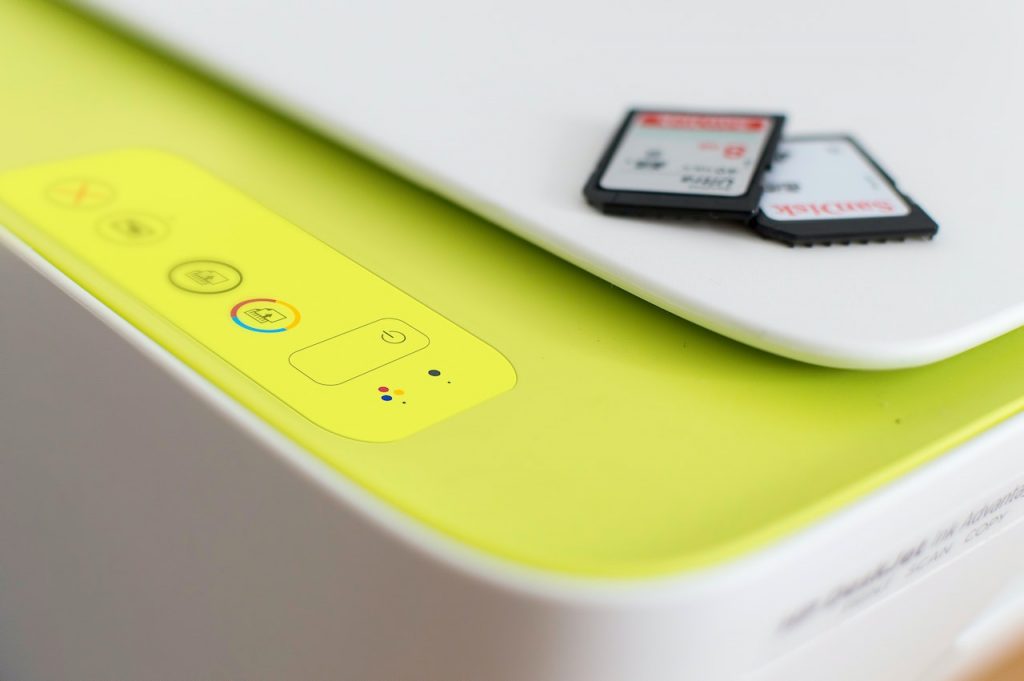
If you frequently work offline or need to print sophisticated documents, a Chromebook is a reliable choice. One issue is that not many programs or apps can print on Chromebooks.
There are, however, alternate options, such as having the document printed at a local convenience store. If you regularly work with such paper documents, it may be safer to use them in tandem with your current computer rather than make the jump to a Chromebook. This is the Chromebook issue that Google must address.
3. Disc space is limited on the local machine.
It’s common knowledge that most Chromebooks feature between 32 and 64GB of storage space maximum. It’s an economical design choice that aids in keeping the weight down, hence keeping the price down, of these portable devices. The search giant Google recommends using cloud storage. Therefore, it is common for Chromebooks to provide 100 GB of free cloud storage.
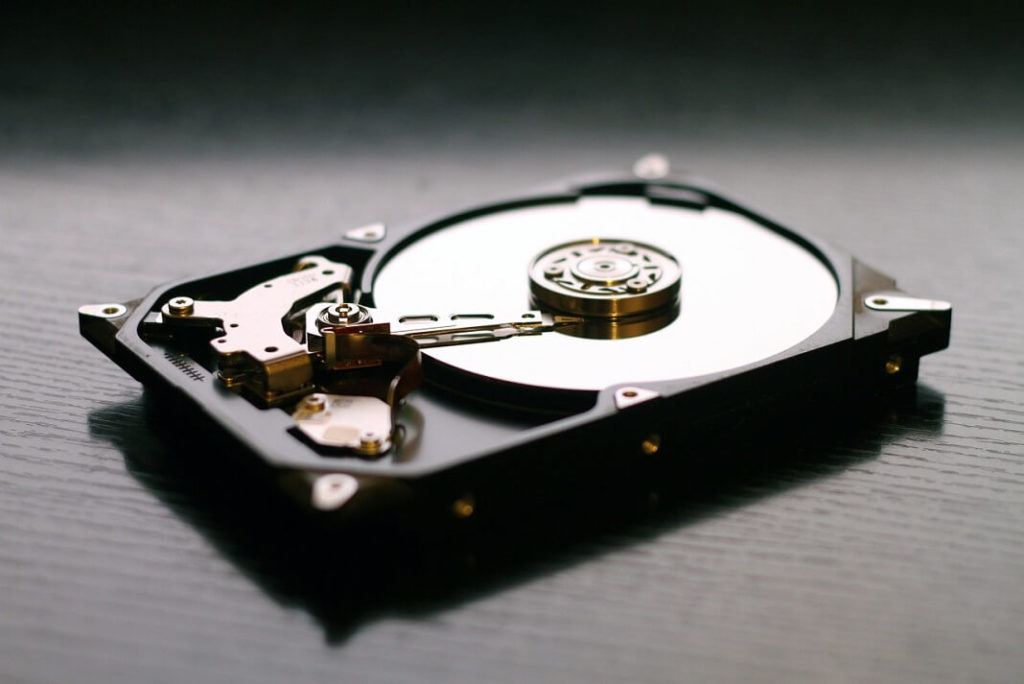
Sure, that’s no problem. However, if we could run a scenario by you… Do you recall the presentation that required some fine-tuning? To illustrate, imagine that you are unable to connect to the web. With it being on the cloud, how do you plan on retrieving it? A portable hard disc is all that is required. But then there’d be more items to lose or have stolen.
4. A lack of high-end gaming features
A few games are available on the Google Play store, but otherwise, you’re out of luck. While certain models allow light gaming like League of Legends or independent titles, more complex activities are strictly prohibited.
Online browser games are also available. However, Chromebooks do not support any widely-used, high-quality games. The performance hit from opening even a few more Google Chrome tabs is noticeable.
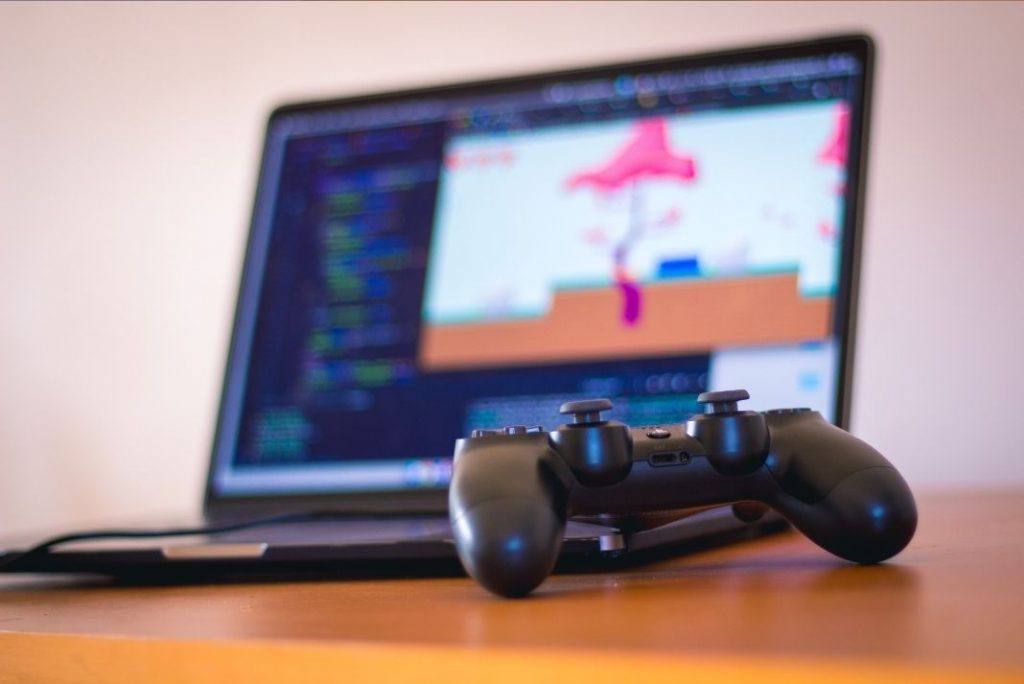
Neither the high-powered processor nor the large gaming display of 24 or 27 inches would allow the device to run higher-quality games.
Chromebooks excel with web-based, lightweight software. As a result, it’s a fact that the Chromebook’s hardware specs are quite modest. Apps that require a lot of processing power may work on Chromebooks, but using them will be a delicate and potentially stressful procedure.
5. An ‘end of life’ date should be considered important (Auto Update Expiration).
To keep Chromebooks up-to-date and secure for their users, Google releases automatic updates regularly.
There is a date on every Chromebook known as the “Auto Update Expiration” (AUE), after which it will no longer get updates and may be unsafe to use (mainly for security reasons).
Now, this isn’t unprecedented; for instance, Apple doesn’t always update its operating system to support older systems.
Also, you could argue that knowing the exact lifespan of your gadget helps with planning for future hardware purchases.
6. Disappointingly incompatible with other software
Everything that can be done on a web browser can be done on a Chromebook, with the obvious exception that you won’t be able to utilize the same applications that you would on a Windows or Mac computer. Because of this, you won’t be able to use any programs designed for use on a Windows or Mac computer. However hard you try, you won’t be able to use Chrome OS to run Windows-only software.
A potential issue is that you won’t be able to access the app you need. Having a web-based version of the program you need is a plus.
Although Google Docs, Sheets, etc., serve a similar purpose, they are insufficient for widespread adoption because they do not support vertical writing or offer a sufficient number of template options. Excel and Word are particularly accessible via Office Online.
7. Failure not to run Microsoft Office.
The desktop edition of Microsoft Office is not available for installation.
Using Microsoft Office was second nature for those who grew up with the Mighty Morphin Power Rangers. The loss of Microsoft Office would devastate every other serious user and us.
This is especially painful if you’ve spent years honing your skills in Adobe Illustrator and Photoshop. The Chrome OS cannot run any of Adobe’s Creative Suite software. Some well-known image editors, such as Pixlr, can be found in the Android app collection. Unfortunately, it’s a stripped-down version of Adobe’s normally robust, industry-standard software.
8. There will be no visual or audio editing.
Chromebooks’ poor technical characteristics and internal storage space also make them inadequate for resource-intensive jobs like graphic design and video editing. In addition, even the most basic Chromebooks have Intel or AMD dual-core processors.
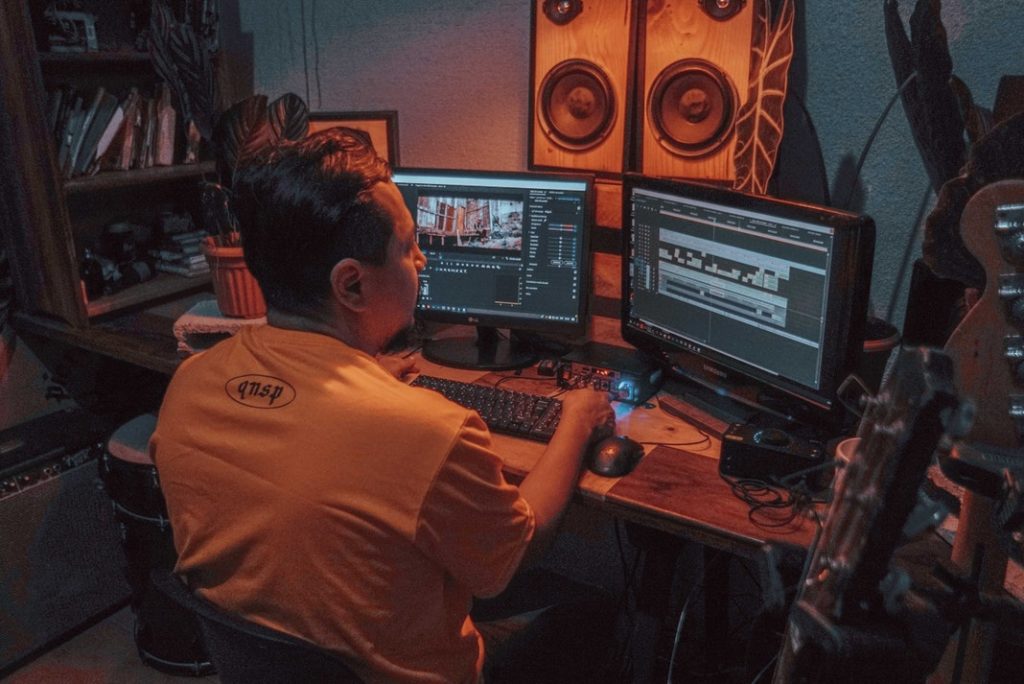
The quantity of primary memory, in the form of RAM, that is accessible on such devices is another factor that may be disappointing. The cheapest Chromebooks on the market have 2 GB of memory, with some alternatives offering 4 GB, but you cannot update the RAM to gain an advantage, nor can you get a Chromebook with more memory for a greater price.
You won’t be able to use Adobe Creative Suite or virtual machines with these system characteristics. Instead, it’s ideal for those who have very simple computing demands, such as the ability to access the Internet, write and edit simple documents, and manage basic spreadsheets.
That’s why Chromebooks are perfect for folks who claim they never use more than the app’s bare-bones features. This makes it a poor choice for anyone that needs to accomplish things like gaming, graphic design, video editing, screen recording, streaming, etc.
9. Less RAM
Chromebooks typically include 4GB of RAM, which is less than half of what is found in a typical laptop. Data stored in RAM is temporary and will be lost once the device is turned off. Both applications running and those running in the background use RAM to store data. To engage with a website, your computer uses RAM to temporarily store data about the page each time you open a new tab. Unless you intend to run virtual machines, stream games, run some Linux applications, or have many browser tabs open at once, you probably won’t run into RAM issues with a Chromebook because of the ChromeOS operating system.
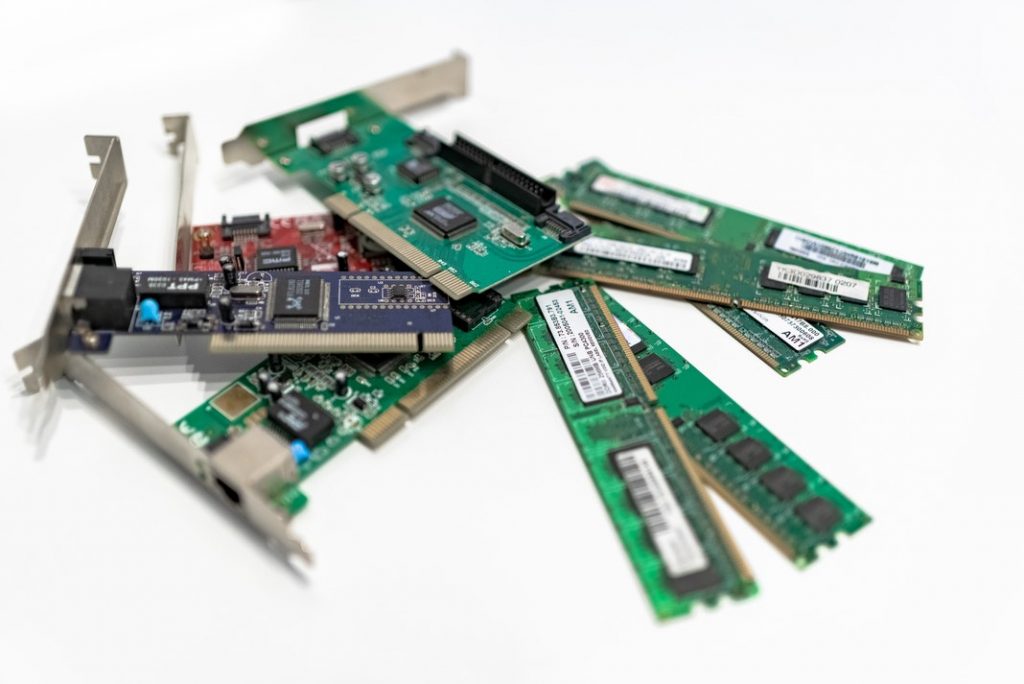
It has a lot of RAM for a browser (4GB). But you can’t have as many tabs open as you can with Google Chrome, which is a major drawback. Getting a Chromebook with the right specs for your needs is also important.
10. Absence of Optical Drives
No Disc-Reading Drive Chromebooks, like most modern laptops, don’t come equipped with an optical drive. You may buy an external optical drive to play CDs, DVDs, and Blu-rays, and most Chromebooks feature USB-A connectors.
Conclusion
Hence, these are the few issues that Google should address. However, Chromebooks are versatile and useful tools that will improve over time. There is a blurring between Chromebooks and traditional laptops in terms of functionality. CDW offers Chromebooks from all the major manufacturers, from the most affordable to the most cutting-edge, including Acer, ASUS, Google, HP, Lenovo, and many more.