































17 Best Ways To Enhance Battery In MacBook M1
When it comes to Apple's MacBook portfolio, last year was a turning point. Apple enhance battery in MacBook M1. An in-house M1 chipset was installed...

4 Techniques To Fix No Audio On WhatsApp Desktop On Macbook Air
WhatsApp has a Windows and Mac desktop application. While the WhatsApp Web browser extension does not offer audio or video calls, the desktop client...
macOS Ventura: Common Problems And Solutions
macOS Ventura wasn't released until July, developers have been busy porting over their existing code and testing it under the new operating system since...
Everything About The New System Settings In macOS Ventura
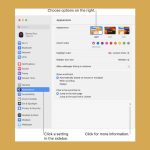
Apple introduced a brand-new app called System Settings in place of the well-known System Preferences app in macOS Ventura. Long-time Mac users may initially...

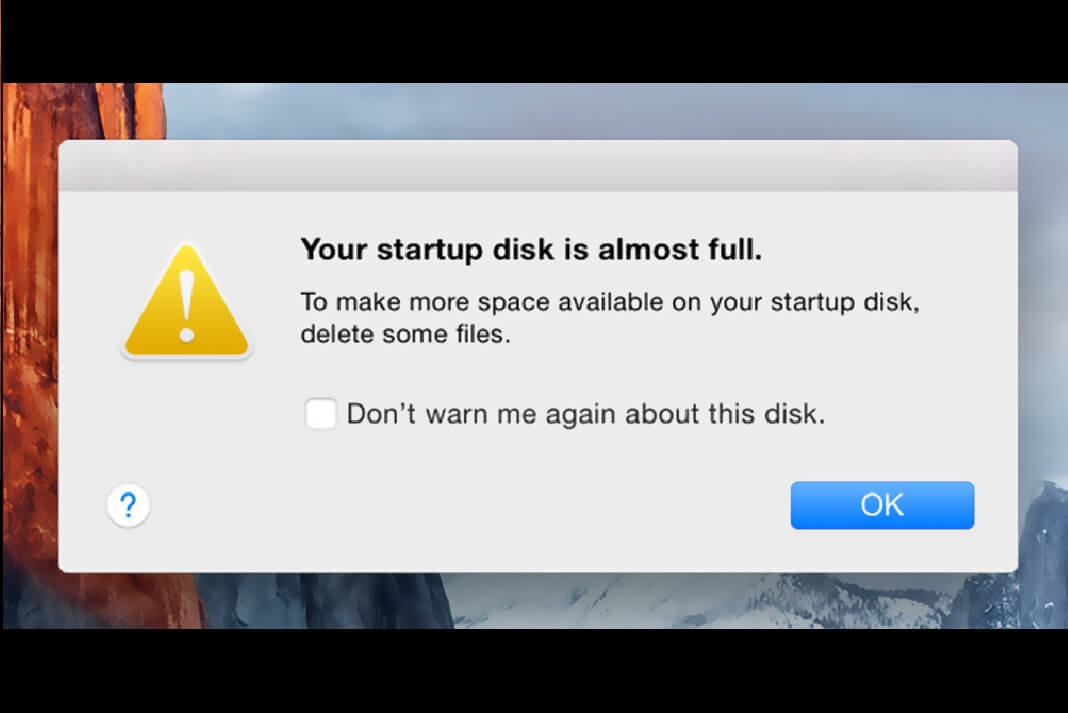
[FIXED] ‘Not Enough Space for macOS Monterey’ Error
In this article, we have explained how to get rid of the 'Not Enough Space for macOS Monterey' Error.Having enough free space on your...

Problem To Playing Video Codec Sony a7s3 At 100fps- macOS Ventura 13.4 Fixed
The Sony a7sIII camera is known for its exceptional video capabilities, particularly when capturing footage at high frame rates such as 100fps. However, recently,...

How To Get macOS’ Live Text Feature In Windows
Live Text Feature in WindowsTo copy, translate, or look up text that is in an image with Apple's Live Text feature, you just need...
macOS Ventura: Schedule A Startup, Shutdown, And Restart
Do you need to schedule a startup, shutdown, or restart on your Mac computer running on macOS Ventura? If so, then this guide is...

How To Change Mac Address In Windows 11
Mac address is a unique physical identifier for devices connected to a network. This address is assigned to all network devices like computers, mobiles...
How To Set Up Two-Factor Authentication In iCloud Keychain
One of the reasons Apple is well known is for its security and privacy. If a third party is in possession of your Apple...