






























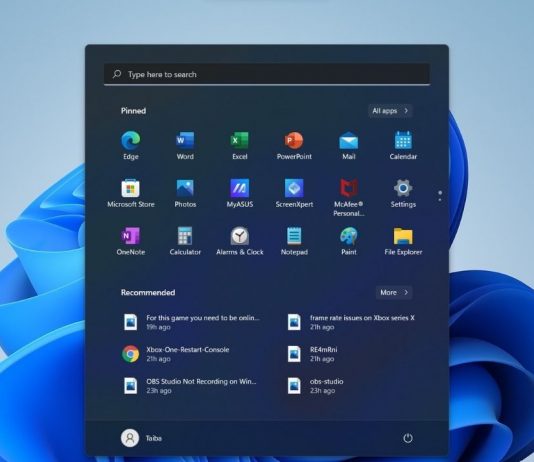

What Is Moment 3 Microsoft? How To Get Moment 3 On Windows 11?
You have arrived at the correct spot if you are interested in learning more about Moment 3 and the overall process of installing it...
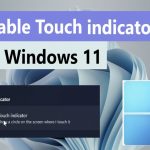
How To Turn On And Off Touch Indicator In Windows 11
Touch Screen is a special feature that helps us to interact directly with the screen without using any external device like a mouse, keyboard,...
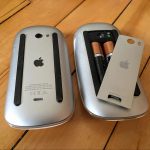
How To Fix Apple Mouse Not Working
The Apple Magic Mouse and the Magic Trackpad are the two pointing devices that Apple sells. The difference between the two generations of Magic...

How To Change Default Folder To Save Screen Recordings By Snipping Tool App In...
The Snipping Tool in Windows 11 is a versatile and user-friendly application for capturing screenshots and screen recordings. However, by default, Windows saves your...
How To Share Files With Apps In Windows 11: A Step-By-Step Guide
Sharing files between applications is a fundamental task that can enhance productivity and streamline workflows. In Windows 11, Microsoft has made it easier than...
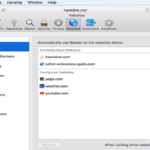
New Features with Safari in macOS High Sierra
As we know that Apple has introduced its new macOS at its WWDC 2017 event and its going to be called as High Sierra. As...

How To Change Microsoft Edge Kiosk Settings In Windows 11
How to set up Microsoft Edge Kiosk Settings in Windows 11 is shown in this post for new users. It's possible to set up...

Everything New In Reminders App On macOS Ventura
In its most recent Mac operating system, Apple made several software improvements, one of which we’ll cover today- the Reminders app in macOS Ventura...

What Is Proxifier And How Can We Use It On Windows?
In today's hyper-connected world, protecting one's privacy and ensuring online safety is paramount. A sophisticated proxy client that enables users to route network connections...

[Fixed]On-Screen Keyboard Not Working In Windows 11/10
In this article, we will be discussing the various ways to fix the on-screen keyboard not working in Windows 11/10. The Onscreen keyboard comes...