In the ever-evolving digital landscape, the Internet initially aimed to revolutionize work culture and foster global unity. Nonetheless, amidst this pursuit, visionaries recognized the fundamental human need for entertainment and leisure. Thus, the introduction of online gaming emerged as a gateway for individuals to unwind and immerse themselves in enjoyable experiences.
Video games and online games have transcended mere pastimes; they have become an integral part of the digital way of life, infusing entertainment, inspiration, and seamless technology integration into our daily routines. Unquestionably, these interactive wonders have shaped our culture, connecting people across borders and generations.
Thus, enter Unblocked Games Premium, a phenomenon born out of the desire to provide uninterrupted gaming experiences. This innovative platform empowers you to indulge in a diverse array of games without the shackles of restrictions or limitations.
What is “Unblocked Games Premium“?
Unblocked Games Premium is a platform that delivers an expansive array of games, including both older titles and more recent ones. Besides that, the platform is accessible from any computer, laptop, or mobile phone (although not all devices are supported), as long as you have a sound internet connection and a web browser. The remarkable feature of Unblocked Games Premium is that it furthermore eliminates the necessity for a robust computer or the nuisance of purchasing, downloading as well as installing games.
Unlike traditional gaming methods, Unblocked Games Premium authorizes users to play games without any restraints or limitations. This implies that you can relish the games without confronting ads or being intervened by additional content. The platform is furthermore specifically designed to cater to students, employees, and anyone looking for entertainment during work breaks or when they are not at their typical workstations.
Also Read- How To Play PS3 Games On PS4 In 2023
Why do schools allow “Unblocked Games Premium“?
This is because, in some educational settings, schools may utilize Google for online learning purposes. As a consequence, certain Unblocked Games Premium sites take benefit of sites.google.com, which is a property owned by Google. By doing so, these sites can bypass school restrictions, as blocking sites.google.com would even effectively block important educational resources as well.
Besides that, in some events, schools may not precisely target and forbid individual websites. Instead, they count on an internet filter or content filtering system to control access to certain online content. Furthermore, Unblocked Games Premium sites are devised in a way that does not trigger any flags or extras to the filtering system’s tags. Consequently, when users endeavor to access a prohibited site, the filter simply determines it as falling within a blocked category and precludes access.
Also Read- 10 Most Popular Video Games To Try In 2023
How to Play “Unblocked Games Premium“?
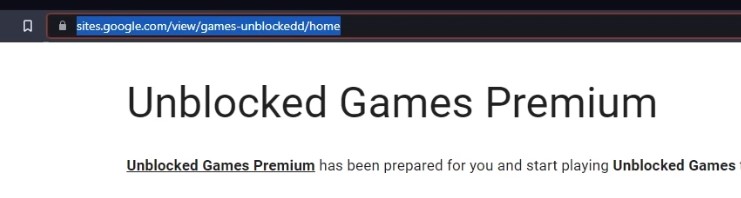
You can access and play over 1000+ games on the Unblock Games Premium library by simply tapping on this link: https://sites.google.com/view/games-unblockedd/home.
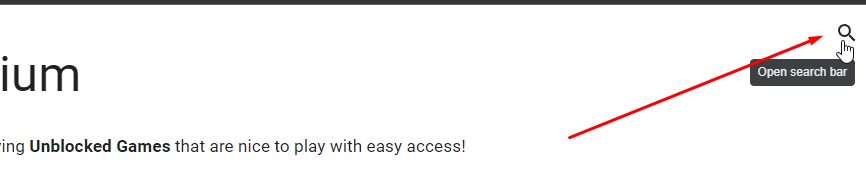
Now that you have accessed the website, navigating to the available games is a quite simple process. You have all the freedom to explore and discover games of interest or you can use the search function provided to find your preferred game. Simply locate the Search button, represented by a magnifying glass icon, placed at the top right corner of the screen. Next, click on it and you can finally commence your search and find your preferred game on the website. (See the illustration below)
From there, when you search for your desired game, the website will show all the games related to your search. You will be able to see a complete list of games that match your search on the website.
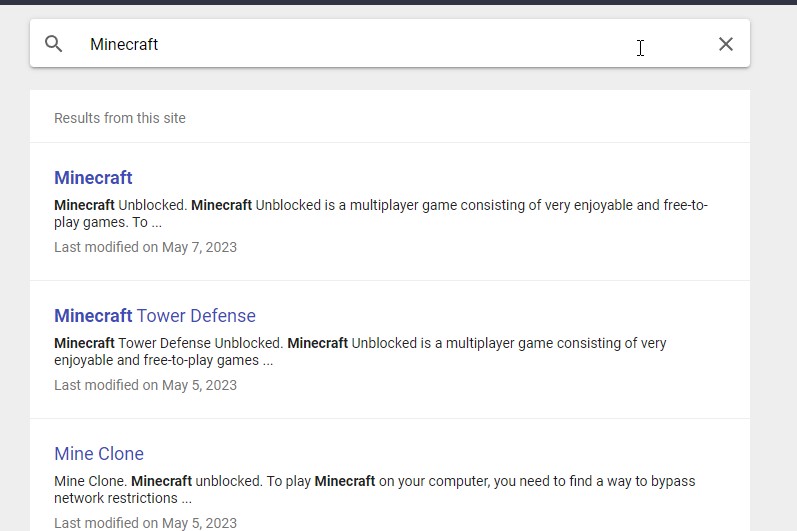
You can just tap on your desired game and start playing. Let me demonstrate my personal experience at the unblocked games premium website.
Also Read- 20+ Best Google Doodle Games to play in 2023
Experience While Playing Various Games on the Unblocked Games Premium
#1. Minecraft
With me dwelling on what games this Unblocked Games Premium has to offer. I saw some games that caught my attention as soon as I hopped in. Of course, the first one has to be Minecraft, just gave it a click to initiate playing the game.
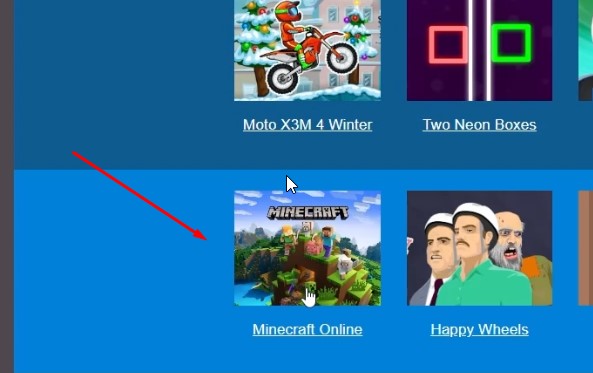
After I clicked on Minecraft, I was directed to this site within the Unblocked Games website where I was able to play the game.
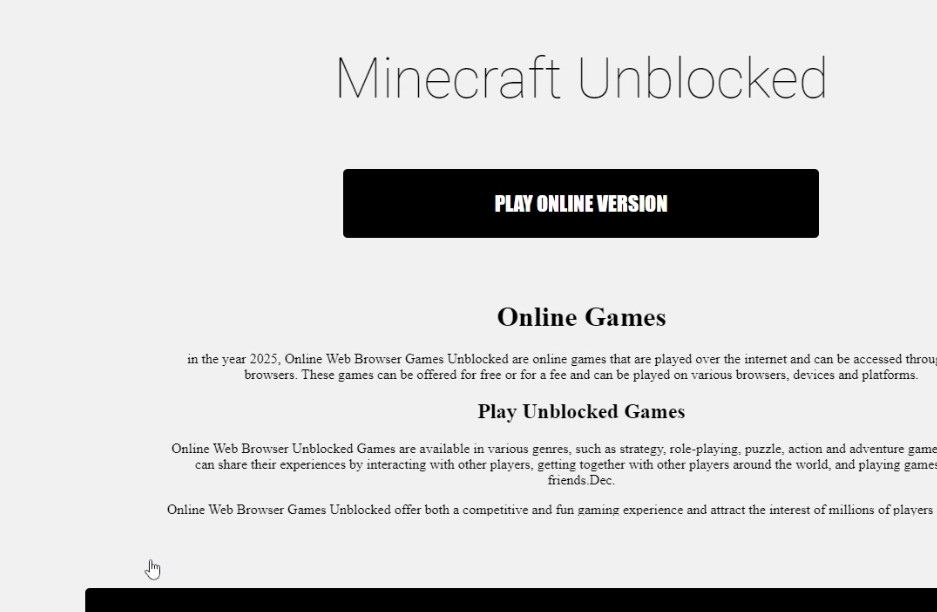
All I need to do was tap on “Play Online Version” of Minecraft and Boom, I could play without downloading any plugins or extensions as everything is sorted on the very website.
Also, I would suggest using Google Chrome, as there have been reports that some browsers might cause crashes in specific games.
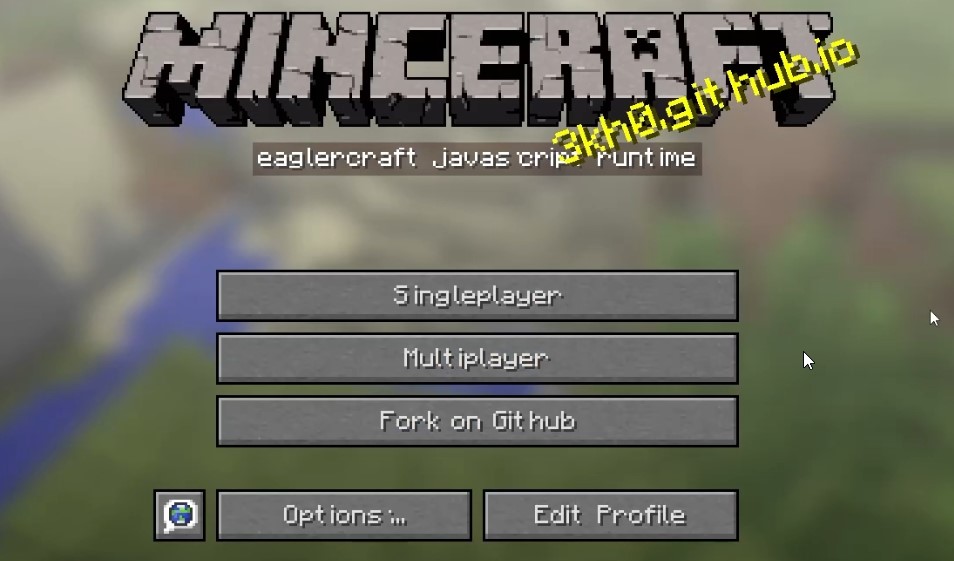
I could even customize my in-game appearance by creating my own skins or selecting from a range of pre-existing options within the Unblocked Games platform.
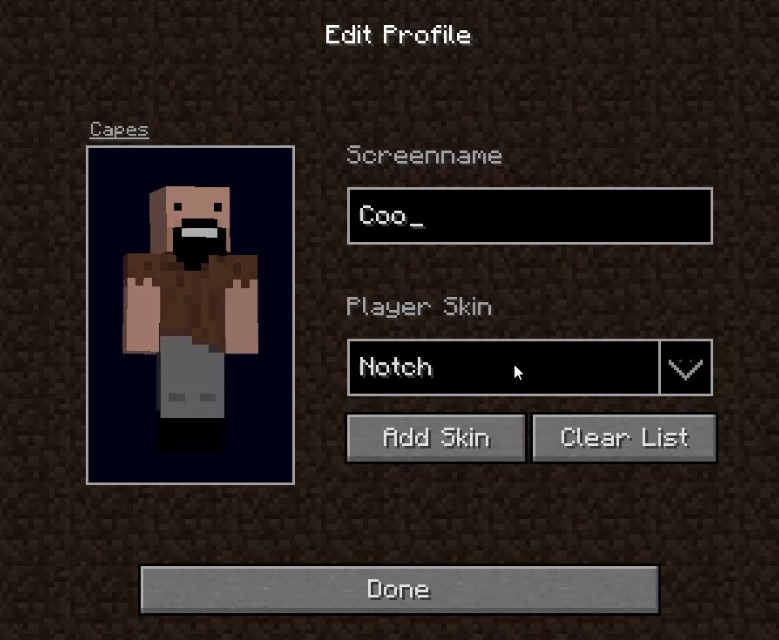
I furthermore created a single-player world in Minecraft with its original user interface, without any modifications.
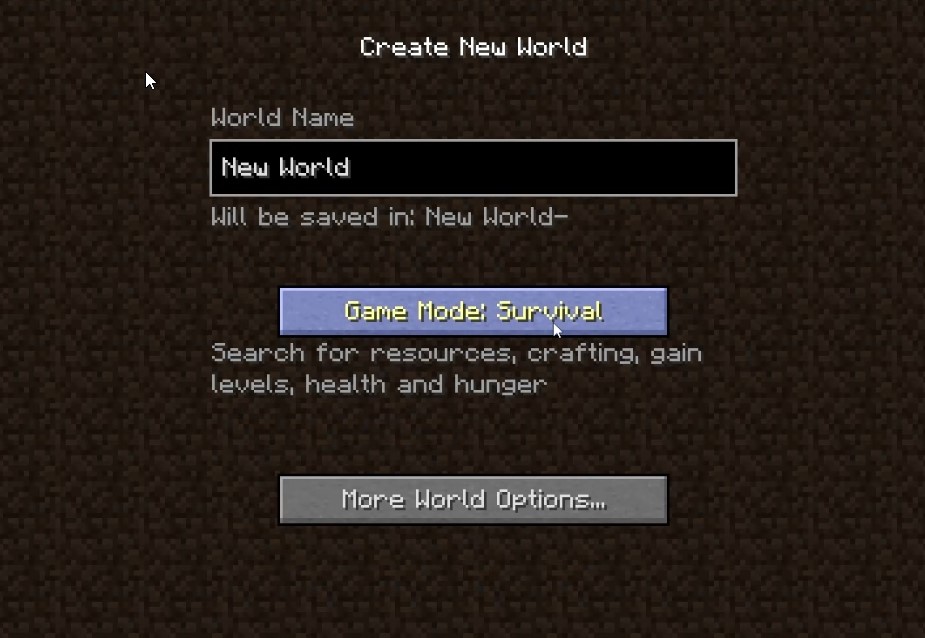
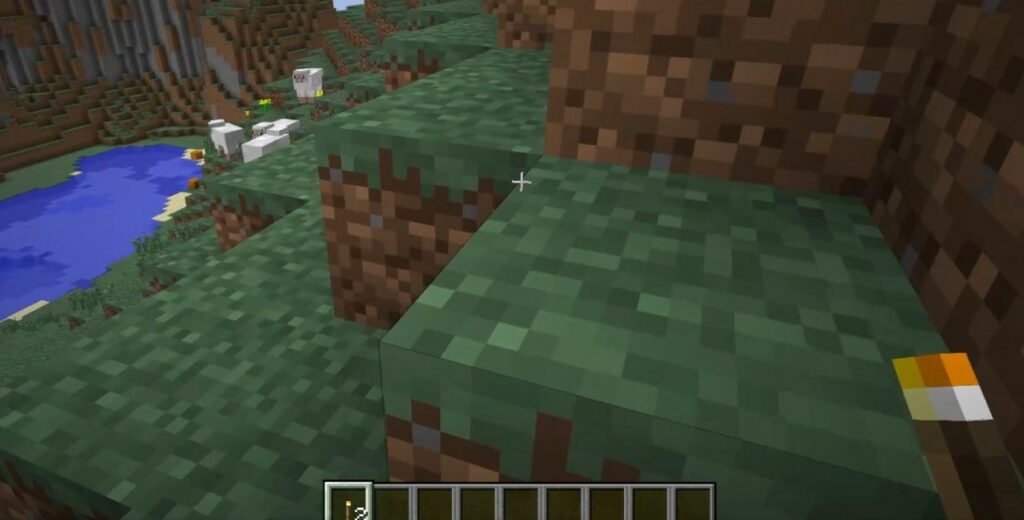
And from there, I spent a delightful time experiencing the world of Minecraft through just a website.
#2. Happy Wheels
The next game I moved to was Happy Wheels. Another game that you are supposed to buy, download and install. To get into the game, I just did the same thing as I did to play Minecraft. Simply, tap Happy Wheels from the plethora of games available on the website’s main page.

Now, I selected SnowyMountain *final* from the Featured Levels and clicked PLAY NOW like I normally would on my PC. (See the illustration below)
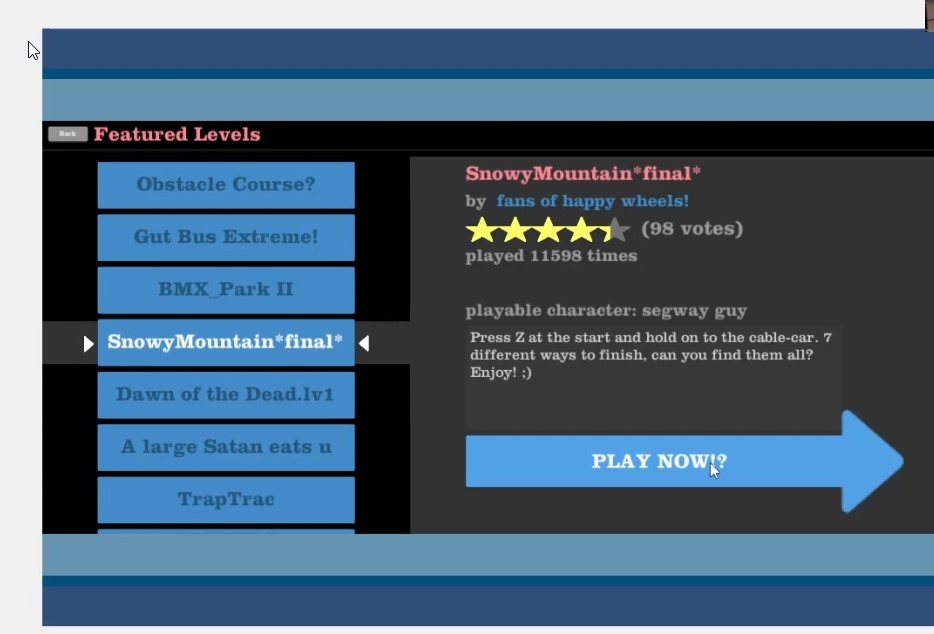
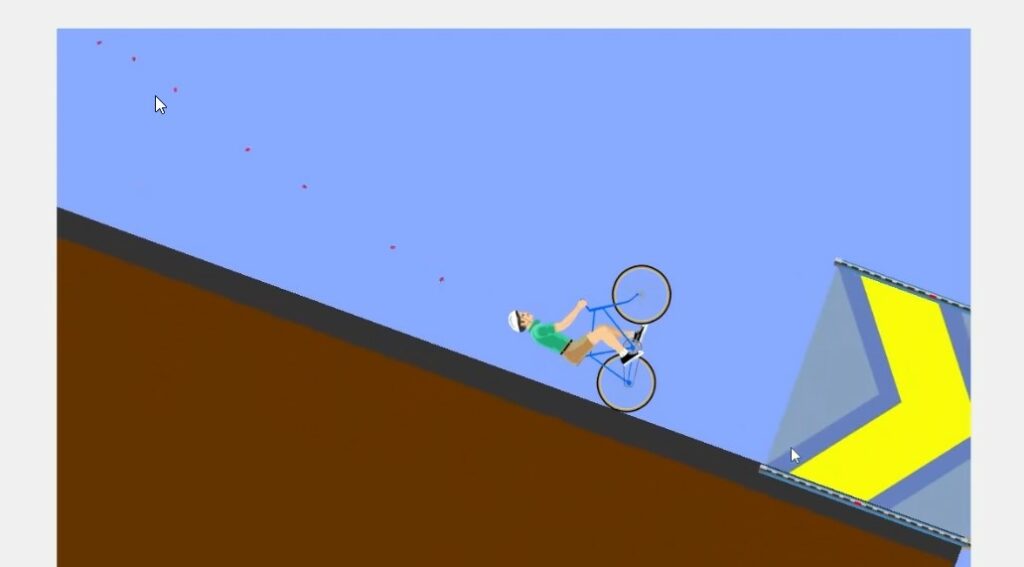
Look, I even achieved a glorious victory out of nowhere, haha! Not to mention, there were no crashes while playing the game.

#3. Among Us
The third game that caught my attention was the famous Among Us, which took the online gaming world by storm around the era of the Covid Pandemic. But it is now accessible for free on this website, again without installing or downloading anything.
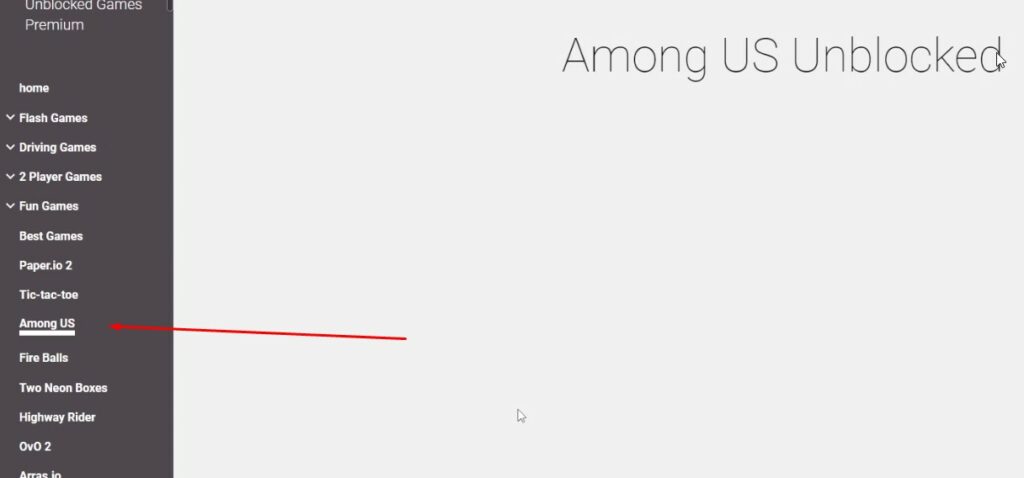
This online game I encountered turned out to be an absolute gem. Initially, I had reservations, doubting whether it would truly deliver the authentic Among Us experience. To my surprise and delight, it exceeded all expectations. It was the real deal, the genuine Among Us game I had hoped for.
I even became the impostor and had fun while trying to sabotage. Sadly, I got evicted because they found out I was the impostor.
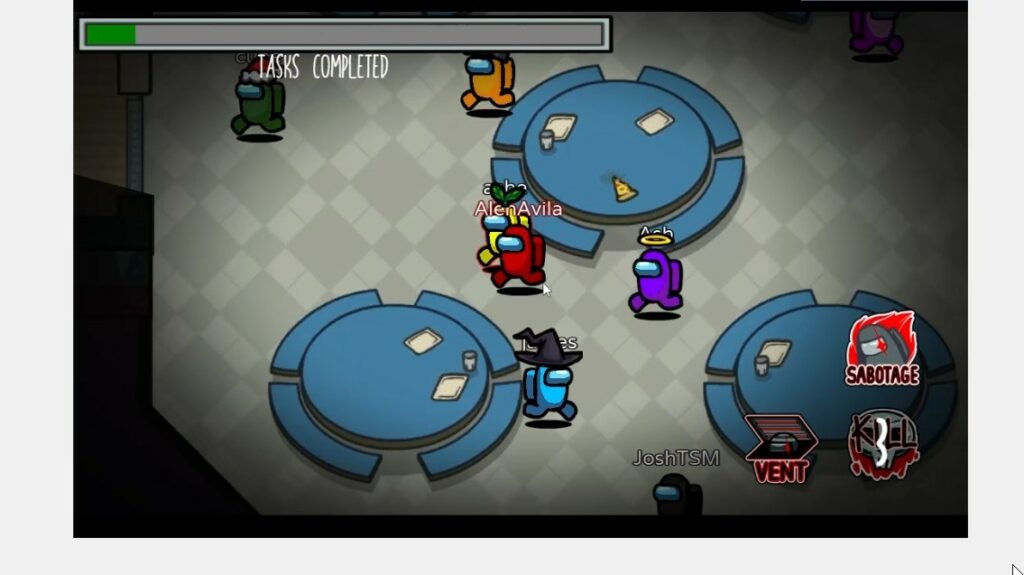

And this is all of it! It was a delightful little experience that I will surely cherish when I want to occupy my time, particularly in locations where I don’t have access to a high-powered computer to download and install my favorite games.
Also Read- 10 Popular Games On Epic Game Store
Is “Unblocked Games Premium” worth it?
Honestly, Unblocked Games Premium goes beyond simply offering access to an extensive library of games, which is exceptionally significant. It, for the most part, provides extra features and services that significantly improve your gaming experience. With premium games and exclusive content, you may find unique gaming experiences that are not accessible anywhere else. The program guarantees openness by preventing hidden costs, enabling you to essentially play the games. The user-friendly layout makes it extremely simple for new and experienced players to explore, particularly locating their favorite titles significantly.
Also Read- Best FPS Games To Play On PS5
Is “Unblocked Games Premium” Safe?
Unblocked Games Premium ensures that all of the games are safe to play. Users can enjoy these games in various modes, including full-screen, HTML5, or Flash modes, depending on their preferences and device compatibility.
Contrary to common assumptions, safety, and security are essential in online gaming. Unblocked Games Premium focuses on its customers’ well-being by taking steps that, for the most part, create a secure gaming environment. The service protects your device and personal information against malware and viruses, which is very important. Unblocked Games Premium lets you have peace of mind while immersing yourself in thrilling gaming without worrying about unwanted access or compromised security.
Additionally, Unblocked Games Premium is a non-subscription-based service that allows you to play online games without being restricted by filters or firewalls, which is rather significant.
Also Read- 20+ Games That Came From Nowhere But Become The Trends