






























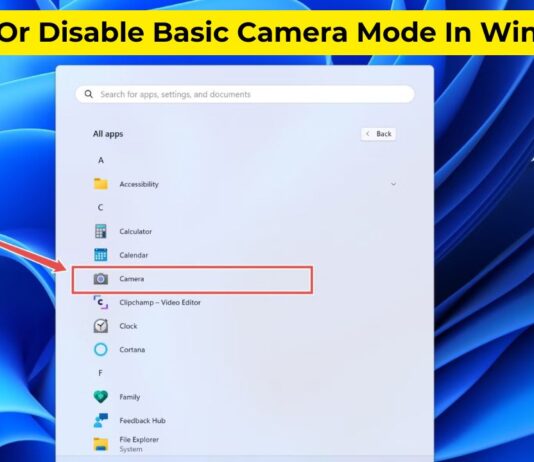

How To Turn On/Off Smart App Control In Windows 11
What is Smart App Control?
Smart App control in your Windows 11 is Windows security which adds up extra protection to the windows from the...

How To Blur Your Background In FaceTime Calls
If you want to make a FaceTime video call but don't want to reveal an untidy room, this is how to blur your background...

Windows Logs on and Logs off immediately
Issue: Windows Logs on and Logs off immediately
"Windows keeps logging me off.."
"As soon as I log in, it logs off automatically"
"After turning the computer...

External USB DAC Audio Dropouts On Ventura And M1 {Solved}
The integration of advanced audio technology into our everyday devices has enhanced our listening experiences. However, technical glitches can sometimes disrupt this immersive audio...

Finder Not Working In macOS Ventura [Fixed]
After installing the macOS Ventura Update, is your Finder not working? Try the fixes curated below to resolve the issue.Updates to macOS incorporate...

Reset Root or admin password on Mac OS X
Forgot Admin account / Root (System Administrator) Password on Mac OS X ?
Let’s say you totally forgot Root (System Administrator) or an Admin account...

macOS Sierra: ” Your Startup Disk Is Almost Full ” message – How to...
Does your macOS Sierra say : " Your Startup Disk is Almost Full " Learn how to fix it before it leads to any...

Hands On: Everything About CarPlay In iOS 16
CarPlay in iOS 16 is introduced by Apple Inc., the next edition of Apple CarPlay, at their annual Worldwide Developer Conference (WWDC). It is a conference...

Mac Keeps Restarting? Try These Fixes
What Causes the Mac to Reboot Frequently?
When your Mac keeps restarting itself, there are a lot of things you need to look at. Your...
Fix “node.dll is missing” On Windows 11
In this article, we will learn how to fix " node.dll is missing" on Windows 11.Missing node.dll file can lead to various programs on...