


































How To Play Games Without GOG Galaxy In Windows 11
In this article, we will explain how to play games without GOG Galaxy in Windows 11.GOG GALAXY 2.0 is a useful platform that allows...

Use Find My Device To Remotely Lock Windows 11 Device
Windows 11 is the most recent client operating system, and it has a number of features that businesses should be aware of. The basis...
How To Add “Find Empty Folders” Context Menu In Windows 11
Empty folders can clutter your system, making file management less efficient. Whether you're cleaning up old directories or trying to streamline your folder structure,...

How to Speed up your Mac- The best article on Mac optimization
If your Mac is running slow or you think it should be optimized so here are few recommended steps you can follow to speed...
How To Enable And Use Live Captions On Windows 11
In this article, we will talk about how to enable and use Live Captions on Windows 11.Microsoft is busy strengthening Windows 11 by rapidly...

How To Use Microsoft Teams In Windows 11?
The new version of Microsoft Teams is a remarkable addition to the Windows 11 makeover.Microsoft Teams is an application that supports chatting, video...
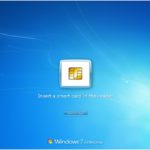
Unable to Logon to Windows as it asks for a Smart Card that I...
Issue : When I booted my computer up and typed in my username and password it gave me an error. It said that I needed...

How To Run Multiple Copies Of An App On Mac
Wondering if it's possible to run multiple copies of an app on Mac? Yes, it is and we’ll show you how!
If you are a...
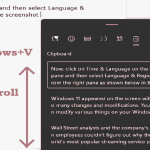
How To Use Clipboard History On Windows 11
By default, clipboard history can hole only one item at a time. However, if you turn on the Clipboard history option on your Windows...

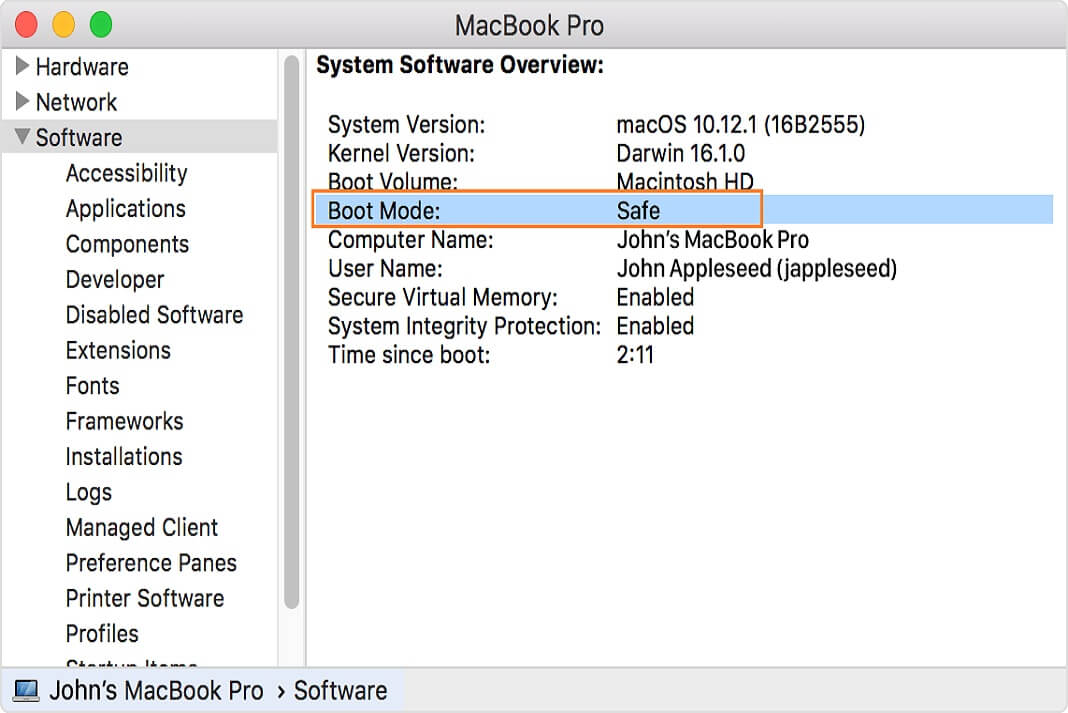
Mac Stuck On Apple Logo And Won’t Boot? Here’s A Fix
If your Mac is stuck on the Apple logo and won’t boot, try the fixes listed here to troubleshoot your Mac.Apple’s Macbook is one...