


































How To Use Microsoft Teams In Windows 11?
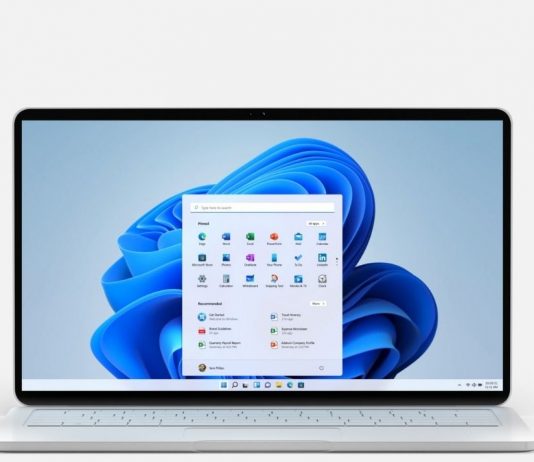
The new version of Microsoft Teams is a remarkable addition to the Windows 11 makeover.Microsoft Teams is an application that supports chatting, video...

Error Apple Application Support is required to run iTunes
Issue: My iTunes on windows 8 stopped working. I tried to reinstall it but the installation failed. So I did a clean uninstall using...

Microsoft Reveals- How Windows 7 Users Can Upgrade to Windows 11
Windows 11 will be released next week, and a leaked version of the operating system is already making the rounds on the internet, indicating...

8 Video Editing Softwares For iPhone And mac
Follow my blog with Bloglovin
You should only use the best video editing software for Mac and iPhone, whether you are a seasoned pro or...

How To Add Or Remove Hibernate On The Power Menu In Windows 11
Windows 11 is the latest version of Microsoft Corporation's iconic Windows operating system. It brings many new features, as well as improved security and...

How To AirPlay From iPhone To Mac
Apple has this very useful AirPlay feature that lets you mirror your Apple device's screen to any other Apple device even the Apple TV....

Fixed: The No User Logon Steam Error On Windows 11
In this troubleshooting guide, we will see the tried and tested methods of fixing the No user logon Steam error on Windows 11.Steam is...

How To Fix Files Not Downloading In Mac Using Safari
Even though Apple allows using third-party browsers like Google Chrome and Firefox, Apple’s native browser Safari works better than any of them on Mac....

How To Install macOS Ventura On Unsupported Mac
In this guide, we have explained the step-by-step procedure to install macOS Ventura on an unsupported Mac.The beta version of the newest iteration of...

macOS Ventura – How To Turn Off Login Items Notifications
The release of a new operating system is always met with excitement and anticipation. However, with any new software, there are bound to be...