






























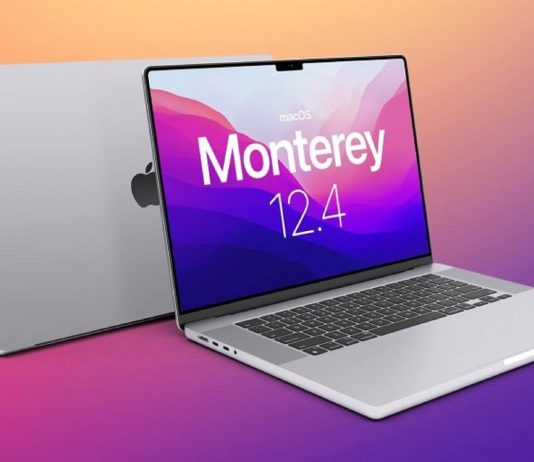




Mac Not Restarting After Upgrading To macOS Monterey? Try These fixes
In this guide, we will try to fix the Mac not restarting after upgrading to the macOS Monterey issue.Apple rolled out the macOS Monterey...
How To Customize The Taskbar In Windows 11?
Windows 11 is taking Microsoft users by storm after its virtual launch event. The new version of Windows has it all from various apps,...
How To Set Up And Manage VPN On Windows 11
Connecting to a VPN and accessing the internet through a remote server is the best way to remain under the hood. There may be...
How To Check DirectStorage Support in Windows 10/11
Microsoft made an announcement regarding DirectStorage which is an API designed for Windows PCs. Though, it was originally intended for the Velocity Architecture featured...

How To Hide Or Show Uninstalled Products In Microsoft Store App Library In Windows...
The Microsoft Store app in Windows 11 is the central hub for downloading, updating, and managing apps and games. Over time, your Library within...

How To Install macOS Monterey On Unsupported Mac?
Wondering how you can get the latest macOS Monterey on your unsupported Mac? Well, that's exactly what I am going to tell you in...

Reset Root or admin password on Mac OS X
Forgot Admin account / Root (System Administrator) Password on Mac OS X ?
Let’s say you totally forgot Root (System Administrator) or an Admin account...

How To Fix Windows Update Error 0xc8000247
In this article, we will learn how to fix Windows update error 0xc8000247.Many users have reported the error code 0xc8000247 during a Windows update....

6 Best Ways To See Wi-Fi Passwords In Windows 11
Having the ability to See Wi-Fi Passwords in Windows 11 can be really useful. Even if the best laptops, phones, and tablets all store...

Screen Saver Only Working On One Monitor- macOS Ventura
With the increasing prevalence of multi-monitor setups, users expect their operating systems to seamlessly accommodate this configuration. However, some macOS Ventura users have recently...