






























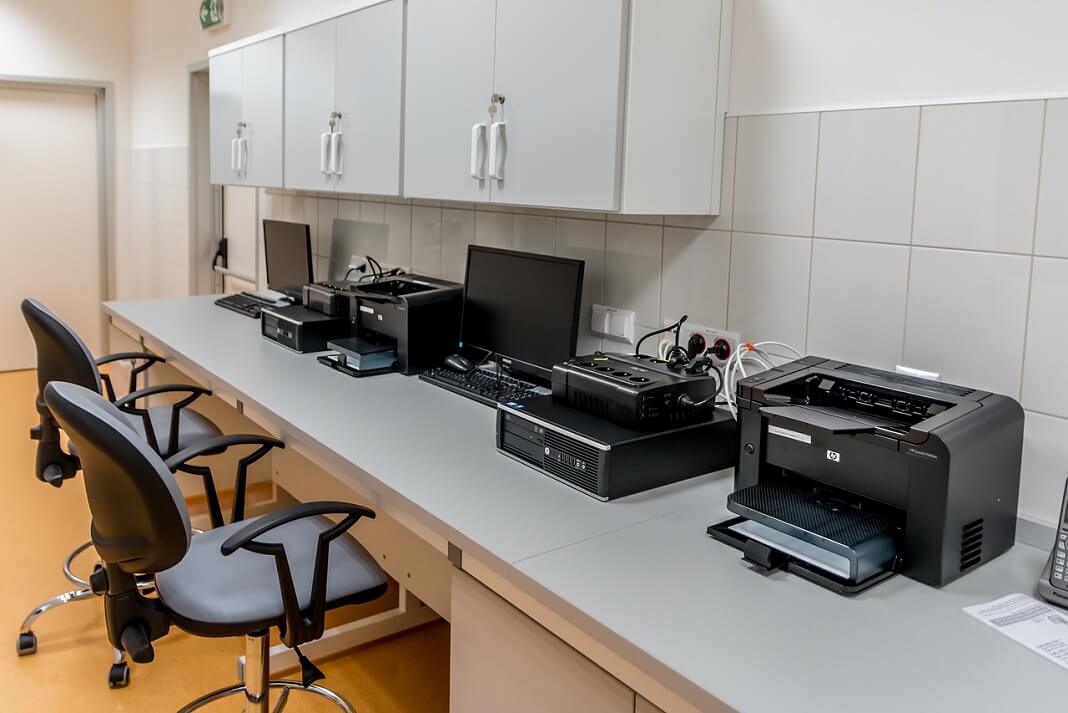

How To Sign in To Windows 11 On Shared Device
Windows 11 client devices can be used by many users, this device are called shared devices. Before knowing how to sign in to windows...

How To Speed Up Safari Browser On Mac
Safari is a web browser created by Apple and it is the default browser in Apple's ecosystem. This browser has a long list of...

How To Delete Messages In Messages App In macOS Ventura?
Do you want to delete messages in iMessage app but macOS Ventura is not allowing it?This is the case with most users who fell...
10 Best Tips And Tricks For Windows 11
Best Tips and Tricks for Windows 11
Windows 11, is the latest iteration of Microsoft's long-running operation system, is here-at least for those with support...
Windows 12: Release Date, Price, And Every Detail You Should Know
The release date of Windows 12 is expected to be in 2024, most probably in the fall, based on Microsoft's new 3-year major Windows...
Stage Manager In macOS Ventura :How To Use
In this article, we will explain how you can use the latest Stage Manager feature of macOS Ventura for multitasking. While working on Mac, you...

How To Download And Install macOS Monterey Public Beta?
Are you looking for a piece of in-depth knowledge about how to download and install macOS Monterey Public Beta? If yes, then this is...
Reset Root or admin password on Mac OS X
Forgot Admin account / Root (System Administrator) Password on Mac OS X ?
Let’s say you totally forgot Root (System Administrator) or an Admin account...
How To Use Apple Diagnostics To Check Your Mac’s Hardware?
In the past, people said," Prevention is better than cure". In this era of advanced technology, when the world is changing rapidly, this still...
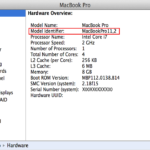
How to find your Mac Model?
Knowing your Mac model is important when finding the eligibility of your Mac for a future upgrade or making sure of its compatibility with...