
























How To Uninstall And Reinstall Widgets In Windows 11
Widgets in Windows 11 are a bunch of dynamic and interactive panels that provide at-a-glance information. And quick access to diverse features, such as...

2 Best Ways To Set Skype Status To Always Available
Most of us are working from home these days. Sometimes, we just take a small coffee break, and the skype status changes to inactive....
How To Find Mac Address On Windows 11 PC
MAC Address is important to know these days. Devices that are on a network can be hard to find, so it can be hard....

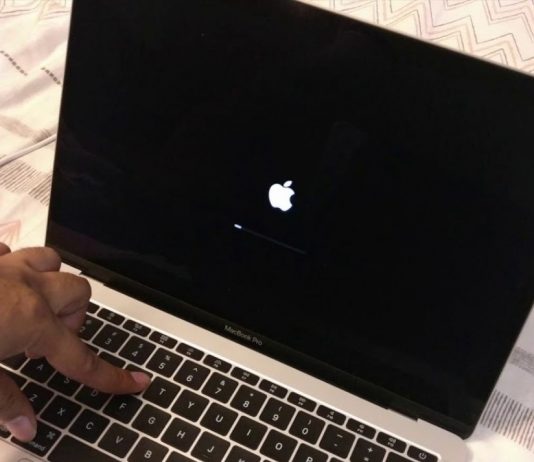
How To Create A Bootable macOS Ventura Installer On A USB Drive
Ventura is the name of the nineteenth major release of Apple's macOS desktop operating system for Macintosh computers. According to Apple, macOS Ventura includes...
macOS Ventura: External Display Resolution Issue (Fixed)
After updating to macOS Monterey 12.3 and 12.4, as well as macOS Ventura, Monterey, Big Sur, Catalina, etc., it's typical for the Mac to...

How To Hide The Taskbar Search Icon On Windows 11?
The Taskbar in Windows 11 plays a big part in its design and how users will experience it. The search button is important because...
How To Remove Zathura’s Title Bar On Mac?
Not many people know about Zathura, so here's a brief guide to the software. For Apple users, Zathura is a document viewer that one...
How To Enable TPM 2.0 For Windows 11
TPM 2.0 is one of the system requirements to upgrade to Windows 11. So you have to enable it as without the TPM, your...

New Tricks To Check If iPhone Is Fake Or Original In 2023- Just Updated
In an era where the iPhone enjoys widespread popularity, the demand for fake iPhones and Apple accessories has furthermore surged. These fake products have...
Macbook Not Charging After Installing 12.4: Issue Fixed
If your Macbook not charging at all or does not display the charging status after upgrading to macOS Monterey, you are not alone. According...