
































How To Add Or Remove “Scan With Microsoft Defender” Context Menu In Windows 11
IntroductionWindows 11 provides enhanced security features that are integral to maintaining the integrity of your system. One of these features is Microsoft Defender,...
How To Spot An Overheating PC And How To Cool It Down
Overheating is one of the most common issues that can affect a PC, and it can cause a wide range of problems, from system,...

15 Settings You Should Change To Protect Your Privacy On Windows 11
Microsoft says that a computer must have a Trusted Platform Module (TPM) 2.0 component built into the motherboard in order to be able to...

Is Discord Mic Not Working In Windows 11? Apply These Fixes
In this article, we have put down the different hacks that can help fix the Discord mic not working in Windows 11 issue.Discord is...
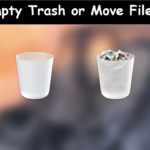
Can’t empty the Trash or move a file to the Trash on Mac OS...
can not empty the Trash or move a file to the Trash on Mac OS XIssue: In Mac OS X, each user account and each...
How To Check Windows 10 Version
Windows 10 is one of the latest editions of Windows. Additionally, each year there is a new version of it pops up out of...

10 Best Tools To Monitor CPU Temperature
It is important to monitor your CPU's temperature from time to time and make sure that it is under control. There are several tools...
Everything About Continuity Camera Feature In macOS Ventura
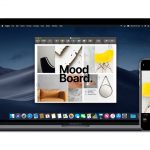
macOS Ventura is already available for Mac users and has introduced several revolutionary features in the Apple ecosystem. Continuity Camera is one such feature...
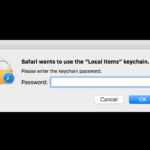
Safari Wants to Use Your Confidential Information Stored in ‘website’ in Your Keychain
Keychain Access is a Mac OS X application provided by Apple that allows you to view and edit the contents of a keychain file...

Monitoring CPU Usage with the Top Command: A Step-by-Step Tutorial
Efficient system monitoring is crucial for maintaining optimal performance and diagnosing issues in Unix-like operating systems. Among the various tools available, the top command...