

































How To Use Apple Diagnostics To Check Your Mac’s Hardware?
In the past, people said," Prevention is better than cure". In this era of advanced technology, when the world is changing rapidly, this still...
![MacBook Air Not Turning On [Fixed]](https://www.hawkdive.com/media/ezgif-3-e94a5a9a58-150x150.jpg "MacBook Air Not Turning On [Fixed]")
MacBook Air Not Turning On [Fixed]
Is your MacBook Air not turning on? That's a serious problem as today all our work, study, and entertainment happen online. Our smartphones and...

How To Fix Wireless Display Install Failed Error In Windows 11?
Go through this guide to find relevant solutions to fix the Wireless Display Install Failed Error in Windows 11.Windows 11 is full of awesome...

How To Install Dolby Atmos In Windows 11?
When you install Dolby Atmos in Windows 11, your audio experience will level up by one hundred percent. Dolby Atmos is a surround sound...

Unable To Change Network Locations On macOS Ventura [Fixed]
In this guide, we will list down the troubleshooting methods to resolve the unable to change Network Locations on macOS Ventura.The most recent iteration...

Hands-On With macOS Ventura
Recently, Apple announced a new version of the operating system which is macOS Ventura. For now, macOS is available for the developers. Apple has...

How To Clear System Data Storage On Mac?
If your Mac's storage is low, it might cause problems — for example, you may notice a notification indicating that your startup disc is...
How To Run Windows 11 On Mac
Microsoft has officially released the much-awaited Windows 11 on 5th October 2021 and it is available as a free update for all Windows 10...

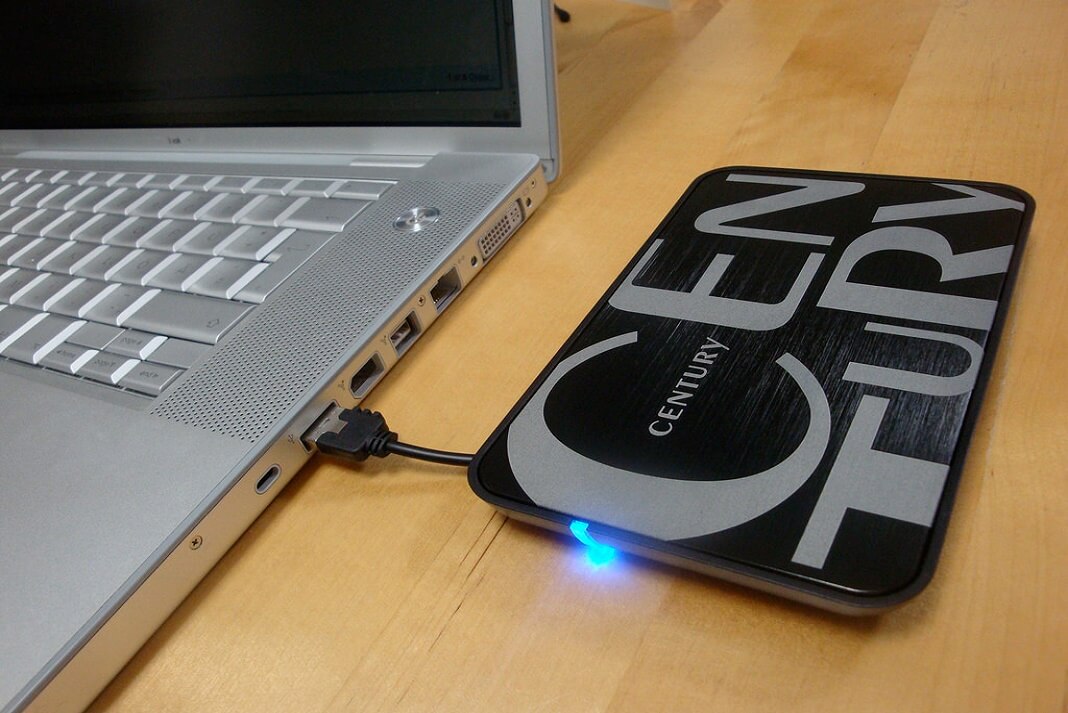
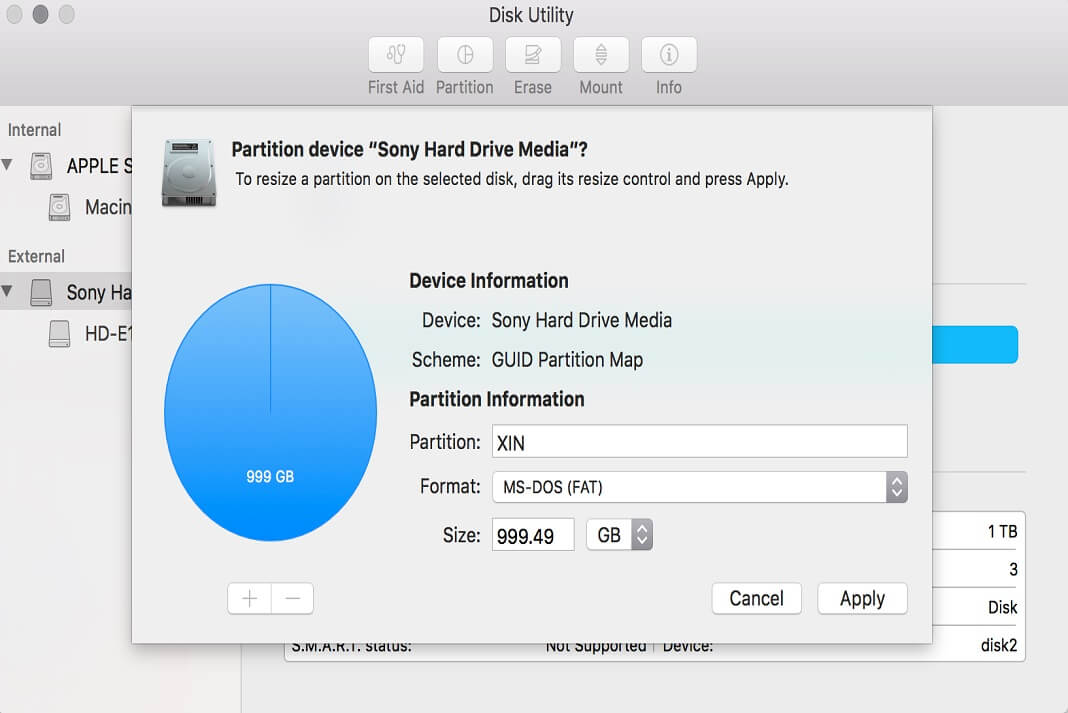
How To Fix A Read Only External Hard Drive On Mac
In this article, we have put down the potential fixes to resolve the Read Only External Hard Drive on Mac.Mac is a robust machine...
How To Add Or Remove Address Bar In Registry Editor In Windows 11
The Registry Editor in Windows 11 is a powerful tool that allows users to view and modify system settings stored in the Windows Registry....