































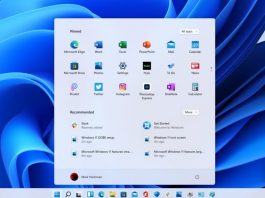

How To Restart Windows 11 Start Menu
The start menu in Windows 11 will allow you to access all of the installed apps on your computer. From this, you can also...
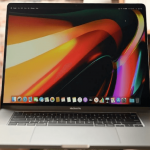
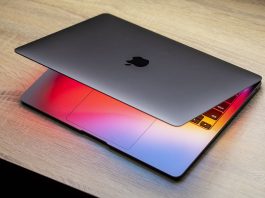
Apple To Replace Touch Bar In MacBook Pro With Apple Pencil Dock
The new MacBook Pro is releasing this year somewhere around October and November. Though some people say it might release in the last week...

iMessage activation error on Mac – An error occurred during activation. Try again –...
There is no doubt that Apple provides its customers with the best possible user experience but still, as we know, nobody is perfect in...

How To Use Quick Notes In MacOS Monterey?
Apple has launched yet another productivity feature in its macOS and iPadOS update for Mac and iPad respectively. This functionality will work similar to...
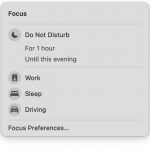
How To Turn Off Sound For Time Sensitive Alerts in macOS?
One of the newest additions to the iPhone and iPad is the ability to get time-sensitive notifications. The new Focus feature in iOS 15...
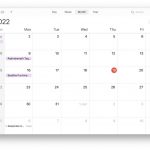
Exchange Calendar Not Syncing In macOS Monterey 12.3 : Fixed
If you have updated your MacOS to the latest version of Monterey update and your mac calendar is responding slowly or sometimes stuck, or...
How To Fix A Stuck Pixel On Your Computer Screen?
A stuck pixel or dead pixel may not be potentially harmful to your computer. However, it can definitely annoy you and distract you while...

FaceTime Not Working On macOS Monterey? Try These Fixes
In this article, we have put down the best possible fixes that can help resolve the FaceTime not working on the macOS Monterey issue.Ever...

Macbook Apps Taking Too Much Storage
High-resolution video, images, music, and other vital things like Macbook apps take storage space these days, compared to the days when our computers had...

Enable Or Disable UserChoice Protection Driver (UCPD) In Windows 11 And 10
The UserChoice Protection Driver (UCPD) is a system component in Windows 10 and Windows 11 that helps protect users from unwanted file associations being...