






























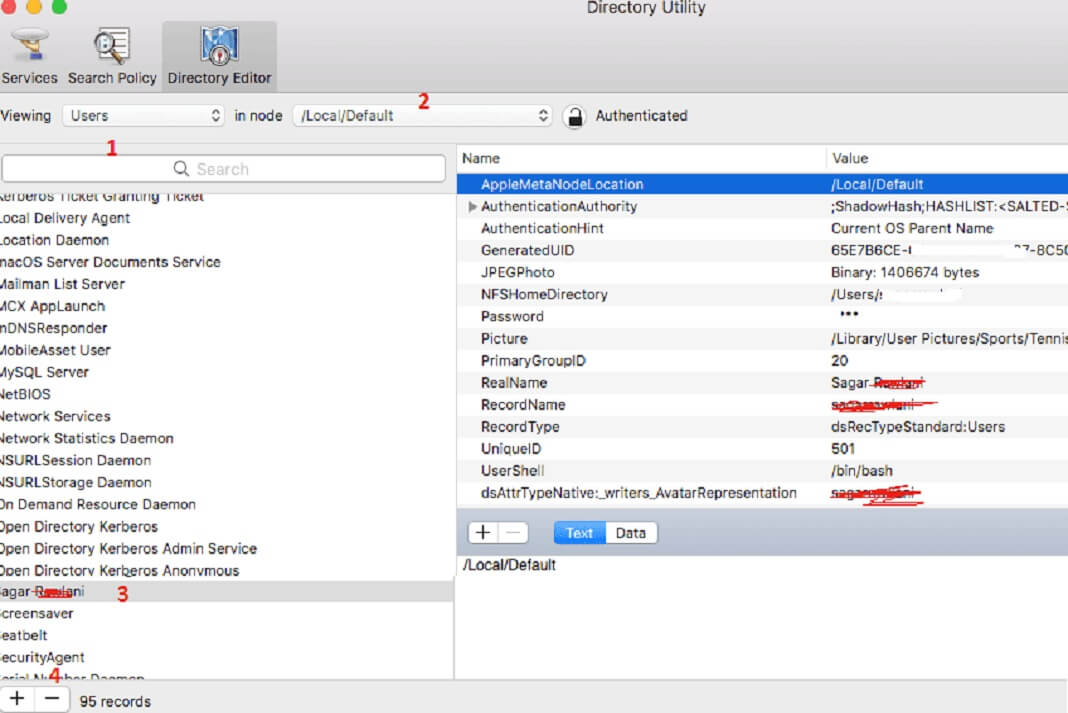

How To Back Up Your Mac With Time Machine In macOS Ventura
With Time Machine, your Mac has a built-in way to automatically save snapshots of your files, settings, apps, and system at regular intervals. You...

Now With 5 Easy Steps You Can Remove Fake Apple Security Alerts
All the Apple users have faced this problem in which they get some pop-up alert sometimes when they are just browsing the internet normally....

How To Use Stage Manager On Mac With macOS Ventura
Apple's new Stage Manager app for Macs was released alongside macOS Ventura. It's a novel approach to app management that streamlines your ability to...

Rumor: New MacBook Pros to feature UHS-II SD card slot, limited to 32GB RAM
A new batch of rumors promises to reveal more information about Apple's next Silicon MacBook Pro redesign. According to one of the trusted YouTubers,...

How To Turn off “Link Preview” In Mail- macOS Ventura
Apple's most recent version of macOS, called macOS Ventura, debuted in October 2022. It brought many new features and advancements created to enhance productivity,...

7 Tips To Speed Up Mac After Installing macOS Ventura
You've just installed macOS Ventura on your Mac and you're excited to explore its new features and improvements. But wait, what's this? Your Mac...

How To Unsend Messages On iPhone, iPad, And Mac
While we are in a rush, we send the message to the wrong person, sometimes we might make a typing mistake, or we might...

Drive Issues After macOS 13.2 Update: Fixed
Recently, Apple released macOS Ventura, which is the nineteenth and latest yet major release of macOS. Every year whenever a new software update arrives,...

How To Cast Or Mirror Android Phone To Windows PC | Using Both Wireless...
Casting your Android screen on a Windows computer allows you to mirror your Android device's display onto your PC, enabling you to view and...
How To Downgrade From iOS 15 To iOS 14?
Downgrade from iOS 15 to iOS 14 if the latest software is not stable on your phone. Since the beta version is only a...