

































How To Change The Size Of Window In Windows 11
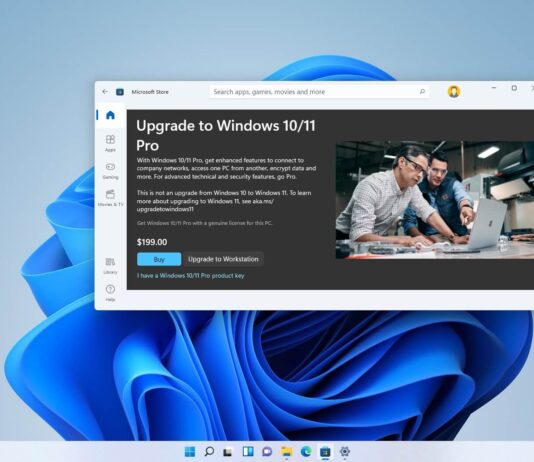
Resizing and managing Windows in Windows 11 is a fundamental skill that enhances user experience and productivity. This comprehensive guide will delve into various...

How To Enable Or Disable Lock Screen Slideshow In Windows 11
The lock screen is the first thing you see when you start up your Windows 11 computer or when you lock it manually. It...
Stage Manager In macOS Ventura :How To Use
In this article, we will explain how you can use the latest Stage Manager feature of macOS Ventura for multitasking. While working on Mac, you...
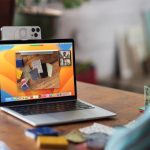
How To Use Desk View With iOS 16 And macOS Ventura
Apple's Continuity Camera, available with iOS 16 and macOS Ventura, transforms your iPhone into a wireless camera for use with your Mac or MacBook....

How To Switch Users In Windows 11
Switch Users is available on Windows 11 for people who work on a computer that is shared. If you want to use Windows 11,...

How To Enable Or Disable Desktop Background In Windows 11
Some Windows desktop backgrounds may be confusing to some users or disruptive to their work activities. This could be because of vision issues or...

How To Upgrade RAM On Your MacBook
Many new MacBook owners do not have the privilege to upgrade their RAM today. So even if they have the latest software with cool...

How To Install MS Office In Mac
Microsoft Office is the world's most in-demand office suite, and it works just as well on Mac computers as it does on Windows systems....

Enable Or Disable Feeds On Widgets Board In Windows 11
With Windows 11, Microsoft introduced a revamped user interface, including a new feature known as the Widgets board. This feature provides quick access to...
Unable To Open YouTube On Mac’s Safari? Try These Fixes
Unable to open YouTube not playing on Mac’s Safari? Don’t worry; we’ll help you fix it.
YouTube is the second largest search engine only besides...